Video Message OG Image
A share card that says 'press play' at a glance.
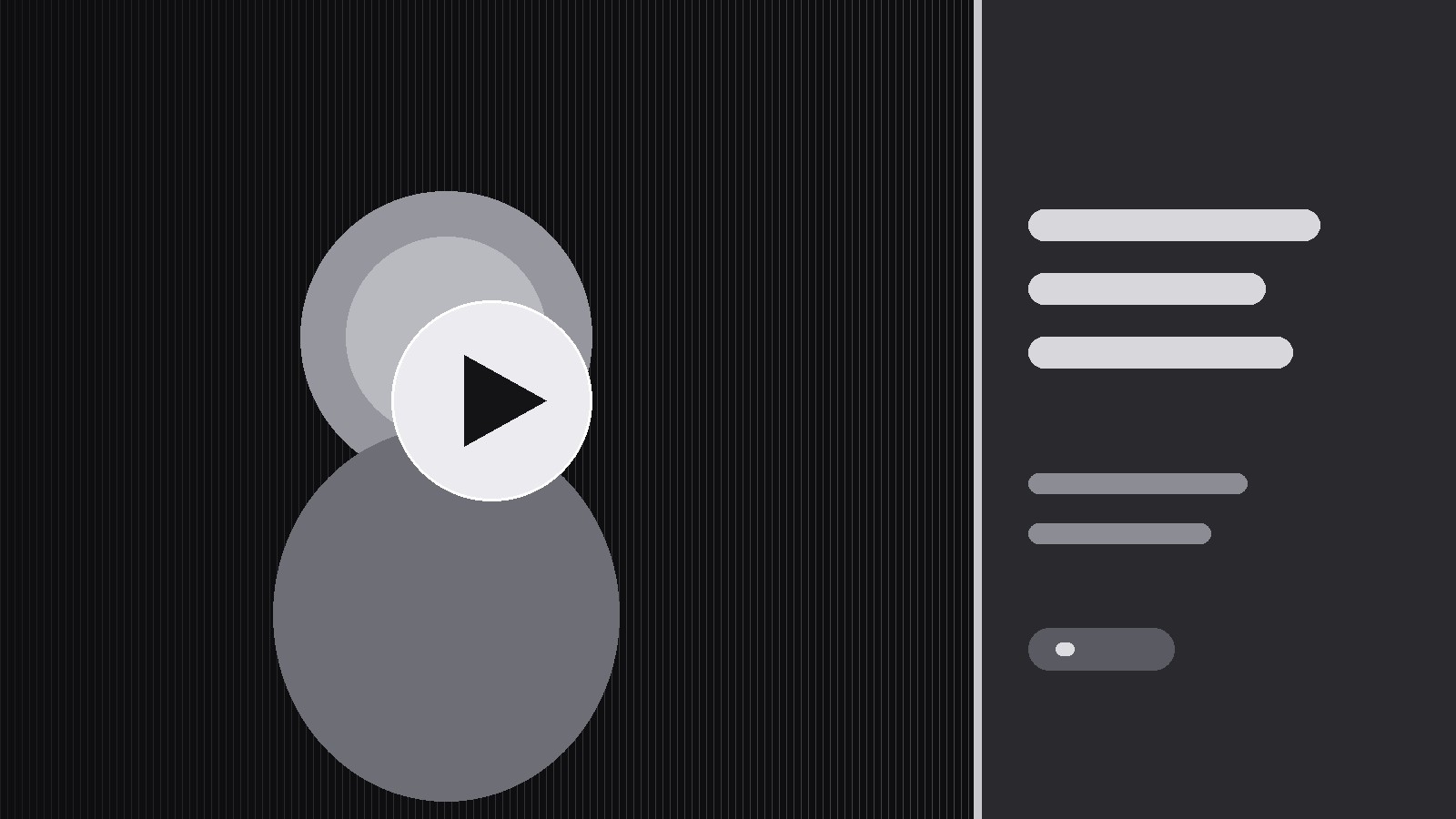
Turns your AI into a social-preview designer that builds a 1200×630 OG image for a video-messaging product — a play-button motif, a real frame from the message, one short promise, and type that reads at thumbnail size.
Install it in 3 steps
No sign-up. No CLI tools. Pick your AI, copy one line, paste it over.
Prefer doing it yourself? Buy the skill ($4.99), download the ZIP from your checkout confirmation, unzip it into the directory shown above, restart your AI session — same result. Already bought it? Your AI assistant can download it for you.
What’s inside
One SKILL.md (the playbook) + one starter template. A preview:
Video Message OG Image
When to use
- You ship an async video-messaging product — video updates, video replies, video pitches — and shared links show a blank grey card
- Your link previews currently crop a random video frame, so faces are half-cut and no one can tell the link is a video
- You need one OG template that works for every message type (update, pitch, reply, announcement) without redesigning per message
- Your previews look fine at full size but turn to mush in a chat feed, where they are seen at a fraction of the size
- You want the card to carry the pitch even before anyone presses play — the promise on the card does the selling
Workflow
- Pick the frame rule (input: sample video messages → output: frame rule)
Decide how the card's image is chosen, and write it as a rule anyone can follow: use a frame from the first seconds showing the speaker's face, eyes visible, mouth closed or mid-word (never mid-blink), framed from the chest up with headroom. If the message has no face — a screen recording, a demo — use the clearest single screen of the product instead. Ban the two failure modes explicitly: no random mid-video frames, and no frames where the subject is half out of shot. The rule must work when a machine picks the frame, not just when a designer does. - Build the three-zone layout (input: frame rule + brand assets → output: layout spec)
Divide the 1200×630 canvas into three zones that never move: the frame zone (roughly two-thirds, left or full-bleed) carrying the chosen frame, the promise zone (a solid panel carrying one headline and one subline), and the play zone (one unmistakable play button overlapping the frame, plus a small duration or "video message" label). The play button is the most important element on the card — large, high-contrast, a real triangle in a solid circle or rounded square, never a thin outline that vanishes at thumbnail size. The brand mark goes small in one corner; it never competes with the play button. - Write the promise (input: product positioning → output: card copy rules)
The card carries one promise in plain words: what the viewer gets from watching. Write the rules, not just one example: headline at most 6 words, subline at most 10, no jargon, no feature list, no exclamation marks doing the persuading. The promise must be true of the video behind the link — a card that overpromises gets one click and a reputation. Provide two approved examples (one for a pitch message, one for a team update) so the pattern is clear.
Template preview
Video Message OG Image — Card Template
One template, every message. Fill in the layout once; per message, only the frame and the two lines change.
Layout spec (1200×630)
Safe margin: nothing important within {40px} of any edge.
Frame rule
- Face messages: {chest-up, eyes visible, mouth closed or mid-word, never mid-blink, headroom}
- Screen messages: {clearest single product screen}
- Banned: {random mid-video frames, half-out-of-shot subjects}
Copy
Headline (≤6 words): {e.g. "Your update, in 60 seconds."} Subline (≤10 words): {e.g. "Watch it when you're ready."} Pitch-message example: {headline} / {subline} Team-update example: {headline} / {subline}


