Sportswear Brand OG Image
Share cards where the product does the talking.
Turns your AI into a social-preview image designer for sportswear brands — bold 1200×630 open-graph cards built to stay legible at thumbnail size and make the product the hero.
Install it in 3 steps
No sign-up. No CLI tools. Pick your AI, copy one line, paste it over.
Prefer doing it yourself? Buy the skill ($4.99), download the ZIP from your checkout confirmation, unzip it into the directory shown above, restart your AI session — same result. Already bought it? Your AI assistant can download it for you.
What’s inside
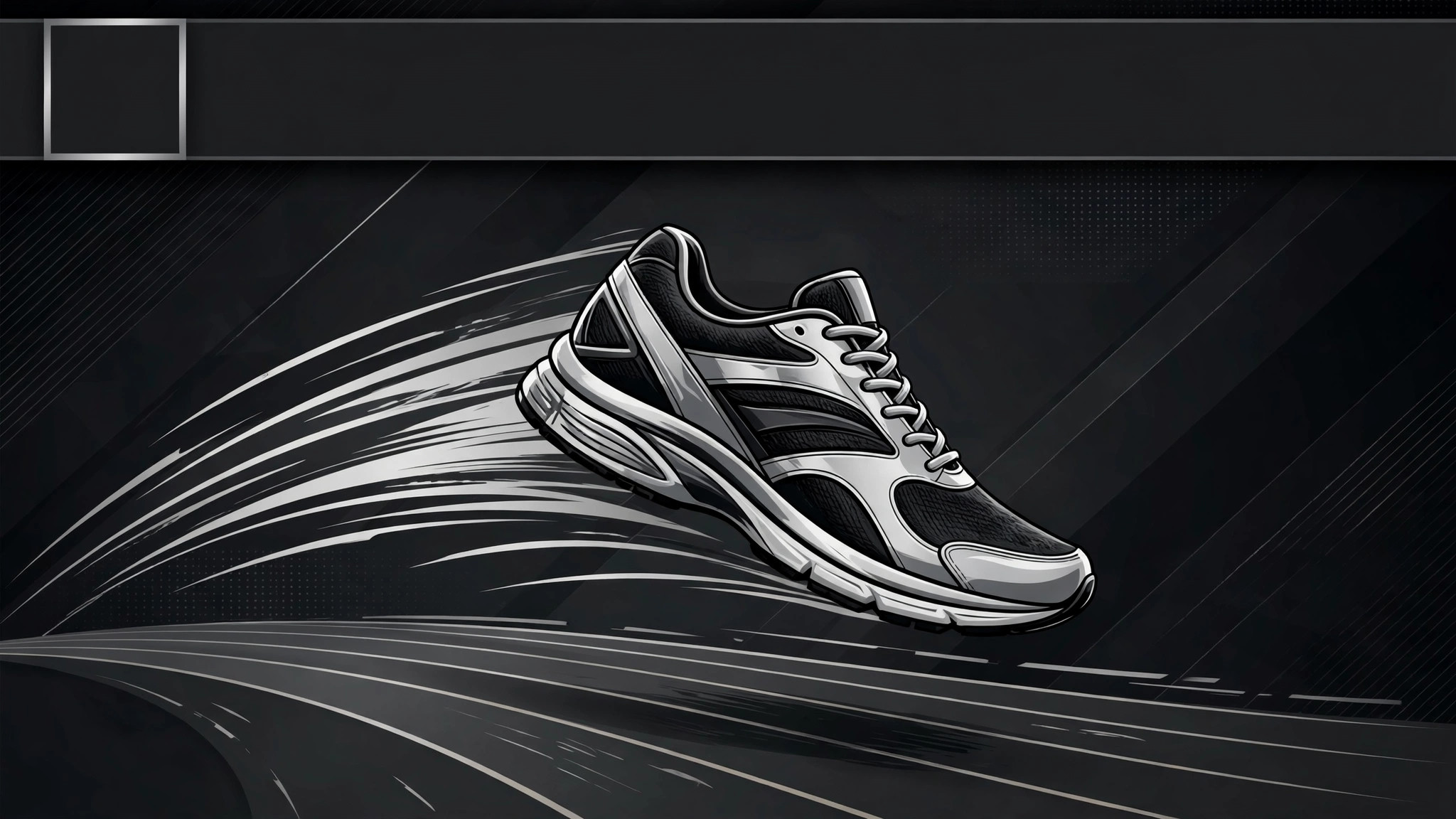
One SKILL.md (the playbook) + one starter template. A preview:
Sportswear Brand OG Image
When to use
- Your product, campaign, or collection page looks blank or generic when shared on social media and messaging apps
- You are launching a sportswear drop and need the share card to carry the product, not just the logo
- Your current open-graph image is a stretched logo or a screenshot of the page — unreadable at thumbnail size
- You need a consistent set of share cards across a whole catalog without designing each one by hand
- You want to test which product shot drives more clicks from shares
Workflow
- Pick the hero (input: page + product → output: one hero product shot)
Choose one product shot that reads at 120 pixels wide: a single shoe, a single jacket, one athlete mid-motion. Busy lifestyle shots with five products and a crowd die at thumbnail size. The hero should fill at least half the frame and sit on a background that contrasts with it — dark product on light background, or light product on dark. - Write the 5-word headline (input: page purpose → output: headline + subline)
The card gets one headline of five words or fewer ("New trail runner. Built for mud." is six — cut it to "Built for mud."), plus an optional subline of three words or fewer. No paragraphs, no URLs, no fine print — the link itself carries the destination. If the headline needs the product page to make sense, rewrite it until it stands alone. - Compose the 1200×630 card (input: hero + headline → output: finished card layout)
Layout: product on one side, headline on the other, brand mark small in one corner. Keep all text inside a safe zone with at least 60px padding on every side — platforms crop unpredictably. Text must be large: headline at a size that stays readable when the card is shrunk to a chat thumbnail. One typeface, two sizes max, high contrast against the background. - Check the thumbnail (input: card layout → output: verified card)
Shrink the card to 120px wide and look at it: can you still tell what the product is and read the headline? Check it on a dark chat background and a light one. Check it against the platform's own crop — some platforms center-crop to a square in certain views, so keep the product and headline out of the far edges. - Ship and test (input: verified card → output: live open-graph tags)
Export as a 1200×630 JPEG or PNG under 300KB, set the open-graph and Twitter card tags to point at it, and verify with the platform's link debugger. When sharing a campaign, make one card per product variant you're pushing — one generic card for the whole catalog underperforms a card showing the exact product in the link.
Output spec
Template preview
Sportswear Brand OG Image — Card Template
One product, one headline, legible at 120px wide.
Card spec
- Size: 1200×630 | File: {JPEG or PNG, < 300KB}
- Page this card serves: {URL}
- Open-graph + Twitter card tags: {set / verified in debugger}
Hero
Product shot: {one product — single shoe / jacket / athlete mid-motion} Fills ≥ half the frame: [ ] Contrast: {dark product on light background / light product on dark}
Copy
Headline (≤ 5 words): {e.g. Built for mud.} Subline (≤ 3 words, optional): {e.g. Trail Series} Brand mark: {small, one corner} No price / date baked in: [ ] (unless you'll update the image the day it changes)


