Money Transfer OG Image
Money from here to there, fee up front.
Turns your AI into a social-preview designer for a money-transfer service — builds a 1200×630 share image with one exchange-route motif, one short line about sending money with a clear fee, and type that stays readable at thumbnail size.
Install it in 3 steps
No sign-up. No CLI tools. Pick your AI, copy one line, paste it over.
Prefer doing it yourself? Buy the skill ($4.99), download the ZIP from your checkout confirmation, unzip it into the directory shown above, restart your AI session — same result. Already bought it? Your AI assistant can download it for you.
What’s inside
One SKILL.md (the playbook) + one starter template. A preview:
Money Transfer OG Image
When to use
- Your money-transfer service's shared links preview as a blank box, a cropped app screenshot, or a generic logo that says nothing about sending money
- You are announcing a route, a fee change, a speed improvement, or a new feature and want the link preview to carry the news, not just the service's name
- A help page, route page, pricing page, or blog post about sending money gets shared, and the preview does not distinguish it from any other page
- Your service publishes often and needs one repeatable preview format that works for routes, pricing, help, and posts alike
- A screenshot of the app keeps failing as a preview because its tiny amounts, flags, and form fields turn to noise at thumbnail size
Workflow
- Decide the one sending line (input: the page → output: a one-line sending message)
A transfer preview carries one line about sending money with a clear fee, in eight words or fewer — "Send it home. One clear fee," not "Our innovative global payments platform enables fast, secure, low-cost international money transfers for everyone, everywhere." Read the page and find the sentence a sender would repeat to family; that is the preview line. If the page is a general service homepage, the line is the service's core sending promise; if it is a route or pricing page, the line is that page's payoff. A list of features is not a sending line, and a mission statement is not a sending line — one concrete line is. - Pick the exchange-route motif (input: the sending line → output: a single route motif idea)
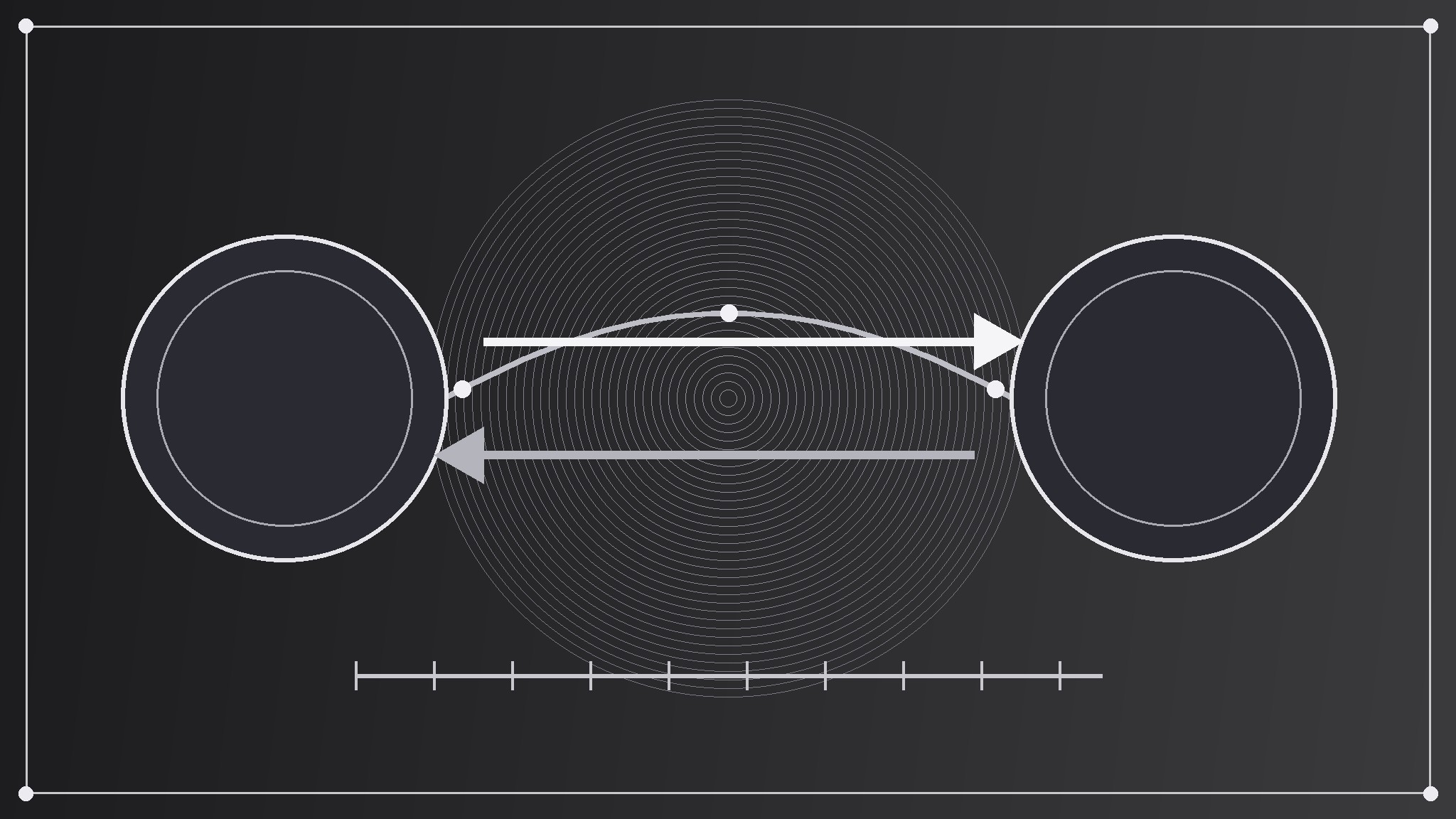
Choose one sending gesture that embodies moving money from one place to another without pretending to be a screenshot: two currency circles joined by one exchange arrow over a route arc, a single amount flowing along a route line from one currency code to another, a pair of arrows exchanging places above a straight fee line. The motif is a symbol, not an app screen — no form fields, no keypads, no real amounts, no real exchange rates, no real user balances, no tiny labels. Draw it big and flat, in one or two colors, occupying roughly a third to a half of the canvas. A real app screen crammed into 1200×630 reads as static at thumbnail size; one clean route gesture reads as "money moves from here to there, fee up front."
Template preview
Money Transfer OG Image — Brief Template
One page = one preview. Fill this in before building the image.
Page: {page title + URL}
Page type: {service homepage / route / pricing / help / blog post}
One sending line (≤8 words)
> {the sentence a sender would repeat to family}
Why this line: {what the page actually offers}
Exchange-route motif
Gesture: {two currency circles joined by an exchange arrow over a route arc / amount flowing along a route line between two currency codes / paired arrows above a straight fee line} What it symbolizes: {the sending line, abstractly} Colors: {field color} + {motif color} (one or two flat colors)


