Minimal Gadget OG Image
A pocket-gadget preview that still reads at thumbnail size.
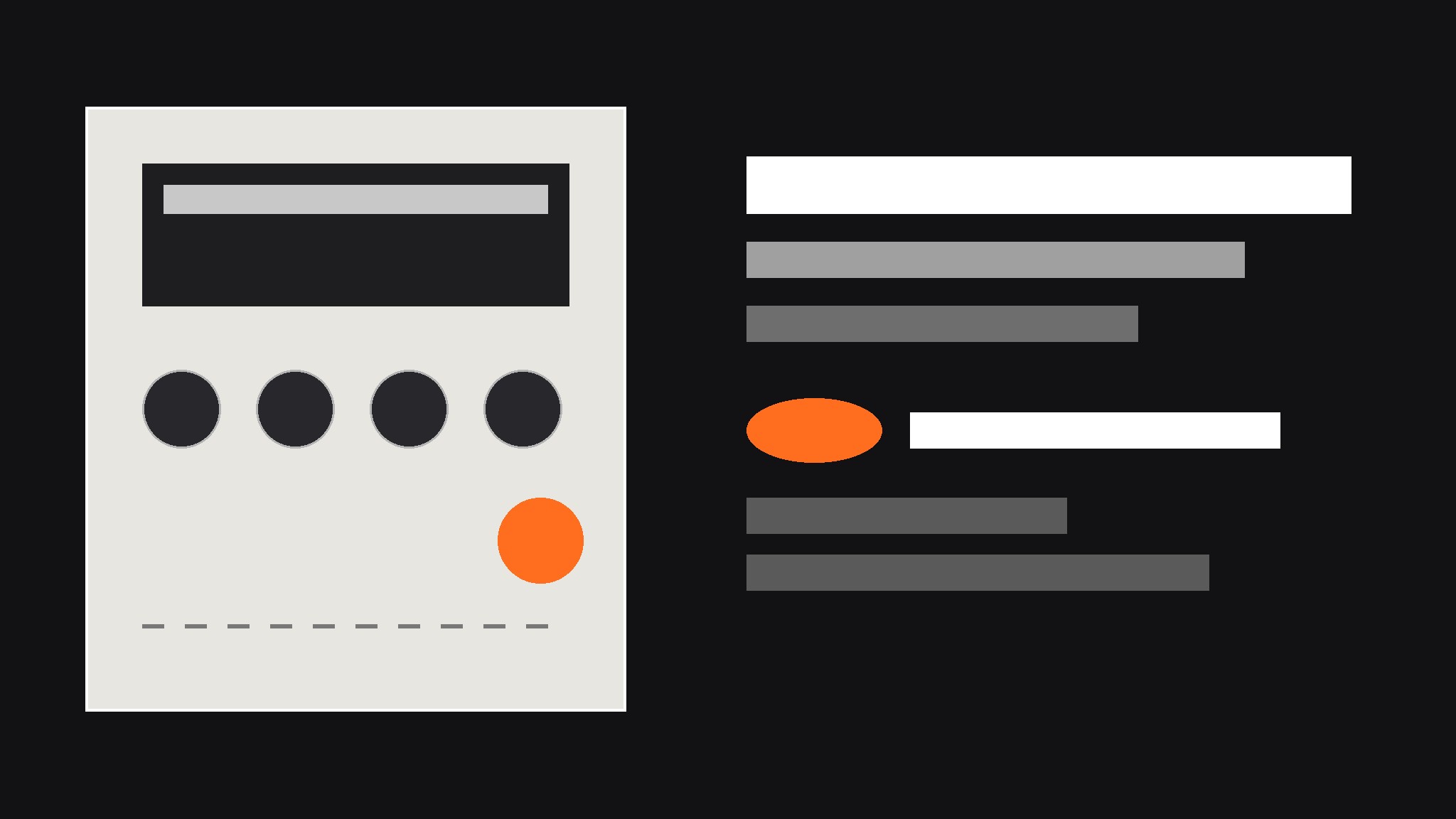
Turns your AI into a social-preview designer — builds a 1200×630 OG image for a small pocket-gadget launch, with a chunky-button product render, plain-language spec callouts, and type that stays legible at thumbnail size.
Install it in 3 steps
No sign-up. No CLI tools. Pick your AI, copy one line, paste it over.
Prefer doing it yourself? Buy the skill ($4.99), download the ZIP from your checkout confirmation, unzip it into the directory shown above, restart your AI session — same result. Already bought it? Your AI assistant can download it for you.
What’s inside
One SKILL.md (the playbook) + one starter template. A preview:
Minimal Gadget OG Image
When to use
- You are launching a small hardware gadget — a pocket synth, a pocket radio, a mini sampler, a handheld game — and the link preview is the first thing people see
- A product page keeps getting shared with a blank gray box or a randomly cropped photo of the device
- Your gadget has physical controls worth showing off (chunky buttons, a tiny screen, a big knob) but the product photo alone does not explain what it does
- A launch announcement needs one image that works on social feeds, chat apps, and search results alike
- You have a great product render but the headline text gets cropped or the device looks lost at thumbnail size
Workflow
- Collect the raw ingredients (input: product name, one-line promise, 2–3 specs, one product render or photo → output: ingredient sheet)
Gather exactly four things before any design starts: the product name as it should appear, a one-line promise in plain words ("a pocket synth you can play with one thumb"), two or three specs worth bragging about (battery life, weight, one standout feature), and one straight-on render or photo of the device on a plain background. Write them down in one place and check the spelling of every name — a typo baked into an image cannot be clicked or corrected later. If the render is low resolution or the device is shot at a dramatic angle that hides the controls, pick a different image now; no layout trick fixes a source image that hides the product. - Pick the composition (input: ingredient sheet → output: layout choice)
Choose one of three layouts and commit to it: device large on one side with a solid color block for text on the other, device centered on a flat background with the headline above and specs below, or device at a slight angle over a large flat color field with one bold spec as the headline. Side-by-side suits long product names; centered suits square-ish devices; angled suits thin devices that need visual energy. The choice is driven by the device's shape and the length of the product name, not by taste — a long name next to a wide device will fight for space and lose.
Template preview
Minimal Gadget OG Image — Brief Template
One product = one preview image. Fill this in before any design starts.
Product
Product name: {name, exactly as it should appear} One-line promise: {what it does, in plain words — e.g. "a pocket synth you can play with one thumb"} Launch status: {ships {month} / available now / pre-order}
Specs (pick 2–3, plain language)
Source image
Device render / photo: {file or link — straight-on, plain background, controls visible} Device shape: {square-ish / wide / tall-thin} → Layout: {side-by-side / centered / angled}
Design
Background: {flat color, e.g. warm gray #E8E6E1}


