Fintech OG Image
A 1200×630 social preview card for fintech pages that earns the click.
A social-preview designer that builds a 1200×630 OG image for fintech pages with one short headline, one chart or number motif, a clean logo lockup, and type readable at thumbnail size.
Install it in 3 steps
No sign-up. No CLI tools. Pick your AI, copy one line, paste it over.
Prefer doing it yourself? Buy the skill ($4.99), download the ZIP from your checkout confirmation, unzip it into the directory shown above, restart your AI session — same result. Already bought it? Your AI assistant can download it for you.
What’s inside
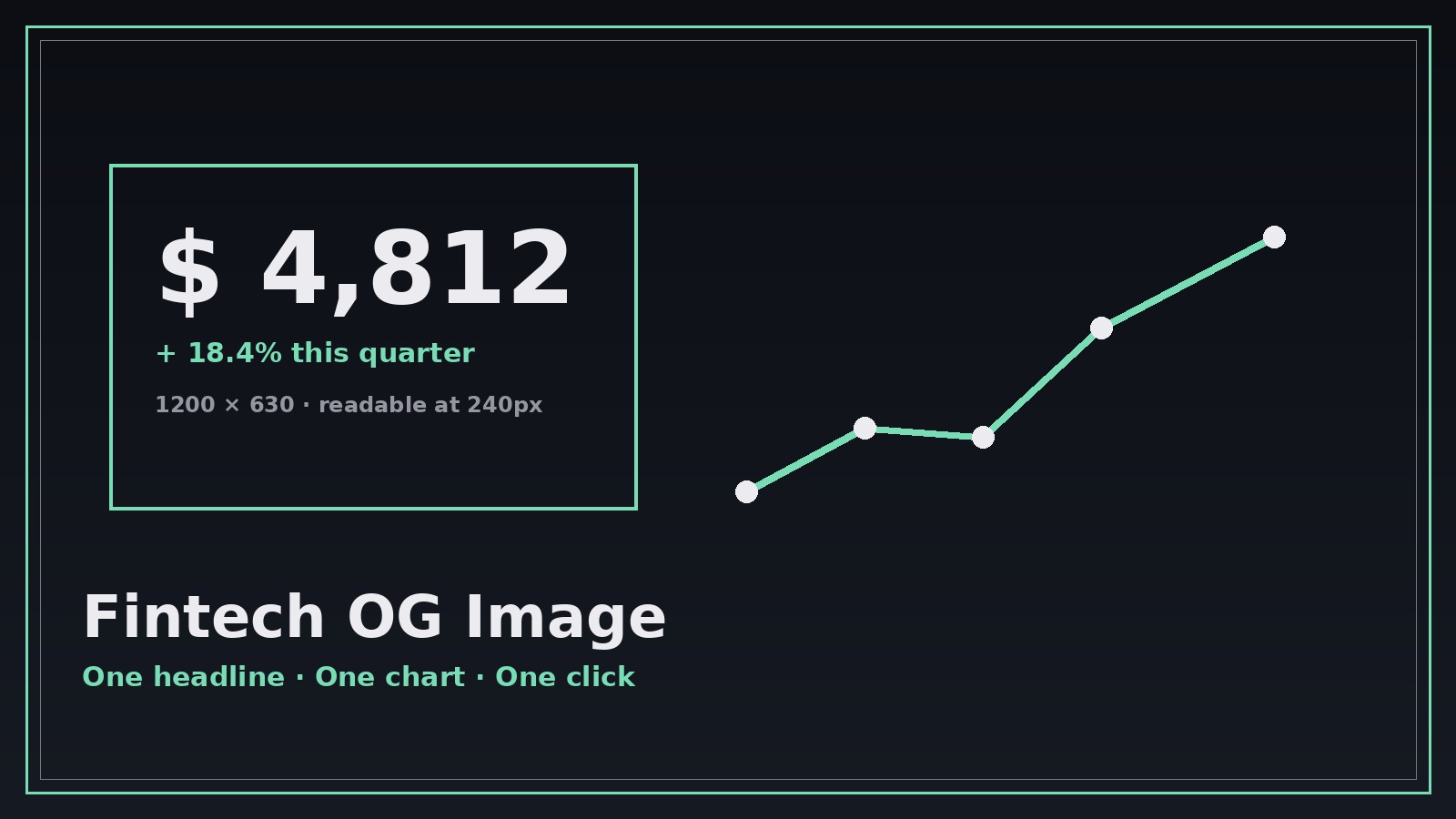
One SKILL.md (the playbook) + one starter template. A preview:
Fintech OG Image
When to use
- Your fintech blog post or product page shares on Slack, X, or LinkedIn and shows a blank grey box
- A launch announcement needs a preview card that reads clearly at 240 pixels wide
- A pricing or feature page gets shared by users and the preview undersells it
- Your newsletter or press release links out and you want the card to look like the brand, not the default
- You're A/B testing which headline earns more clicks from the same link
Workflow
- Get the page facts (input: page URL or draft → output: card brief)
Collect the page title, the one-sentence value proposition, the brand's logo (a horizontal or stacked lockup that survives at small sizes), and the brand colors as hex codes. Then cut the headline down to 6–9 words — the card has no room for the full page title, and a shortened headline the author approves beats a truncated one the platform invents. - Pick the motif (input: card brief → output: motif choice)
Choose one visual idea that matches the page: a rising line chart for growth content, a single large number for pricing or stats, a card-and-phone shape for product pages, or a plain typographic card when the headline is the whole story. One motif only — OG cards are glanced at, not studied, and two ideas become noise at thumbnail size. - Compose the card (input: motif choice + card brief → output: 1200×630 image)
Layout rules: headline in the left two-thirds, set large (minimum 72px equivalent) with generous line spacing; logo small in one corner, never competing with the headline; motif on the right third, simplified to silhouettes and one accent color; background dark or light with strong contrast against the headline. Leave a safe margin on all sides — platforms crop unpredictably, and text near the edge gets eaten. - Test at real sizes (input: 1200×630 image → output: verified card)
Preview the card at 240px wide (a phone timeline), at 480px (a desktop feed), and in both light and dark app themes. Read the headline aloud from the smallest preview — if you can't, enlarge the type or shorten the words. Check that the logo is still recognizable and that no text touches the edges. - Ship and confirm (input: verified card → output: live preview)
Export as a compressed JPEG or PNG under 300KB, set it as the page's og:image with matching og:title and description, and confirm with the platform's own debugger or a fresh share in a private channel. Cached previews lie — use the debugger's scrape-refresh before judging the result.
Output spec
Template preview
Fintech OG Image — Template
One page = one card brief + one motif choice. Fill both in before composing.
Page: {page title} — {URL}
Value proposition (one sentence): {what the page offers}
Logo lockup: {file — horizontal or stacked, must survive at small size}
Brand colors: Background {hex} | Headline {hex} | Accent {hex}
Card brief
OG headline (6–9 words, author-approved): {headline}
og:title: {title} | og:description: {one sentence, ≤ 155 chars}
Motif choice (pick ONE)
- [ ] Rising line chart — for: {growth / results content}
- [ ] One large number — for: {pricing / stats}
- [ ] Card-and-phone shape — for: {product pages}


