AI Services Market › Skills factory › Images › Dot Avatar Maker
$4.99 · No sign-inv1.0.0– views
Dot Avatar Maker
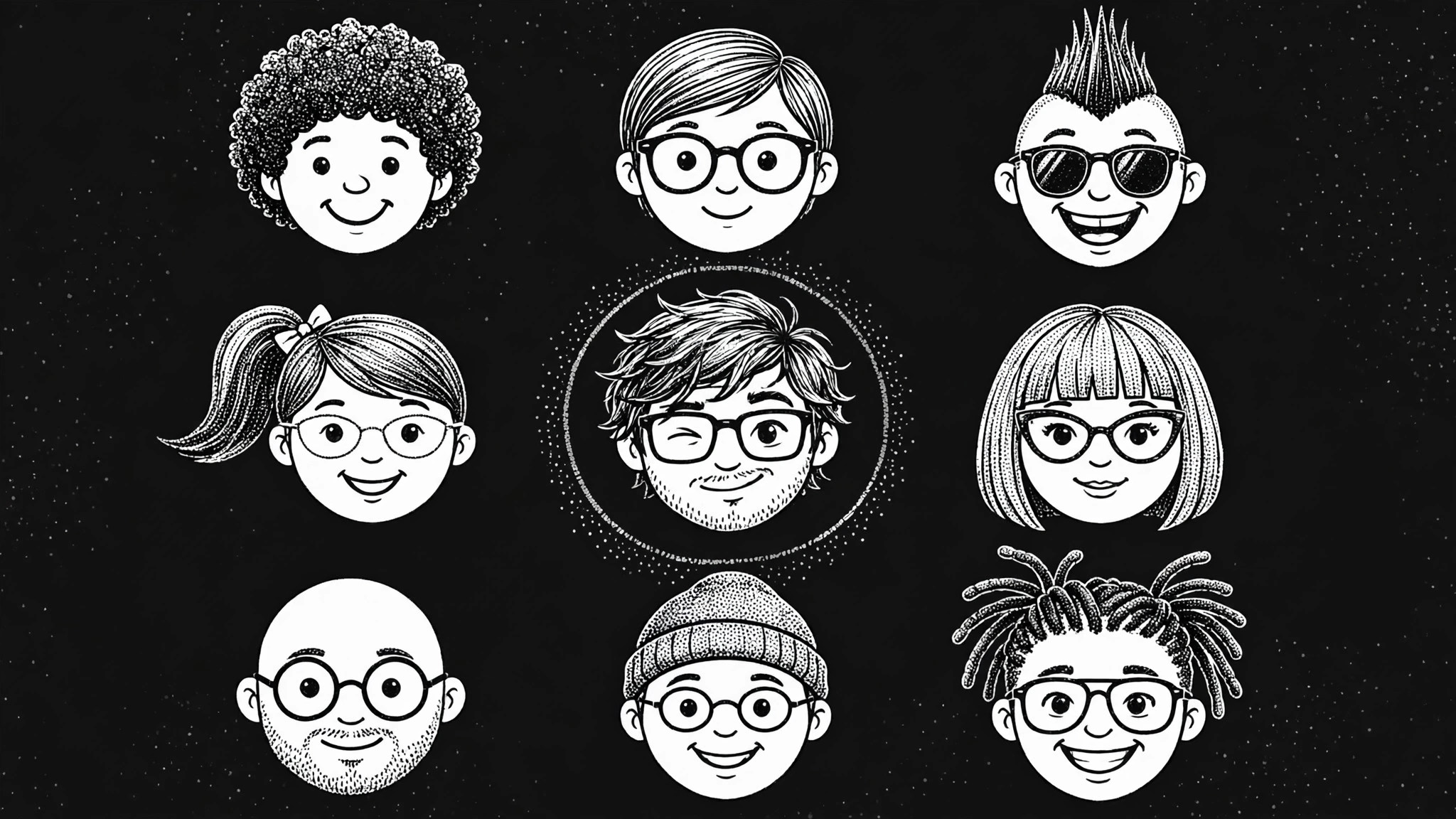
A whole avatar family from one dot grid.
Builds a consistent set of dot-style avatars from one grid: a fixed base face, mix-and-match hair, glasses, and hats, a tight color palette, and exports that stay readable from 32 px up.
Best for
Community managers, team-page owners, and game makers who need matching avatars
Time needed
~25 min for a first set
Level
Beginner-friendly
Install it in 3 steps
No sign-up. No CLI tools. Pick your AI, copy one line, paste it over.
Prefer doing it yourself? Buy the skill ($4.99), download the ZIP from your checkout confirmation, unzip it into the directory shown above, restart your AI session — same result. Already bought it? Your AI assistant can download it for you.
What’s inside
One SKILL.md (the playbook) + one starter template. A preview:
Dot Avatar Maker
When to use
- You need avatars for a team page, a community, a game, or a comment section and want them to look like one designed set
- Your current avatars are a mix of photos, initials, and random illustrations that clash on the same page
- You want playful, friendly avatars that stay readable at tiny sizes (32 px) and charming at large ones
- You need a repeatable system so new members can get an avatar in the same style without a designer
- You want avatars with no likeness or privacy issues — stylized dots, not real faces
Workflow
- Fix the grid and the dot (input: where avatars will appear → output: grid spec)
Set the rules first: one square grid (for example 16×16 dots), one dot shape (round), and one rule for how dots combine (dots touch or sit with one gap — pick one). Decide the smallest size the avatar must survive (usually 32 px) and test the grid at that size before drawing anything. If the face doesn't read at 32 px, the grid is too fine. - Design the base face (input: grid spec → output: base face template)
Draw one neutral base face on the grid: two dot eyes, a small dot mouth, and a face outline in dots. This is the template every avatar starts from. Keep the eyes on the same rows and the mouth on the same row in every avatar — fixed feature positions are what make a set look like a set. - Build the mix-and-match parts (input: base face → output: parts library)
Create swappable parts that all sit on the same grid: hairstyles (short, long, curly, bald, ponytail), facial hair, glasses (round, square, sunglasses), hats, and earrings. Each part must fit the base face without moving the eyes or mouth. Aim for at least 5 hairstyles, 3 glasses, and 3 hats — that combination range alone produces dozens of distinct avatars. - Set the palette (input: parts library → output: color palette)
Pick one background treatment (a soft solid, a two-tone dot pattern, or transparent) and a small palette of dot colors: 4–6 skin tones, 4–6 hair colors, and 2–3 accent colors for accessories. Every avatar uses only these colors. A tight palette is what keeps fifty avatars looking like one family instead of fifty strangers. - Generate the set and export (input: palette + parts → output: avatar set)
Combine parts into the avatars you need — one per person, or a full library of combinations. Check each one at 32 px (readable face?), at 128 px (charming?), and next to two others (same family?). Export each avatar as a square PNG at 256 px and 64 px, plus an SVG if you want crisp scaling. Name files by person or by combination so the set stays findable.
Output spec
Template preview
Dot Avatar Maker — Avatar Set Template
One grid, one dot style, one palette. Every avatar starts from the same base face.
Grid spec
- Grid: {e.g. 16×16 dots}
- Dot shape: {round}
- Dot spacing: {touching / one gap — pick one}
- Minimum display size: {e.g. 32 px}
- Background: {soft solid / two-tone dot pattern / transparent}
Base face (fixed for every avatar)
- Eyes: rows {n–n}, columns {n, n}
- Mouth: row {n}, column {n}
- Face outline: {dot outline description}
Rule: parts never move the eyes or mouth.
Parts library
Hairstyles (5+):
- {hairstyle 1} — {dot description}
- {hairstyle 2} — {dot description}


