Code Platform OG Image
A link preview developers actually read.
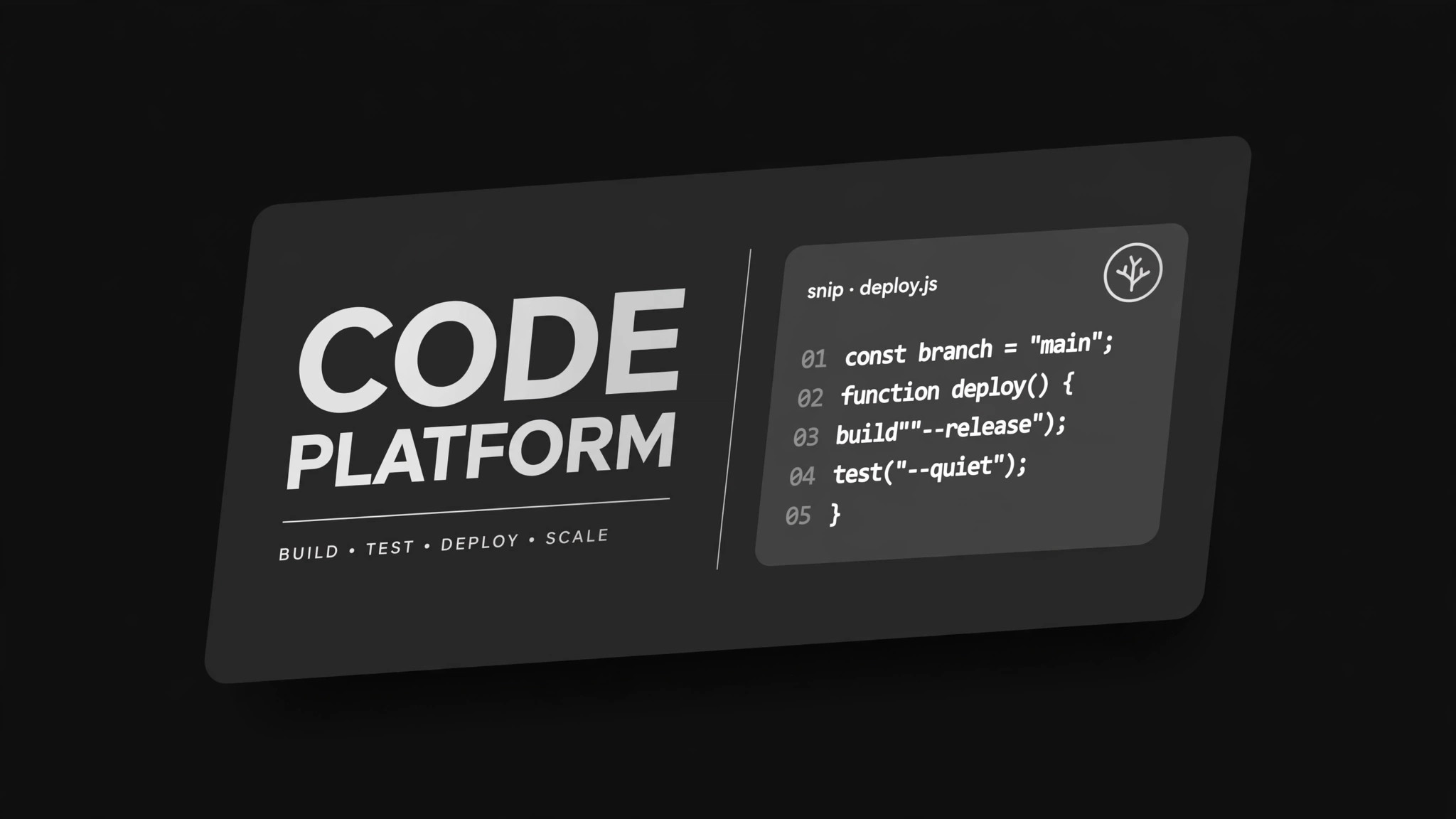
Turns your AI into a social preview designer for code platforms — builds a 1200×630 OG image for a repository, project, or developer tool page with a real code motif, a readable name-plus-promise layout, and a thumbnail test before export. For teams whose shared repo links deserve better than a grey box.
Install it in 3 steps
No sign-up. No CLI tools. Pick your AI, copy one line, paste it over.
Prefer doing it yourself? Buy the skill ($4.99), download the ZIP from your checkout confirmation, unzip it into the directory shown above, restart your AI session — same result. Already bought it? Your AI assistant can download it for you.
What’s inside
One SKILL.md (the playbook) + one starter template. A preview:
Code Platform OG Image
When to use
- Your repository or project page shows a blank grey box when shared on X, LinkedIn, Slack, or Discord
- You are announcing a new release, library, CLI, or API and the link preview is doing none of the selling
- Your docs site or changelog has pages worth sharing, but every preview looks identical
- You maintain several repos and want each one to be recognizable at thumbnail size
- A conference talk, blog post, or launch thread links to your code and you want the card to carry the pitch
Workflow
- Collect the identity (input: repo or project page → output: identity brief)
Pull the facts the card must carry: the project name, the one-line promise (what it does, for whom), the primary language or stack, the license if you want it shown, and the mark or wordmark. Drop anything that is not true of this project right now — no aspirational features, no star counts you have not verified. One card = one page = one promise; a card that advertises three things advertises nothing. - Pick the code motif (input: identity brief → output: motif choice + snippet)
Choose one motif and commit to it: a short real code snippet (3–6 lines, real syntax, real function names from the project), a terminal session showing one real command and its output, or a contribution-style activity grid drawn from real activity. The snippet must be code a reader could actually run or find in the repo — never pseudo-code invented for the card. Trim it until it reads at thumbnail size: short lines, no deep nesting, no line longer than about 40 characters. - Lay out the card (input: motif + identity brief → output: 1200×630 layout)
Build on a 1200×630 canvas in a dark, code-editor-like system: near-black background, one silver-grey panel for the code, one accent reserved for the single most important word. Put the name top-left in large type, the one-line promise under it, the code motif on the right or lower half, and the mark in one corner. Keep the title to six words or fewer and the promise to one line — anything longer turns to mush at 240 pixels wide. - Run the thumbnail test (input: layout → output: pass/fail + fixes)
Shrink the card to 240×126 and to 120×63 and read it cold, as if you had never seen the project. Pass means: the name is readable, the promise is readable, the code motif still reads as code, and nothing overlaps. Fail means: fix the type size, shorten the promise, or drop an element — never shrink the canvas and hope. Also check it on a dark chat background and a light one; the card must hold up on both.
Template preview
Code Platform OG Image — Card Template
One card = one page = one promise. Fill this in before designing.
Page: {repo / project / docs page URL}
Project name: {name — 6 words or fewer on the card} One-line promise: {what it does, for whom — one line, verifiable on the page} Primary language / stack: {e.g. Python, Rust, TypeScript} License (optional, show only if wanted): {e.g. MIT} Mark / wordmark: {attach or describe — plain wordmark is fine}
Code motif (pick ONE)
- [ ] Real code snippet (3–6 lines, real syntax, real names from the project)
- [ ] Terminal session (one real command + real output)
- [ ] Activity grid (drawn from real activity)


