Checkout Link OG Image
One offer, one price, readable before the click.
Turns your AI into a social-preview designer — builds a 1200×630 checkout-link OG image that shows exactly what a buyer gets, what it costs, and how to pay, with type that stays legible at thumbnail size.
Install it in 3 steps
No sign-up. No CLI tools. Pick your AI, copy one line, paste it over.
Prefer doing it yourself? Buy the skill ($4.99), download the ZIP from your checkout confirmation, unzip it into the directory shown above, restart your AI session — same result. Already bought it? Your AI assistant can download it for you.
What’s inside
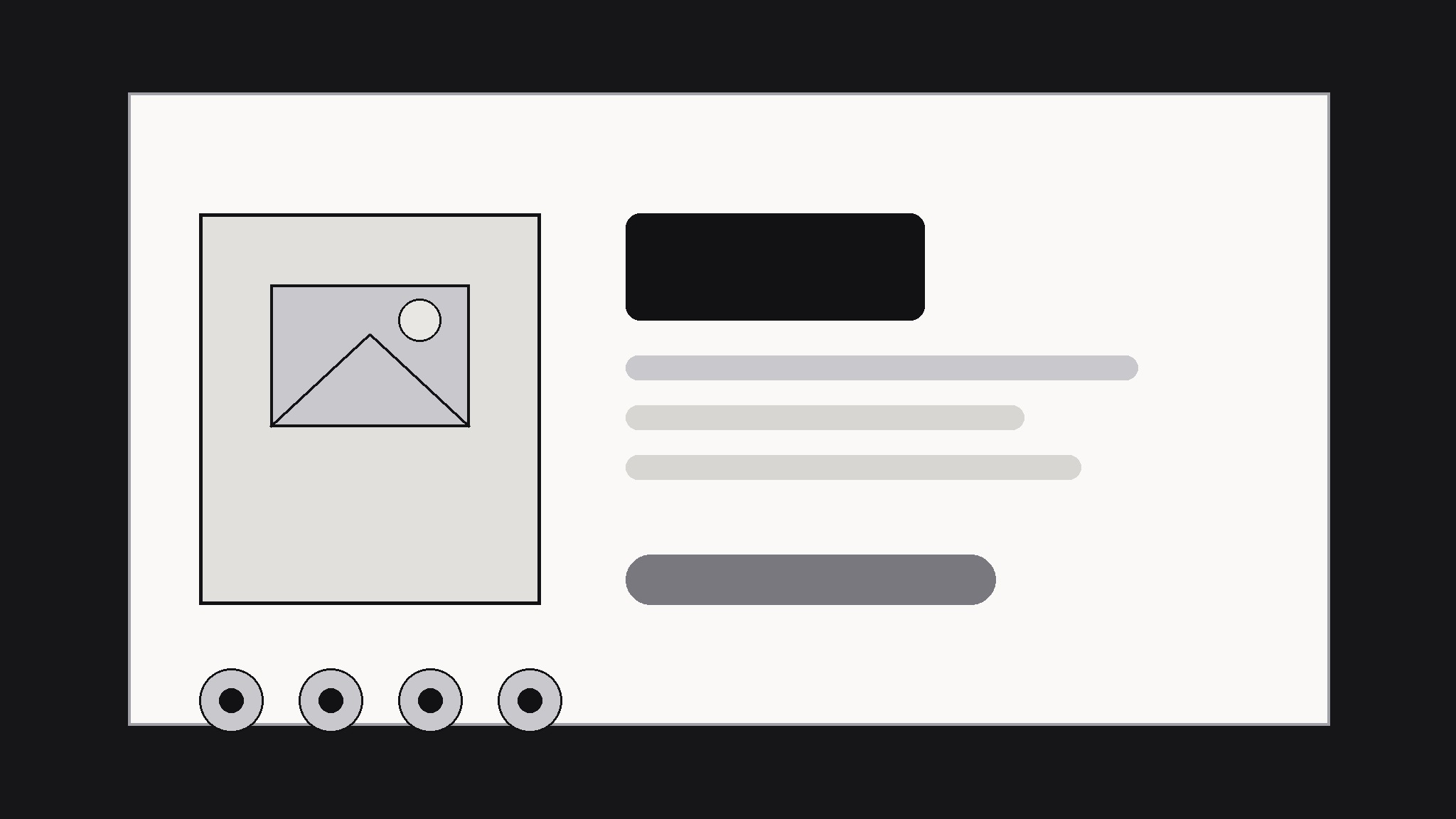
One SKILL.md (the playbook) + one starter template. A preview:
Checkout Link OG Image
When to use
- You're sharing a checkout or payment link on social media, chat, or email and the bare link preview looks empty or untrustworthy
- A creator, freelancer, or small shop sells through a single payment link and needs the share card to do the selling
- A preorder, ticket, or digital download link needs its price and what's included visible before anyone clicks
- Your checkout page's auto-generated preview crops badly or shows the wrong image on some platforms
- You want every share of the same link to show one consistent, professional card
Workflow
- Gather the checkout facts (input: your checkout link + offer details → output: fact sheet)
Collect the four facts the card must carry: what the buyer gets (one line), the price (one number, currency included), who it's for or what it unlocks, and the destination name shown on the link. If any of these is vague — "various items" or "starting at" — sharpen it now. A share card that hedges reads as a scam; a card that states one clear offer reads as a store. - Choose the card composition (input: fact sheet → output: layout plan)
Pick one of three compositions and commit: product-left (product shot or icon left, offer text right), price-hero (one giant price with the offer line under it), or receipt-style (offer as line items with a total). Product-left suits physical goods and downloads with a strong visual; price-hero suits tickets and flat-fee services; receipt-style suits bundles. One composition per card — mixing two makes the thumbnail unreadable. - Design for the thumbnail (input: layout plan → output: 1200×630 draft)
Build at 1200×630 with a strict safe area: keep all text and the price inside the central 1000×500, because platforms crop the edges unpredictably. Set the offer line at a size that survives a 240-pixel-wide preview — test by shrinking the draft to phone-feed size and reading it at arm's length. Use at most two typefaces and three colors; the card has a fraction of a second to be understood. - Add trust cues, sparingly (input: draft → output: finished card)
Add at most two trust cues that are genuinely true of this checkout: secure-checkout note, instant delivery, refund window, or number of buyers. Never invent a buyer count, a guarantee, or a badge you don't offer — a share card is a promise, and a broken promise on the first click kills the sale and the reputation. Place trust cues small and low; the offer is the headline, trust is the footnote.
Template preview
Checkout Link OG Image — Template
One card per offer. One price per card. If the price changes, make a new card.
Offer: {product / ticket / download name}
Checkout link: {URL} | Price: {currency + amount} | Delivery: {instant / shipped / event date}
Fact sheet
- Buyer gets (one line): {e.g. 48 watercolor brushes, Procreate + Photoshop}
- Price (one number): {e.g. $19}
- Who it's for / what it unlocks: {e.g. digital painters who want paper texture}
- Destination name shown on link: {e.g. Brush Pack — Checkout}
Layout plan
- Composition (pick one): {product-left / price-hero / receipt-style}
- Why this one: {reason}


