Article Illustration Set
One story, one style, every image in the family.
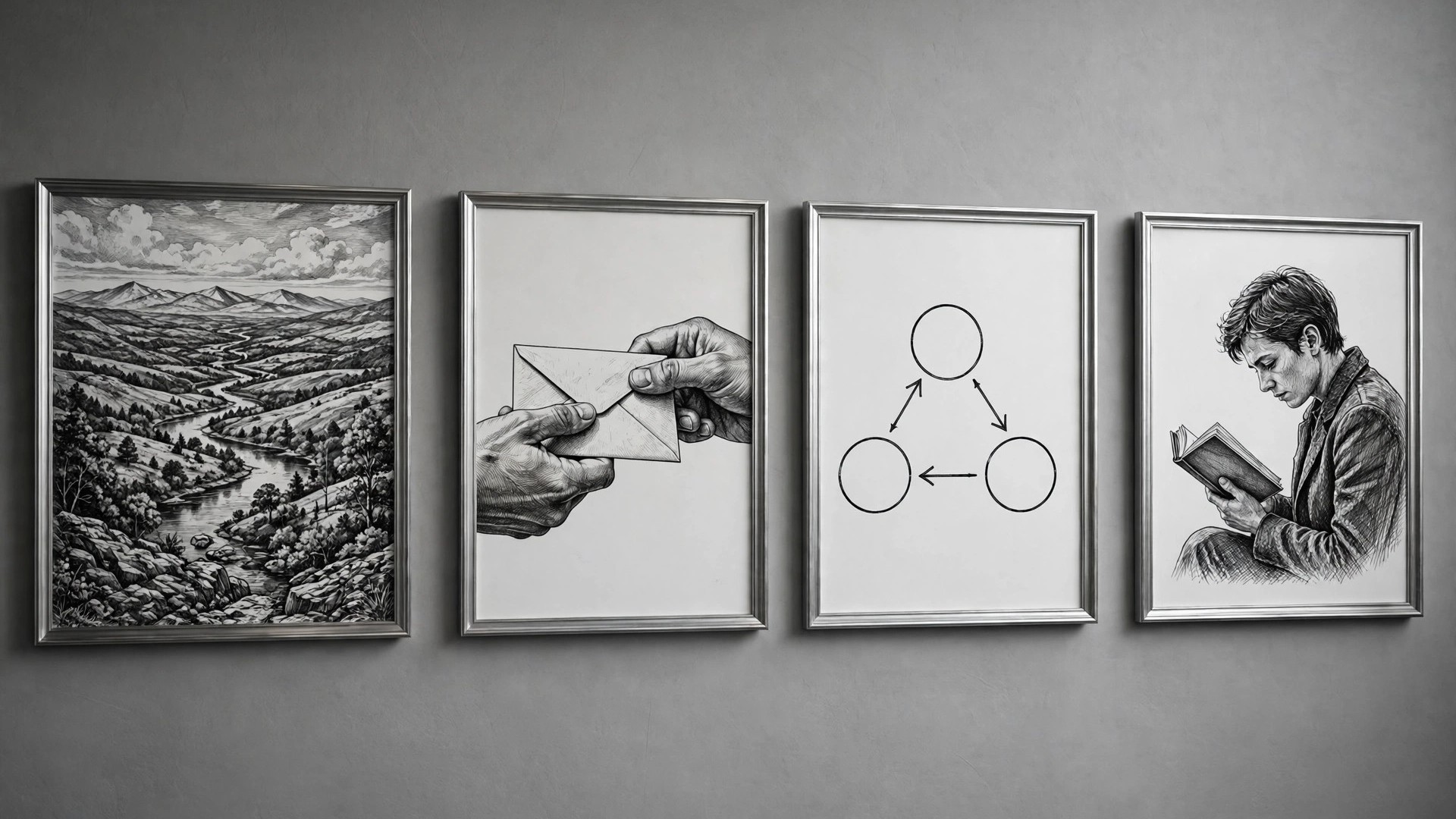
Creates a coordinated set of illustrations for an article — one written style sheet held across varied compositions, so every image feels like it belongs to the same story.
Install it in 3 steps
No sign-up. No CLI tools. Pick your AI, copy one line, paste it over.
Prefer doing it yourself? Buy the skill ($4.99), download the ZIP from your checkout confirmation, unzip it into the directory shown above, restart your AI session — same result. Already bought it? Your AI assistant can download it for you.
What’s inside
One SKILL.md (the playbook) + one starter template. A preview:
Article Illustration Set
When to use
- An article needs a hero image plus two or three supporting illustrations that look like a family, not a stock-photo grab bag
- A long feature needs visual breaks that reinforce the argument, not generic decoration
- A newsletter or blog series needs a repeatable illustration style across multiple pieces
- You are art-directing illustrations for a story and need to brief an illustrator (or an image tool) with a precise, consistent spec
- An essay's abstract ideas need concrete visual metaphors readers can hold onto
Workflow
- Read for images (input: article draft → output: image map)
Read the article and mark where illustrations are needed: the hero (the article's core idea), one image per major section or turning point, and any concept that is hard to grasp in words alone. For each slot, write one sentence: what this image should make the reader feel or understand. Cut any slot that is pure decoration — every illustration should earn its place by clarifying or deepening the text. - Fix the style system (input: image map → output: style sheet)
Define the style once, in writing, before making any image: medium (line drawing, flat color, watercolor, collage), palette (3–5 colors with roles), line weight and texture, how people are drawn (if at all), background treatment, and the level of detail. This style sheet is the contract — every image in the set is judged against it. A style that cannot be described in a paragraph cannot be kept consistent across a set. - Design the compositions (input: style sheet → output: composition plan)
Plan each image's composition separately, varying the shot: a wide scene for the hero, a close-up detail for one section, a diagram-like arrangement for a process, a character moment for a human story. Vary composition while holding the style fixed — that contrast is what makes a set feel both coordinated and alive. Sketch each composition as a rough thumbnail or a one-paragraph description before producing finished art. - Produce the set (input: composition plan → output: finished illustrations)
Make the images one by one, each against the style sheet and its composition plan. Check each new image against the previous ones: same palette, same line weight, same way of drawing faces and hands, same background treatment. If one image drifts (a new color creeps in, the line goes thicker), fix it before moving on — drift compounds across a set.
Template preview
Article Illustration Set — Build Template
One article = one set. Write the style sheet before making any image.
Article: {title}
Slots needed: Hero + {n} supporting images
Image map (one entry per slot)
Slots cut as pure decoration: {list or "none"}
Style sheet (the contract — every image judged against this)
Per-image brief (one per slot — copy this block per image)
Slot: {Hero / 1 / 2 / 3} Composition: {wide / close-up / diagram / moment — describe the arrangement} Elements: {what is in the frame, and what is deliberately left out} Mood: {e.g., calm, tense, hopeful — one word + why}


