AI Lab Poster
One headline, one motif, four lines of facts — built for the wall.
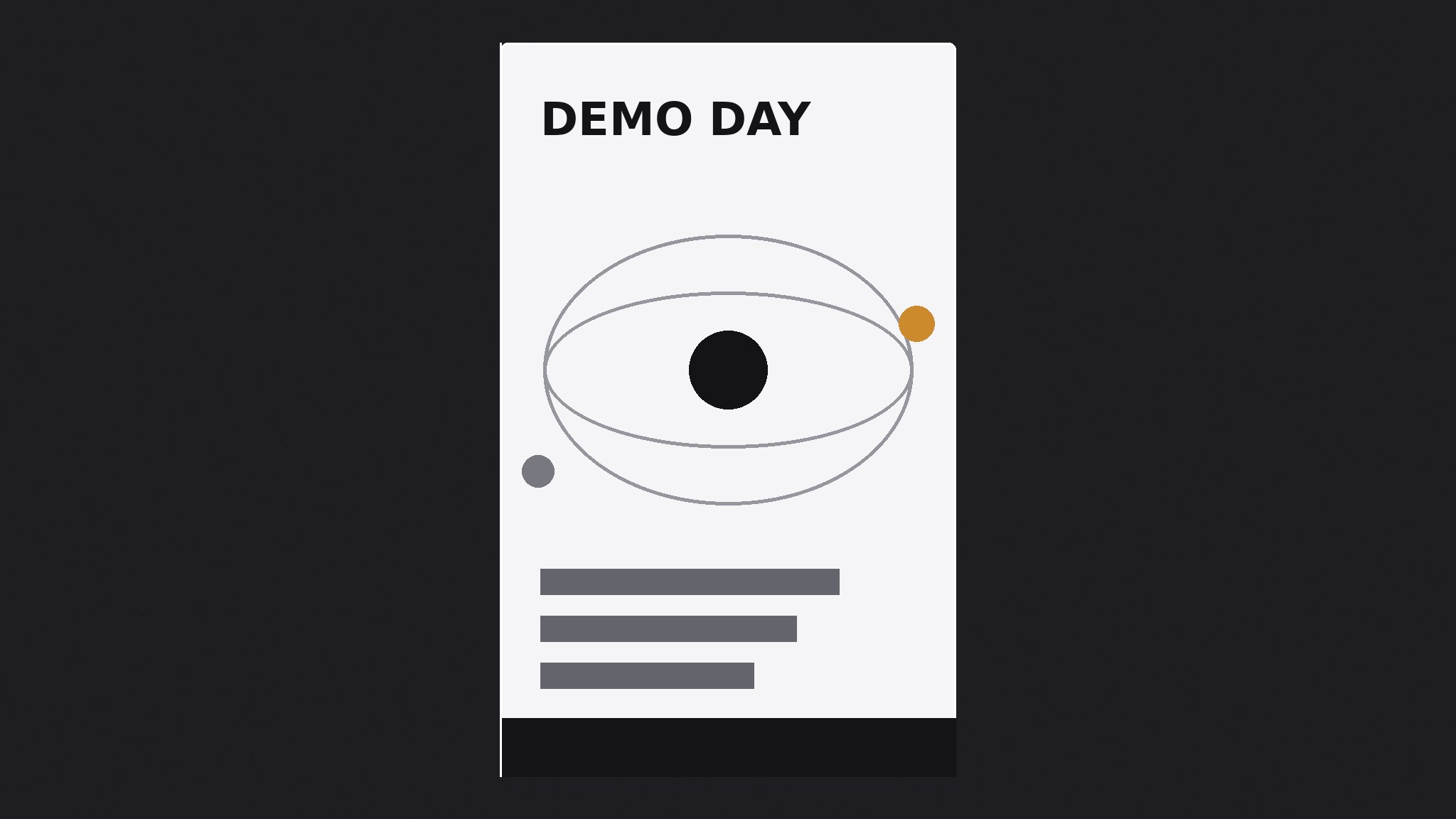
Turns your AI into a poster designer for an AI research lab — builds a print-ready announcement poster where one bold headline, one abstract motif, and the event or release facts do all the work, with nothing competing for the wall.
Install it in 3 steps
No sign-up. No CLI tools. Pick your AI, copy one line, paste it over.
Prefer doing it yourself? Buy the skill ($4.99), download the ZIP from your checkout confirmation, unzip it into the directory shown above, restart your AI session — same result. Already bought it? Your AI assistant can download it for you.
What’s inside
One SKILL.md (the playbook) + one starter template. A preview:
AI Lab Poster
When to use
- Your AI lab is announcing a talk, a paper release, a demo day, an open house, or a hiring push and needs a poster for a wall, a hallway, or a social post
- A lab announcement currently lives only as a dense email or a link, and you want something people actually stop and read
- You need a poster that works both printed (A2/A3 on a wall) and posted (a single image in a feed) without a separate redesign
- A previous lab poster crammed in the abstract, the author list, the venue, the QR code, and three logos, and nobody read past the title
- You want the lab's announcements to look like they come from one lab — one system, reused — instead of a fresh layout improvised each time
Workflow
- Decide the one headline (input: the announcement → output: a poster headline)
A poster has one job: make a person stop. Write the headline as the single most interesting fact of the announcement in ten words or fewer — "A model that reads a full textbook," "Demo day: five models, one afternoon," "We're hiring research engineers." The headline is the poster; everything else is support. If the announcement has no single interesting fact, the poster will not invent one — fix the announcement or use a different format. Never headline with the lab's name alone: nobody crosses a hallway to read a logo. - Set the poster system (input: headline → output: layout + color rules)
Build the poster on one field color (dark charcoal or warm paper — pick one and keep it across all lab posters), one abstract motif (nodes, rings, branches, waves — the same family of gestures as the lab's other materials, drawn large and flat), and one typeface family in at most three sizes: headline, facts, small print. The layout is a strict vertical hierarchy: headline at the top third, motif in the middle, facts at the bottom, small print last. Nothing sits beside the headline competing with it. One motif, one headline, one facts block — a poster with two motifs is two posters fighting. - Write the facts block (input: announcement details → output: the facts block)
The facts block answers only what a reader needs to act: what, when, where, and how to find out more. Date, time, place, and one link or QR code — four lines at most. Author lists, abstracts, agendas, and sponsor logos do not belong on the poster; they belong on the page the link points to. If the event needs an agenda, print one line ("Five demos, Q&A after") and link the rest. A poster that tries to be the whole announcement becomes a document nobody reads on a wall.
Template preview
AI Lab Poster — Brief Template
One poster = one headline, one motif, one facts block. Fill this in before designing.
Announcement: {talk / paper release / demo day / open house / hiring push}
Headline (≤10 words — the single most interesting fact)
> {headline}
Why it stops someone: {the fact worth crossing a hallway for}
Poster system
Field: {dark charcoal / warm paper — keep consistent across all lab posters} Motif: {nodes / rings / branches / waves} — one motif, drawn large and flat Typeface family: {one family, ≤3 sizes: headline / facts / small print}
Layout
- Top third: headline
- Middle: motif
- Bottom: facts block


