AI Lab OG Image
One finding per preview — readable at thumbnail size.
Turns your AI into a social-preview designer for an AI research lab — builds a 1200×630 share image with one abstract research motif, one short promise about what the lab's work makes possible, and type that stays readable at thumbnail size.
Install it in 3 steps
No sign-up. No CLI tools. Pick your AI, copy one line, paste it over.
Prefer doing it yourself? Buy the skill ($4.99), download the ZIP from your checkout confirmation, unzip it into the directory shown above, restart your AI session — same result. Already bought it? Your AI assistant can download it for you.
What’s inside
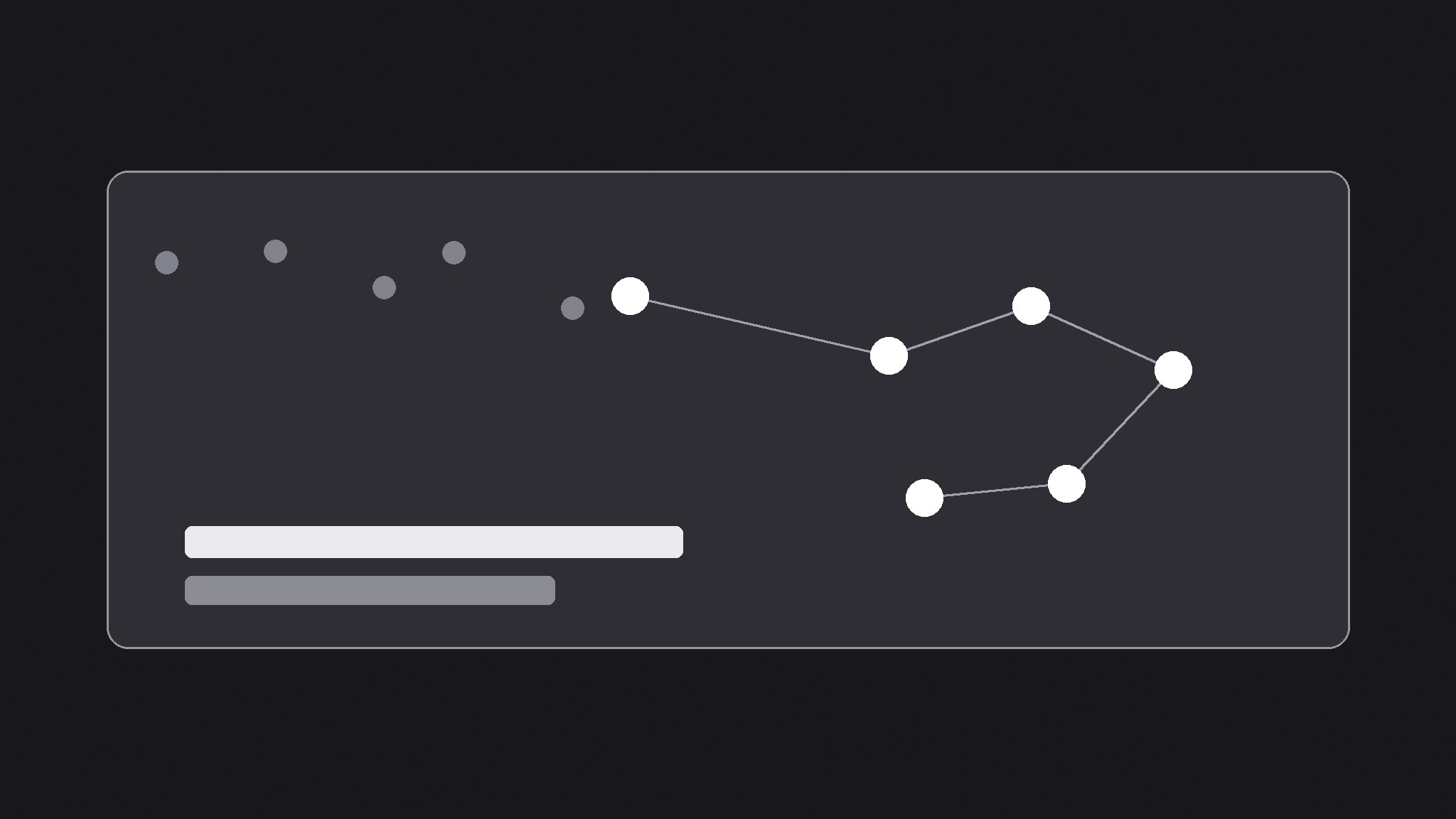
One SKILL.md (the playbook) + one starter template. A preview:
AI Lab OG Image
When to use
- Your AI lab's shared links preview as a blank box, a cropped paper abstract, or a generic logo that says nothing about the research
- You are announcing a model, a paper, a benchmark, or a research result and want the link preview to carry the finding, not just the lab's name
- A blog post, release note, or docs page about the lab's work gets shared, and the preview does not distinguish it from any other page
- Your lab publishes often and needs one repeatable preview format that works for papers, releases, and posts alike
- A diagram from the paper keeps failing as a preview because its tiny labels and dense arrows turn to noise at thumbnail size
Workflow
- Decide the one finding (input: the page → output: a one-line finding)
A lab preview carries one finding or promise about what the work makes possible, in eight words or fewer — "A model that reads a full textbook," not "We are pleased to announce our latest advances in large-scale language modeling." Read the page and find the sentence a reader would repeat to a colleague; that is the preview line. If the page is a general lab homepage, the line is the lab's core promise; if it is a paper or release, the line is that work's result. A list of capabilities is not a finding, and a mission statement is not a finding — one concrete line is. - Pick the abstract motif (input: the finding → output: a single motif idea)
Choose one abstract research gesture that embodies the finding without pretending to be the science: a constellation of nodes resolving into one clear pattern, concentric rings narrowing to a point, a branching tree collapsing into a single path, a wave flattening into a clean signal. The motif is a symbol, not a diagram — no axes, no equations, no architecture blocks, no tiny labels, no real model output. Draw it big and flat, in one or two colors, occupying roughly a third to a half of the canvas. A real paper figure crammed into 1200×630 reads as static at thumbnail size; one clean gesture reads as "serious research, clearly explained." - Set the type (input: finding + motif → output: the type layout)
Set the finding in one large, bold typeface at a size that stays legible when the image is shown 240 pixels wide — few words, large size, generous line spacing. Put a small lab mark or name in one corner, never competing with the finding. Keep all text inside a safe margin (at least 60 pixels from every edge at 1200×630) because platforms crop previews differently, and keep essential text out of the bottom strip, where platforms overlay labels or play buttons. If the motif and the type compete for the same space, shrink the motif — the words carry the click.
Template preview
AI Lab OG Image — Brief Template
One page = one preview. Fill this in before building the image.
Page: {page title + URL}
Page type: {lab homepage / paper / release / blog post / benchmark}
One finding (≤8 words)
> {the sentence a reader would repeat to a colleague}
Why this finding: {what the work actually shows}
Abstract motif
Gesture: {nodes resolving / rings narrowing / branches collapsing / wave flattening} What it symbolizes: {the finding, abstractly} Colors: {field color} + {motif color} (one or two flat colors)
Type layout
Finding type: {typeface, weight} — dominant, legible at 240 px wide


