AI Assistant Illustration
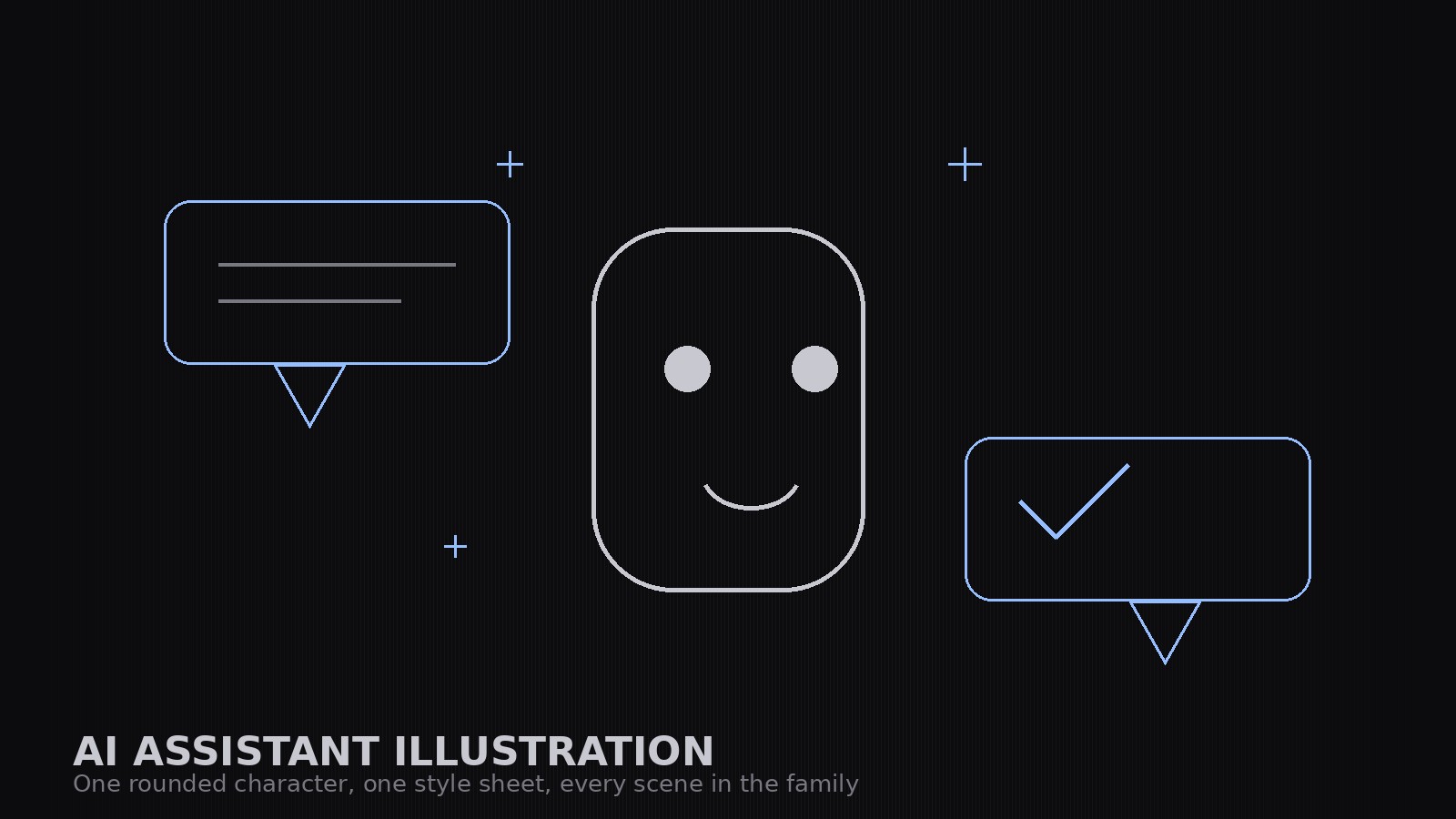
One friendly geometric character, one style sheet, every illustration in the family.
Builds a coordinated illustration set for AI-assistant products in a friendly geometric style — one rounded character with a fixed build, chat-bubble and document motifs, and a style sheet that keeps docs, marketing, and empty states looking like one product.
Install it in 3 steps
No sign-up. No CLI tools. Pick your AI, copy one line, paste it over.
Prefer doing it yourself? Buy the skill ($4.99), download the ZIP from your checkout confirmation, unzip it into the directory shown above, restart your AI session — same result. Already bought it? Your AI assistant can download it for you.
What’s inside
One SKILL.md (the playbook) + one starter template. A preview:
AI Assistant Illustration
When to use
- You are launching or documenting an AI assistant product and need illustrations that feel friendly, not robotic or menacing
- Your docs, marketing pages, and empty states each have illustrations in a different style and the product looks stitched together
- You need a mascot-style character for an assistant that can appear in many poses and situations without being redrawn from scratch each time
- Your current art is stock robots and glowing brains — and it says nothing about what your assistant actually does
- You want an illustration set a designer can extend: new scenes built from the same shapes, colors, and character
Workflow
- Define the character (input: product personality → output: character sheet)
Write the character down before drawing it: a simple geometric build (rounded rectangle body, dot eyes, a small smile — no photorealism, no human face), its proportions, its palette, and its personality in three adjectives (e.g., calm, curious, helpful). The character is a helper, not a hero: it never looks angry, smug, or sinister, and it never holds a weapon. Lock the build — every future illustration reuses these exact shapes. - Fix the style sheet (input: character sheet → output: style rules)
Write the style rules: the palette (one primary, one secondary, one neutral, one paper tone), the shapes (rounded corners at one radius, one stroke weight, no gradients unless the sheet allows them), how chat bubbles, sparkles, and documents are drawn, and how backgrounds are treated (flat color or simple shapes, never photographic). The style sheet is what makes ten illustrations look like one set. - Build the core set (input: style rules → output: core illustrations)
Draw the core set first: the character alone (neutral pose), the character with a chat bubble, the character presenting a document, the character thinking (with a small thought cluster), and the character with a checkmark for success. Each illustration uses only the sheet's shapes and colors. If an illustration needs a new shape, the shape goes into the style sheet first — never a one-off. - Extend to situations (input: core set + use cases → output: full set)
Build the situation illustrations from the core set: empty states (no results, loading, error — the character waiting, working, apologizing), onboarding (the character greeting, explaining, celebrating a first success), and feature scenes (the character sorting, searching, summarizing — each with the same bubble/document motifs). Keep compositions simple: one character, one motif, one idea per illustration. A busy illustration explains nothing.
Template preview
AI Assistant Illustration — Set Template
One product = one set. Lock the character and the style sheet before drawing a single scene.
Character sheet
Product: {product} | Character name (if any): {name} Personality (three adjectives): {adjective}, {adjective}, {adjective} Geometric build: {body shape, proportions — e.g. rounded rectangle, 3:4, dot eyes, small smile} Palette: primary {color}, secondary {color}, neutral {color}, paper {color}
Never-do list
[ ] Never angry, smug, or sinister [ ] Never holding a weapon [ ] Never doing something the product can't do [ ] Never copying another product's mascot, logo, or color scheme


