Wonky Cute Doodles
Imperfect on purpose — doodles with a heartbeat.
Turns your AI into a doodle illustrator — draws charmingly imperfect hand-drawn doodles with wobbly lines, uneven shapes, and tiny cute faces that warm up slides, notes, worksheets, and social posts without ever looking like corporate clip art.
Install it in 3 steps
No sign-up. No CLI tools. Pick your AI, copy one line, paste it over.
Prefer doing it yourself? Buy the skill ($4.99), download the ZIP from your checkout confirmation, unzip it into the directory shown above, restart your AI session — same result. Already bought it? Your AI assistant can download it for you.
What’s inside
One SKILL.md (the playbook) + one starter template. A preview:
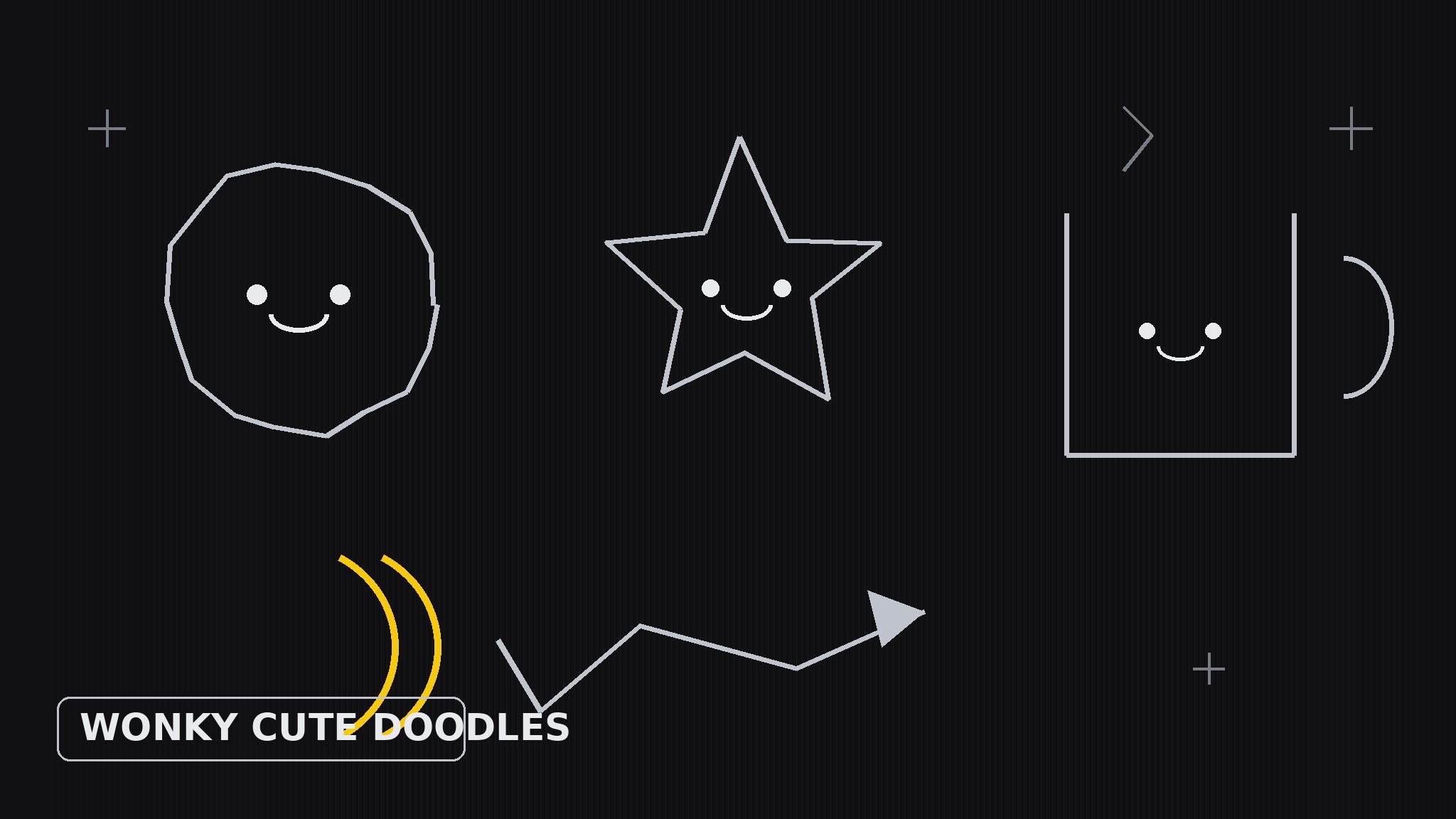
Wonky Cute Doodles
When to use
- A slide deck feels cold and corporate, and one small doodle in the corner would make it human
- You are making a worksheet, handout, or classroom page that should feel friendly, not formal
- A social post needs a quick illustration, and a polished stock graphic would look over-produced
- Your notes, newsletter, or Notion page needs small spot illustrations — stars, arrows, coffee cups, checkmarks with faces
- You want a consistent hand-drawn accent style across a whole document, not a random grab-bag of icons
Workflow
- Pick the moment (input: the page or post → output: placement brief)
Start from where the doodle will live, not from the doodle itself. Name the surface (slide corner, worksheet margin, post header), the feeling it should add (encouraging, playful, calming), and the one thing it must not compete with (the headline, the exercise, the data). One doodle per moment is usually enough — a page with five doodles is a coloring book, not a document. - Set the wonk rules (input: placement brief → output: style sheet)
Wonky is deliberate, not sloppy: pick the rules that make the imperfection look on purpose. Fix a line weight (one weight for outlines, one thinner weight for details), a wobble amount (lines drift slightly off straight but never zigzag wildly), a face vocabulary (two-dot eyes plus one tiny smile, used sparingly), and a palette (black ink plus one accent color at most). Write these down — they are what keeps doodle #20 looking like it belongs with doodle #1. - Sketch the cast (input: style sheet → output: doodle set)
Draw the set in one pass so the hand stays consistent: 3–5 everyday objects (cup, star, plant, pencil, cloud), 2–3 arrows and dividers (a curly arrow, a dashed underline, a bracket), and 2–3 tiny characters or faces (a smiling checkmark, a sleepy moon, a cheering blob). Every doodle gets the same treatment: one wobbly outline, one small face or detail at most, nothing shaded. If a doodle needs explaining, it is too complicated — simplify until a child could name it in two seconds. - Compose with breathing room (input: doodle set → output: placed illustration)
Place each doodle where the eye naturally rests after reading — the corner of a slide, the end of a section, the margin beside a hard paragraph — and leave empty space around it at least as tall as the doodle itself. Never let a doodle touch text, overlap a chart, or sit on a busy photo. Size for the surface: margin doodles stay small (roughly the height of two text lines), header doodles can be bolder, worksheet doodles stay light so they survive photocopying.
Template preview
Wonky Cute Doodles — Doodle Set Template
Fill this in before drawing. One set = one hand, one ink, one accent.
Placement brief
Surface: {slide corner / worksheet margin / social post header / newsletter spot} Feeling to add: {encouraging / playful / calming / celebratory} Must not compete with: {headline / exercise / data / photo} Doodles needed: {count, aim for 8–12 in a set, 1–2 placed per page}
Style sheet (the wonk rules)
- Outline weight: {e.g. 3px, one weight for all outlines}
- Detail weight: {e.g. 1.5px for faces and small marks}
- Wobble amount: {lines drift slightly off straight, never zigzag}


