Texture-Swatch Kinetic Launch
A launch announcement told in moving material swatches.
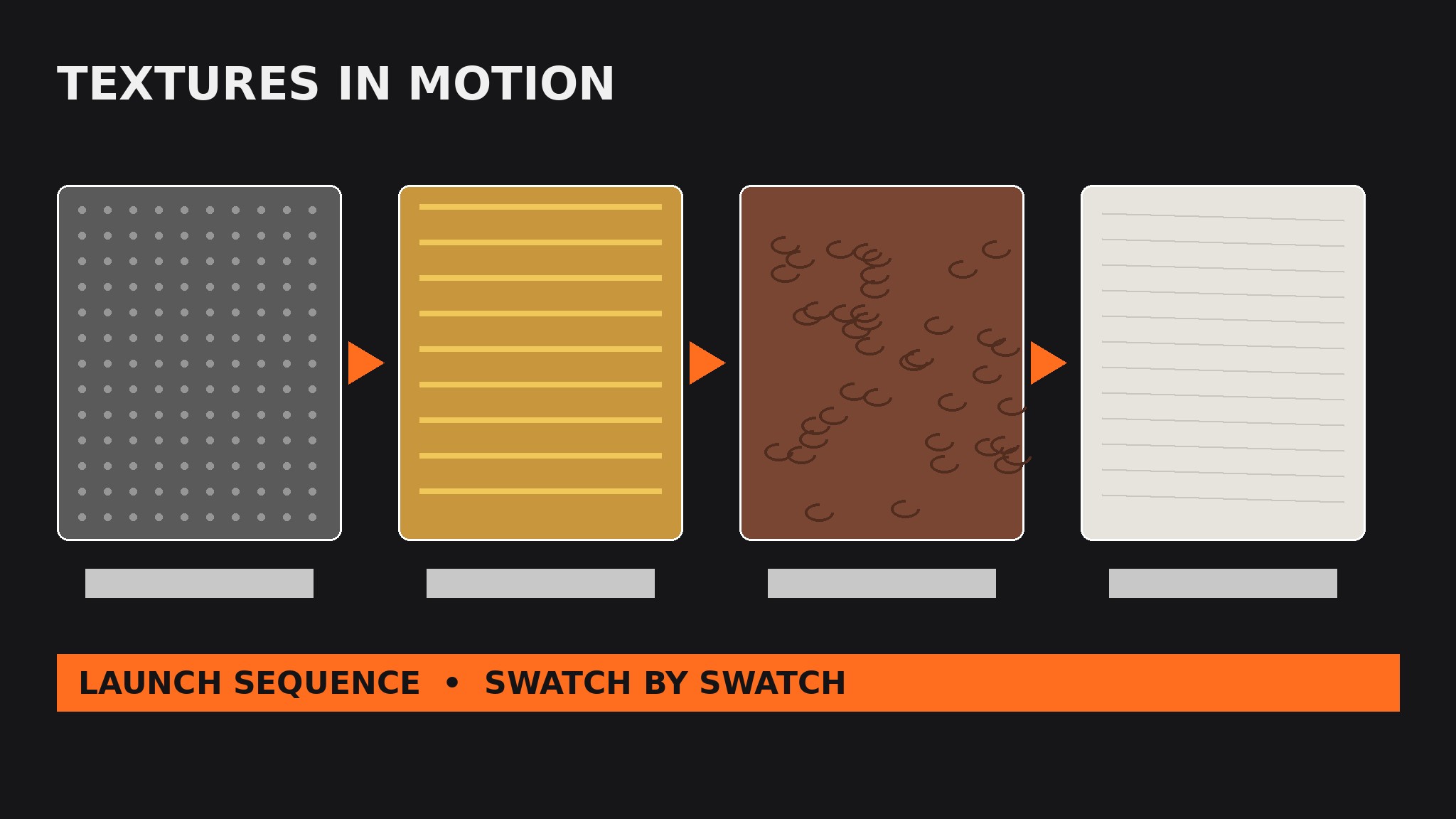
Turns your AI into a launch-visual designer — builds a kinetic launch announcement from material texture swatches that slide, flip, and settle in sequence, each swatch revealing one thing the product is made of or does.
Install it in 3 steps
No sign-up. No CLI tools. Pick your AI, copy one line, paste it over.
Prefer doing it yourself? Buy the skill ($4.99), download the ZIP from your checkout confirmation, unzip it into the directory shown above, restart your AI session — same result. Already bought it? Your AI assistant can download it for you.
What’s inside
One SKILL.md (the playbook) + one starter template. A preview:
Texture-Swatch Kinetic Launch
When to use
- You are launching a physical product whose materials are part of the story — fabric, leather, metal, paper, wood, knit
- A launch announcement needs motion (a social video, a hero animation, an event screen) but a full product film is out of reach
- Your product line has several materials or colorways and one flat photo cannot show them all
- A landing-page hero needs a looping animation that explains the product in seconds without a single paragraph
- A trade-show screen, pop-up display, or launch-event backdrop needs a short loop that reads from three meters away
Workflow
- Pick the materials that carry the story (input: product, material list → output: swatch shortlist)
List every material in the product, then keep only the ones a buyer can feel: the outer fabric, the lining, the metal hardware, the paper packaging, the grain of the wood. Three to five swatches is the working range — fewer and the sequence feels thin, more and each swatch gets a blink of screen time. For each kept swatch, write one plain-language line about what it does ("brushed steel hinge, built to outlast the bag") — the swatch shows the texture, the line gives it meaning. Cut any material that looks identical to another on screen; two near-identical grays are one swatch, not two. - Shoot or build the swatches (input: swatch shortlist → output: swatch assets)
Get one clean, well-lit sample of each material: a flat photograph shot straight on, or a built texture tile if the material does not photograph well. Keep the lighting consistent across all swatches — same direction, same softness — so the sequence feels like one shoot, not five. Crop every swatch to the same shape (a square, a rounded rectangle, a tall card) and the same size; uniform swatches are what let the motion, not the framing, do the varying. Label each file with the material name, not "texture-final-v3", so the sequence order survives handoff.
Template preview
Texture-Swatch Kinetic Launch — Build Template
One product = one launch sequence. Fill this in before animating anything.
Product
Product: {name} Launch line: {e.g. "Available Friday" / "Pre-order opens March 1"} Launch date / CTA: {date + one call to action}
Swatches (3–5, materials a hand would meet, in unwrapping order)
Cut list: {materials rejected as invisible on screen or near-duplicates, with reason}
Swatch assets
Shape: {square / rounded rectangle / tall card — same for all} Lighting: {one direction, same softness across all swatches} File naming: {material-name}.png — no "final-v3"


