Tessellated Editorial Still Life
Interlocking tiles and quiet objects, composed like a magazine cover.
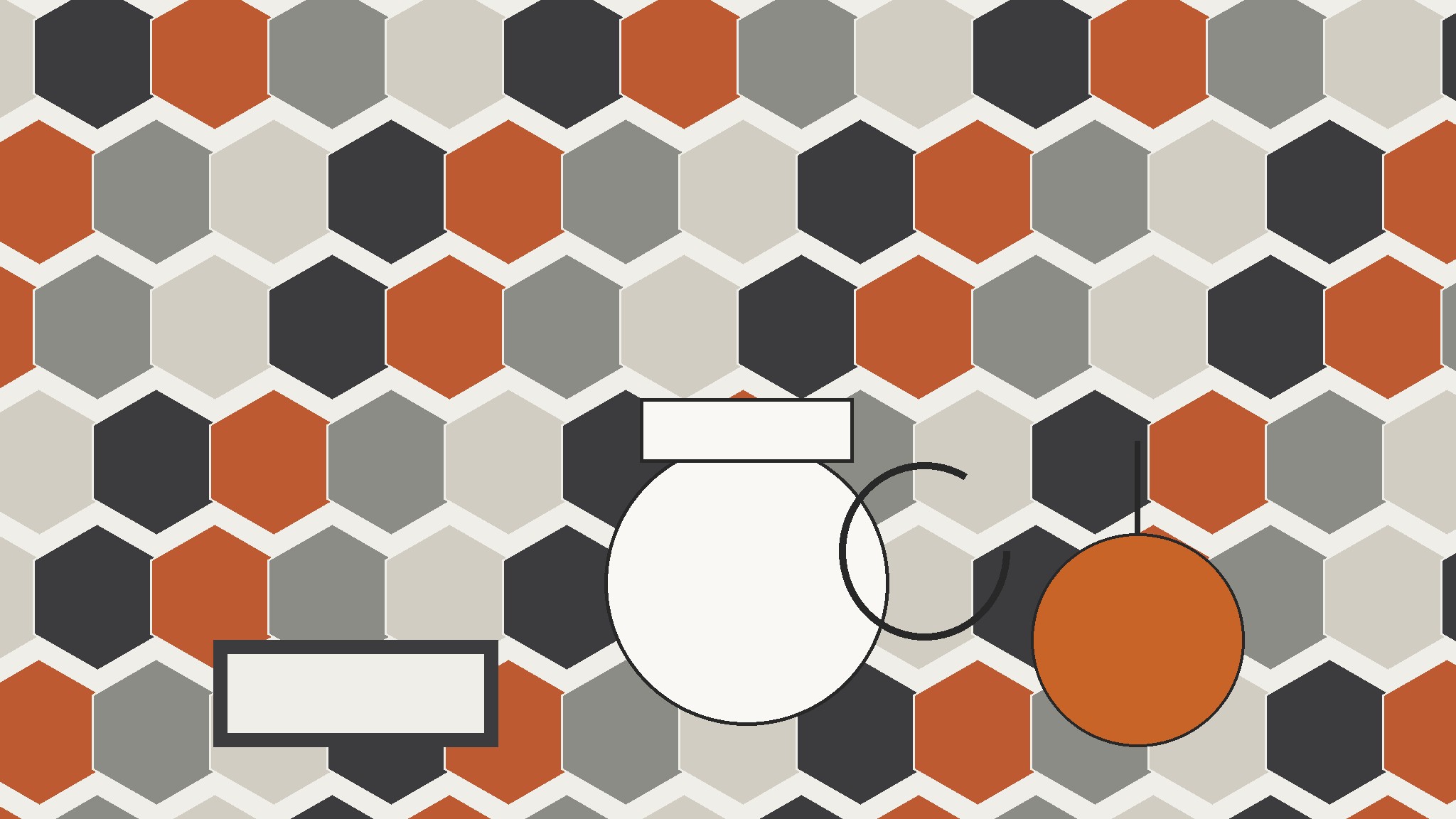
Turns your AI into an editorial still-life art director — composes a magazine-style still life from interlocking geometric tiles and everyday objects, with a restrained palette and print-ready balance.
Install it in 3 steps
No sign-up. No CLI tools. Pick your AI, copy one line, paste it over.
Prefer doing it yourself? Buy the skill ($4.99), download the ZIP from your checkout confirmation, unzip it into the directory shown above, restart your AI session — same result. Already bought it? Your AI assistant can download it for you.
What’s inside
One SKILL.md (the playbook) + one starter template. A preview:
Tessellated Editorial Still Life
When to use
- You need a magazine cover, feature opener, or section divider that looks art-directed rather than stock
- A brand story, essay, or product feature needs one strong image that holds a full page without a single human face in it
- Your layout has a strict grid and the artwork has to sit inside it without fighting the type
- You want a still life with structure — pattern and geometry doing the work, not a random scatter of props
- A print or editorial project needs an image that reads in two seconds at newsstand distance and rewards a closer look
Workflow
- Set the palette and the tile (input: story theme, 3–4 colors → output: palette + tile shape)
Pick a palette of three or four colors before touching any object: one light ground, one dark anchor, and one or two accents that will appear in both the tiles and the objects. Then pick one tile shape — hexagon, triangle, diamond, or an L-shaped interlock — and commit to it. One tile shape, repeated, is what makes the pattern read as tessellation instead of decoration. Write the palette down as swatches; every object and tile you add later must match one of them, or it does not go in. - Lay the tessellation (input: palette + tile shape → output: tiled backdrop)
Fill the backdrop with the tile shape edge to edge, with no gaps and no overlaps — that interlocking fit is the whole point of tessellation. Vary the tiles by color, not by shape: alternate two or three palette colors in a rhythm (a band, a checker, a slow gradient across the field) so the pattern has movement without chaos. Leave one area of the backdrop calmer than the rest — a quiet patch where the hero object will sit — because a still life needs a place for the eye to land. If the pattern is equally busy everywhere, the objects will drown in it. - Cast the objects (input: story theme, palette → output: object shortlist)
Choose three to five everyday objects that say something about the story: a ceramic cup, a folded cloth, a pair of scissors, a piece of fruit, a book, a tool. Every object must match the palette and earn its place — if you cannot say in one sentence why it belongs, cut it. Mix scales (one large anchor object, two medium, one or two small) and mix materials (one matte, one glossy, one textured) so the group has contrast without color noise. Avoid objects with loud logos, busy prints, or neon colors; they break the palette and pull the eye away from the composition.
Template preview
Tessellated Editorial Still Life — Brief Template
One story = one still life. Fill this in before arranging anything.
Story
Story / feature: {title or theme} Format: {magazine cover / feature opener / section divider} — Size: {e.g. A4 portrait / 16:9} Type space: {headline goes: left third / top band / bottom band / none}
Palette (3–4 colors, fixed before objects)
Tile shape: {hexagon / triangle / diamond / L-shaped interlock} Tile rhythm: {band / checker / slow gradient / other}
Objects (3–5, each earns its place)
Cut list: {objects considered and rejected, with one-line reason}
Composition
Quiet patch: {where the hero object sits}


