Technical-Drawing Launch Promo
The engineering is the advertisement.
Turns your AI into a launch-promo designer — builds a product-launch promo from technical drawings, where dimension lines, exploded views, and blueprint styling make the engineering itself the advertisement.
Install it in 3 steps
No sign-up. No CLI tools. Pick your AI, copy one line, paste it over.
Prefer doing it yourself? Buy the skill ($4.99), download the ZIP from your checkout confirmation, unzip it into the directory shown above, restart your AI session — same result. Already bought it? Your AI assistant can download it for you.
What’s inside
One SKILL.md (the playbook) + one starter template. A preview:
Technical-Drawing Launch Promo
When to use
- You're launching a physical product — a tool, device, piece of furniture, or gadget — and the engineering is the selling point
- A launch post, email, or event graphic needs to look designed and precise rather than like another glossy render
- Your product's story is in its construction: materials, tolerances, assembly, or a clever mechanism
- A crowdfunding or preorder page needs a hero graphic that signals "this is real and buildable," not vaporware
- You're announcing a product to an audience that reads drawings — makers, engineers, designers — and respects precision
Workflow
- Pick the launch fact (input: product + launch details → output: one-line announcement)
Fix the single fact the promo announces: the product, the date, and the one thing that makes it worth noticing ("a folding workbench that holds 200 kg and fits in a closet"). Everything else is supporting detail. A launch promo with three announcements is three promos fighting — pick one, and let the drawing do the rest of the talking. - Choose the drawing (input: product documentation → output: drawing selection)
Pick one hero drawing that shows how the product works: an exploded view for assembly stories, a section for internal-mechanism stories, a front elevation with dimension lines for proportion stories. One hero drawing, large. Supporting details get at most two small callout drawings. Never use a drawing you can't stand behind — every dimension line on a launch promo is a promise about the real product, so check each one against the actual spec. - Style it as a drawing, not a photo (input: drawing selection → output: styled artwork)
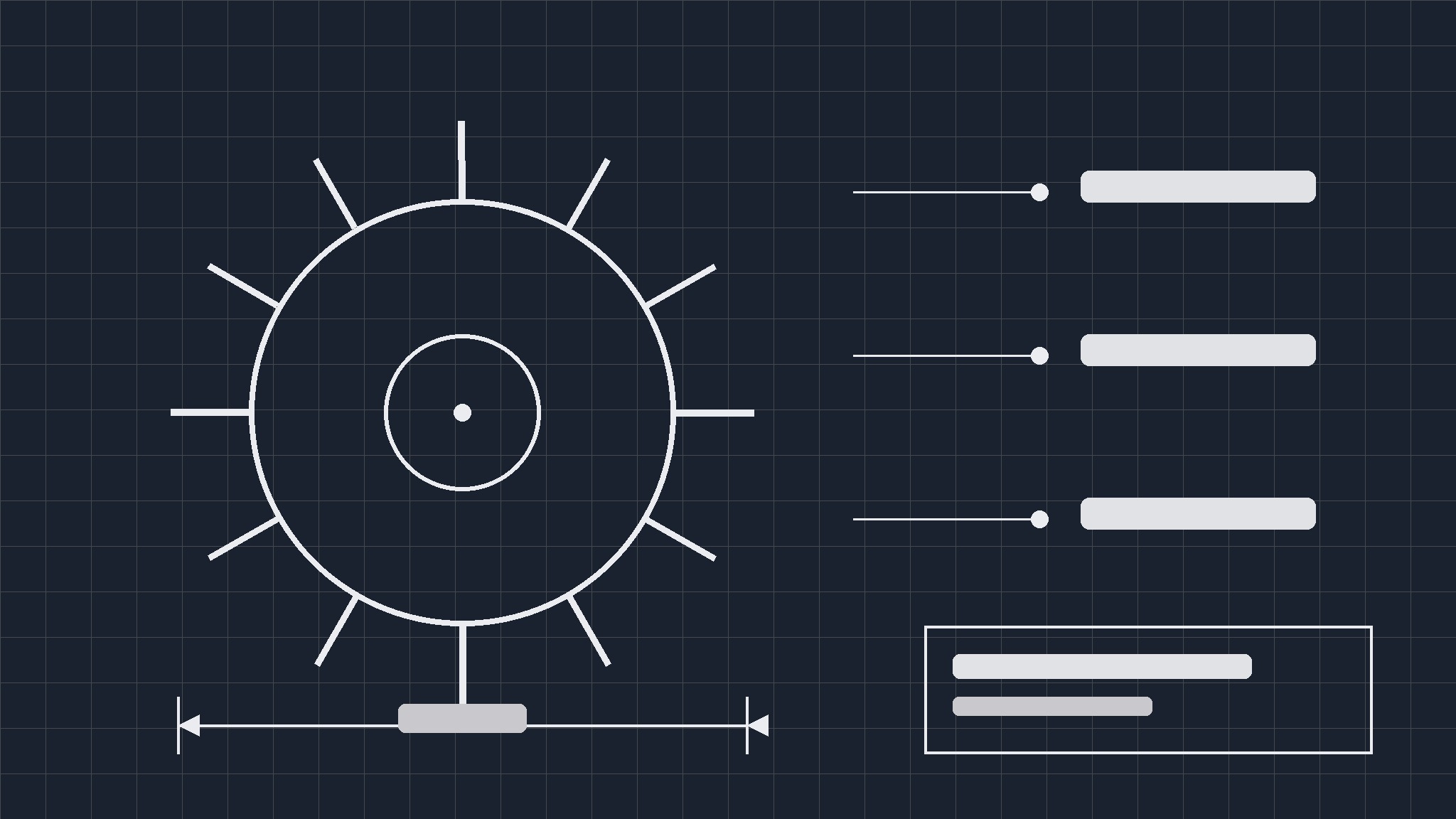
Set the blueprint language: thin precise linework, a limited palette (paper or deep-blue ground, one ink color, one accent for the key dimension), dimension lines with real numbers, leader lines to labelled parts, and a title block with product name, scale, and date. The style is the message: precision. If the artwork starts looking like a render with lines pasted on, strip it back until the drawing is the hero again. - Write the callouts (input: styled artwork → output: annotated promo)
Write callouts as facts, not adjectives: "Folded: 12 cm flat" beats "ultra-slim design." Label the parts that matter — the hinge, the joint, the material — in ≤5 words each, and place leader lines so they never cross the hero drawing. Keep the total callout count at five or fewer; a promo covered in labels reads as a manual, and manuals don't get shared.
Template preview
Technical-Drawing Launch Promo — Template
One product, one announcement, one hero drawing. Every dimension is a promise — check each against the spec.
Product: {name} — Launch: {date}
Where to buy / back: {link or channel} | Price (if fixed): {…} | Drawing revision: {e.g. Rev C}
Announcement (one line)
{Product} — {date} — {one reason to notice, e.g. a folding workbench that holds 200 kg and fits in a closet.}
Hero drawing
- Type (pick one): {exploded view / section / front elevation with dimensions}
- What it shows: {the mechanism / assembly / proportions}
- Source drawing: {file / link} — checked against final spec? [ ]


