Stillline Insight Card
One finding, one number, one quiet line.
Turns your AI into a card designer — builds a calm insight card around one quiet horizontal rule, one finding, and one number, so a dashboard, report, or feed can surface what matters without shouting.
Install it in 3 steps
No sign-up. No CLI tools. Pick your AI, copy one line, paste it over.
Prefer doing it yourself? Buy the skill ($4.99), download the ZIP from your checkout confirmation, unzip it into the directory shown above, restart your AI session — same result. Already bought it? Your AI assistant can download it for you.
What’s inside
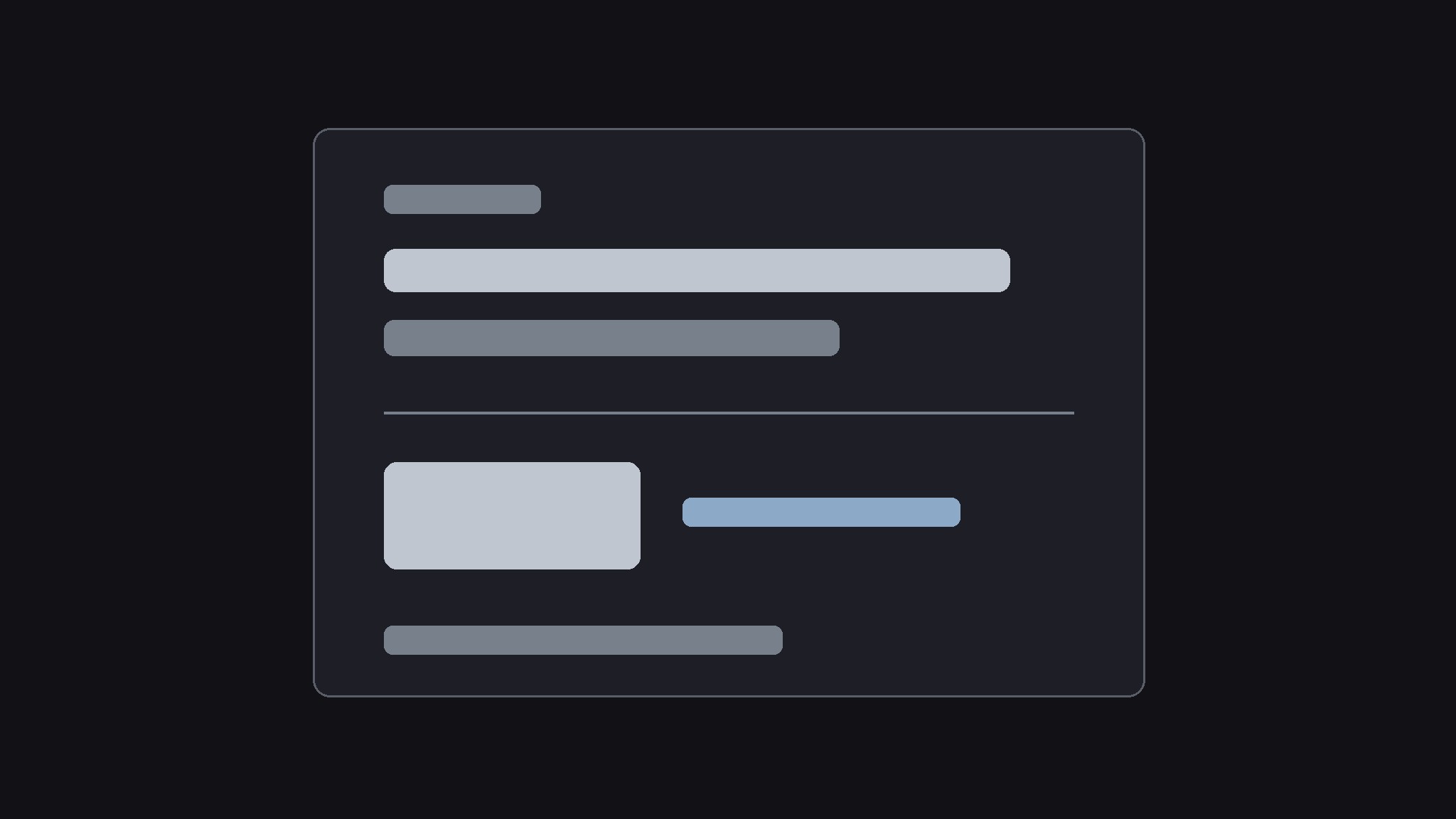
One SKILL.md (the playbook) + one starter template. A preview:
Stillline Insight Card
When to use
- A dashboard, report, or feed needs to surface one finding — a change, a pattern, a warning — and the current cards are loud: badges, gradients, icons, and exclamation marks competing for attention
- You have a list of insights (weekly metrics, research findings, status updates) and they all look equally urgent, so the reader treats them all as equally ignorable
- A report page needs a repeatable card format: same structure every time, so readers learn where the finding lives and read faster with each card
- A metric moved and you need to say what happened, why it matters, and what happens next — in the space of a card, not a paragraph
- A feed or dashboard mixes human-written insights with automated numbers and needs one calm format that makes both look like they belong together
Workflow
- Find the one finding (input: the data or update → output: a one-sentence finding)
Write the card's finding in one sentence — "Checkout completions rose after the new form shipped" — with the number that proves it attached. If the finding needs two sentences, it is two cards, or the finding is not sharp yet. Cut the background, the methodology, and the caveats from the card itself; they belong on the detail page the card links to. A card that tries to tell the whole story tells none of it — the card's job is to make the reader decide in two seconds whether to read on. - Pick the one number (input: the finding → output: the number + its context)
Choose the single number the finding stands on, and give it exactly the context it needs: the value, the direction (up, down, flat), and the comparison ("vs. last week", "vs. target", "of 412 responses"). One number per card — a second number is a second card. Show the comparison in small type beside the number, never as a competing headline. If the number is a change, show the before and after in the detail page, not the card; the card carries the delta and the direction, nothing more. - Lay out the card (input: finding + number → output: the card layout)
Build the card in this fixed order: a short eyebrow label (the topic or source, in small caps), the finding as the headline in one or two lines, the still line — one quiet horizontal rule, thin, low-contrast, full width — then the number in large type with its comparison beside it, and finally one line saying what happens next ("Watch next week's cohort" / "Read the breakdown"). The still line is the card's signature: it separates the words from the number, gives the eye a place to rest, and stays the same on every card. No icon, no badge, no background color, no border radius tricks — the structure is the design.
Template preview
Stillline Insight Card — Card Template
One finding = one card. One number per card. Fill in the finding first, then the number.
Card: {topic / source}
The finding
One-sentence finding: {e.g. Completions rose after the new form shipped}
Detail page (background, method, caveats live here, not on the card): {link}
The number
Number: {e.g. 24%} | Direction: {up / down / flat} | Comparison: {e.g. vs. last week}
Period covered: {e.g. week of Mar 3–9} — always dated, never bare
Card layout (fixed order — never rearranged)
` {EYEBROW — topic or source, small caps} {Finding headline — one or two lines}


