Skyline Developer Journal
Your projects as a skyline — progress you can see.
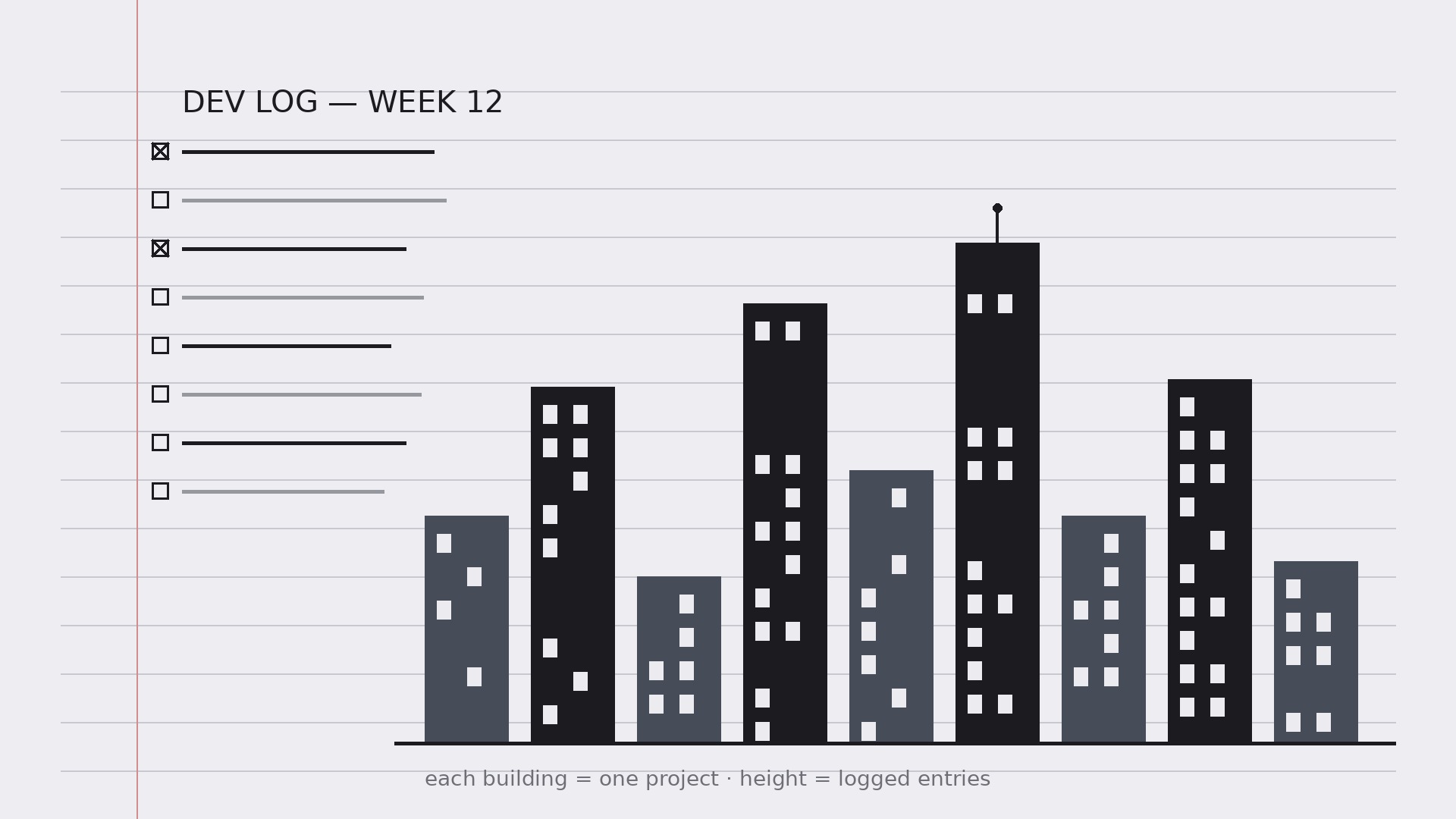
Turns your AI into a developer-journal coach — sets up a daily dev log where each project becomes a building in a personal skyline, so progress is visible at a glance and the journal actually gets kept.
Install it in 3 steps
No sign-up. No CLI tools. Pick your AI, copy one line, paste it over.
Prefer doing it yourself? Buy the skill ($4.99), download the ZIP from your checkout confirmation, unzip it into the directory shown above, restart your AI session — same result. Already bought it? Your AI assistant can download it for you.
What’s inside
One SKILL.md (the playbook) + one starter template. A preview:
Skyline Developer Journal
When to use
- A developer's notes are scattered across sticky notes, chat messages, and half-finished docs, and nothing shows what actually got done
- A side project keeps stalling because progress is invisible week to week
- A team lead wants a lightweight personal log — not another reporting tool — that still surfaces patterns
- A learner wants to track what they built and what they learned, day by day, in one place
- A portfolio needs honest raw material: dated entries that later become case studies and release notes
Workflow
- Set up the journal (input: projects → output: journal structure)
One journal, one entry per working day, one fixed format. Each entry has five fields: date, project, what I did (facts, not adjectives), what I learned, and next step. Then set up the skyline: every active project gets a building, and the building's height grows with completed entries about that project. A project with no entries stays a flat lot — which is exactly the point: the skyline shows where your time really went, not where you meant it to go. - Log entries the same way every time (input: daily work → output: entries)
Write the entry at the end of the working day, in under ten minutes, in the fixed format. "What I did" is a list of concrete actions ("Shipped the login form; fixed the token refresh bug") — not moods ("worked on auth stuff"). "What I learned" is one sentence about something you now know that you didn't this morning, even if it is small ("Refresh tokens must be rotated on use"). "Next step" is the single thing you will do first tomorrow. Same format every day is what makes the journal searchable later; a journal that reinvents its format weekly is a diary, not a log. - Grow the skyline (input: entries → output: skyline view)
Once a week, update the skyline: each building's height reflects that project's logged entries, and each building gets a one-line status ("In progress — auth done, billing next") plus a color or marker for its state (active, paused, shipped, shelved). Keep the skyline honest — a paused project is a paused building, not a demolished one; a shelved project stays on the skyline with a "shelved" marker so you can see what you chose to stop. The skyline is a mirror, not a motivational poster.
Template preview
Skyline Developer Journal — Template
One journal, one entry per working day, one fixed format. Three lines minimum.
Setup
Active projects (one building each):
- {Project A} — status: {active / paused / shipped / shelved}
- {Project B} — status: {…}
- {Project C} — status: {…}
Skyline rule: building height grows with logged entries for that project. A project with no entries stays a flat lot — that's the point.
Daily entry
Date: {YYYY-MM-DD} | Project: {name}
What I did (concrete actions, not adjectives):
- {e.g. Shipped the login form; fixed the token refresh bug}
- {…}


