Research Project Homepage
A homepage that explains your research project to a newcomer in two minutes.
Turns your AI into a project-page designer — builds a clear, welcoming homepage for a research project with its question, people, publications, and resources in one place a newcomer can grasp in two minutes.
Install it in 3 steps
No sign-up. No CLI tools. Pick your AI, copy one line, paste it over.
Prefer doing it yourself? Buy the skill ($4.99), download the ZIP from your checkout confirmation, unzip it into the directory shown above, restart your AI session — same result. Already bought it? Your AI assistant can download it for you.
What’s inside
One SKILL.md (the playbook) + one starter template. A preview:
Research Project Homepage
When to use
- Your lab, center, or collaboration has a project that deserves its own page instead of being buried three clicks deep on a department site
- A grant, paper, or press mention is about to send visitors to your project and they need a landing page that explains it fast
- You're launching an open dataset, benchmark, or tool and need a home for downloads, docs, and updates
- A multi-institution project needs one page where every partner's contribution is visible
- Your project page is currently a wall of text and nobody can tell what the project actually does
Workflow
- Answer the newcomer questions (input: project materials → output: homepage brief)
Before any layout, write the answers a first-time visitor needs: What is this project, in one sentence? What question does it try to answer? Who is behind it? What's new here — and what can a visitor do (read the paper, download the data, try the demo, join the team)? If you can't answer these in plain language, the page isn't ready to design. This brief decides the page's entire structure. - Structure the page top-to-bottom (input: homepage brief → output: page outline)
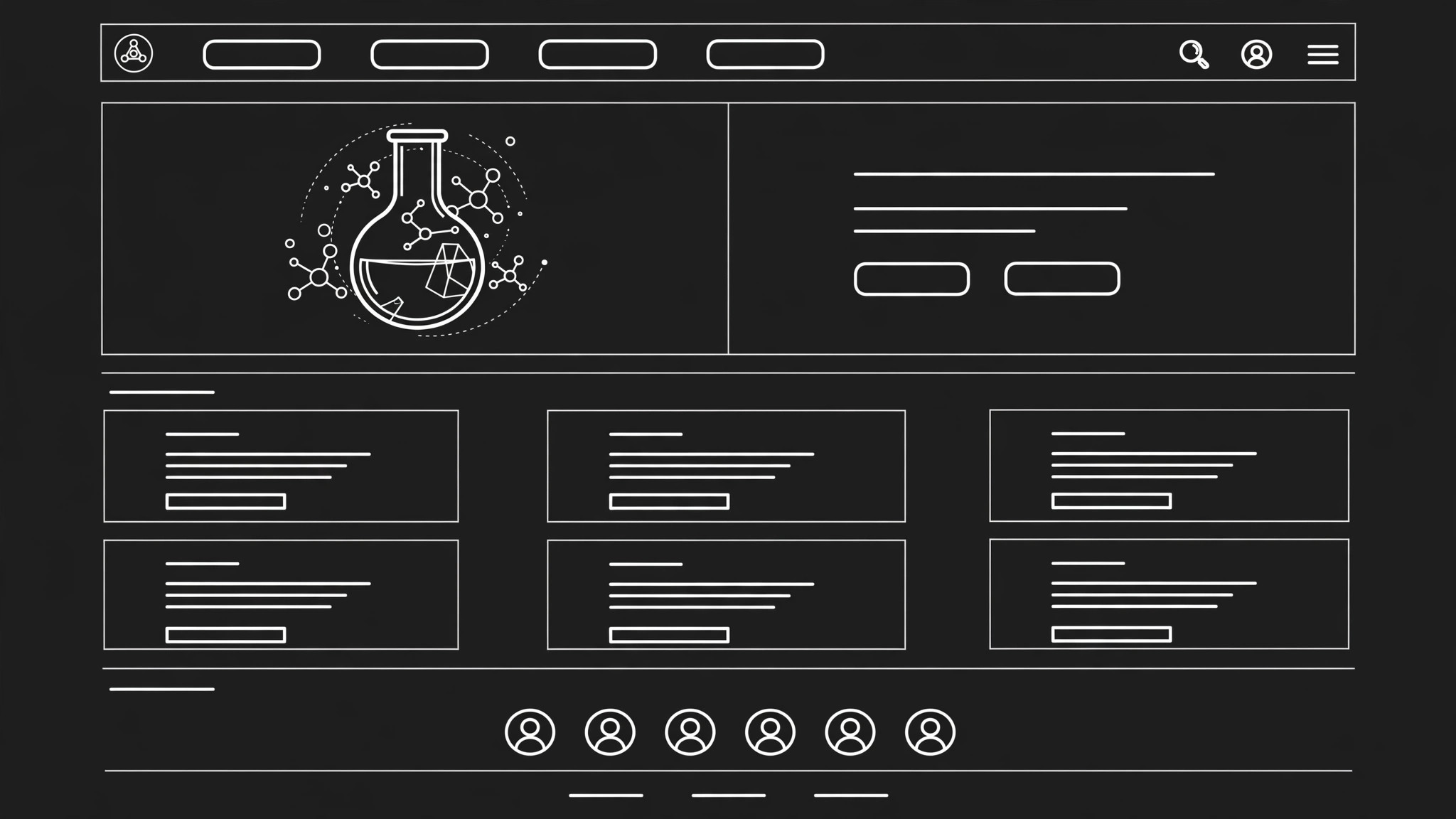
Order sections by visitor priority, not by internal politics: hero (one-sentence project statement + one striking visual or demo link), the question and why it matters, key results or findings so far, publications, people, resources (data / code / tools), news/updates, and contact. Every section gets a heading a non-specialist can understand — "What we found" beats "Results & Outputs." Cut anything that serves only the project's internal org chart. - Write the copy in plain language (input: page outline → output: homepage draft)
Write each section for a smart reader outside your subfield: define jargon on first use, keep paragraphs to three sentences, and put the most important fact first in every block. The hero sentence must survive being read by someone who knows nothing about your field. Publication entries get a one-line "what this paper shows" gloss, not just a citation — a citation list is a bibliography, not a homepage. - Design for scanning and action (input: homepage draft → output: designed page)
Lay out the page so a visitor can get the gist in two minutes: generous headings, short blocks, one visual per major section (diagram, photo, demo screenshot), and clear buttons for the 2–3 actions that matter most (read the paper, get the data, contact us). Put people with faces and names, not just a partner-logo strip — visitors trust people, not logos. Make sure the page works on a phone: most first visits come from a link on social media.
Template preview
Research Project Homepage — Template
One project = one homepage. Write for the newcomer who just clicked a link.
Homepage brief
Project name: {name} One-sentence statement: {what this project is} Research question: {what question does it try to answer?} What's new here: {the novel contribution, in plain language} Visitor actions (2–3): {read the paper / download the data / try the demo / contact us / join the team}
Page outline (top → bottom)
- Hero: {one-sentence statement + visual or demo link}
- The question: {why it matters, plain language}
- What we found: {key results so far}
- Publications: {list with one-line gloss each}


