Home Display Routine Designer
Routines for a screen the whole household shares
Design per-person routines for a shared AI home display: morning briefings, kid-safe modes, guest fallbacks — built on the multi-user personalization model of face recognition, recognition tiers, and distance-aware detail.
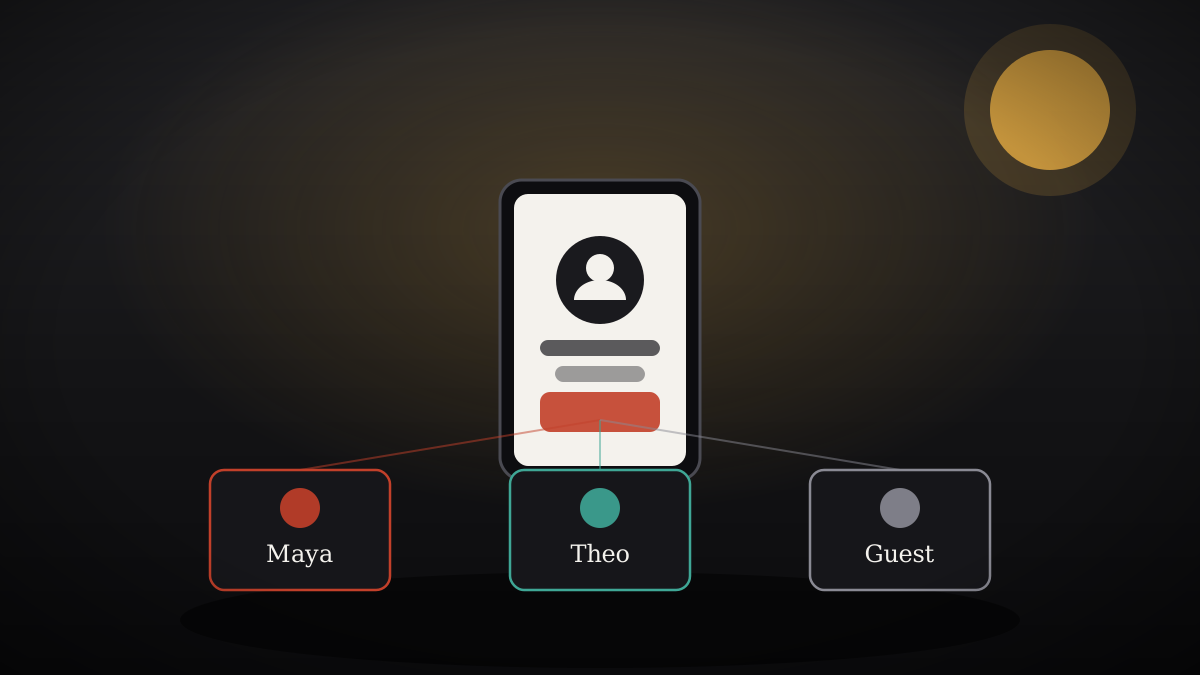
Install it in 3 steps
No sign-up. No CLI tools. Pick your AI, copy one line, paste it over.
Prefer doing it yourself? Buy the skill ($4.99), download the ZIP from your checkout confirmation, unzip it into the directory shown above, restart your AI session — same result. Already bought it? Your AI assistant can download it for you.
What's inside
One SKILL.md (the playbook) + one starter template. A preview:
Home Display Routine Designer
When to use
- You just bought (or are about to buy) a shared AI home display and want it to serve everyone in the house — not just whoever set it up.
- Different household members need different things from the same screen: a morning briefing for you, a homework timer for the kids, a simplified view for grandparents.
- You're worried the display will leak one person's messages or calendar to whoever happens to walk past.
- You're a product person or installer designing the out-of-box experience for a multi-user smart display.
Workflow
- Census the household (input: who lives there → output: member roster)
List every person who will see the display: name, rough age band, tech comfort (1–5), and what they actually want from a shared screen. Include regular guests (cleaner, in-laws, babysitter) as a "guest" persona. Six or fewer named members is the design limit — beyond that, split into a second display or accept a shared default profile. - Map the day (input: roster → output: routine timeline)
For each member, sketch the three moments the display earns its place: morning (briefing: weather, calendar, commute), return-home (messages digest, home status), and evening (wind-down: tomorrow preview, device check). Mark which moments overlap (two people in the kitchen at 7:40) — overlaps get the shared view, never one person's private feed. - Design the recognition gates (input: timeline → output: gate rules)
Decide what each routine shows at three recognition levels:
- Recognized + phone nearby and unlocked: full personal content (messages, calendar, reminders).
- Recognized, no phone: personal home screen, no message/calendar bodies — headlines and counts only.
- Unrecognized / guest: shared content only — family photos, music, home controls, weather.
Write the rule as a sentence per routine ("If Maya is recognized without her phone, show her playlist and today's event count, not the event titles").
- Build the kid-safe and guest modes (input: gate rules → output: restricted profiles)
For anyone under 13: no message content ever, no purchase or device-control actions, explicit content filters on, and a bedtime cutoff after which the display shows only the clock. For guests: a single "Guest" view with home controls and media, zero personal data, and a manual reset (one tap returns to the household default). - Script the distance behavior (input: routines → output: proximity tiers)
Shared displays change detail by distance — design for it: across the room (glanceable: time, weather icon, one-line next event), approaching (headlines expand), at the screen (full detail, touch targets). Never put private content in the across-the-room tier. - Rehearse the failure cases (input: full design → output: fallback sheet)
Walk through: face recognition fails in low light; two members recognized at once (show the shared view, offer a tap-to-switch); phone dies (drop to recognized-without-phone tier, never to full personal); a guest asks the display a personal question ("I can't answer that without Maya here").
Template preview
Home Display Routine Worksheet
Fill this in with your AI, one section at a time. The output is your household's display design.
1. Member roster
2. Routine timeline
For each member, the three moments:
- Morning briefing (who, when, what must appear):
- Return-home digest (who, when, what must appear):
- Evening wind-down (who, when, what must appear):
- Overlaps (two+ people, same time → shared view, never a private feed):
3. Recognition gates
For each routine above, write the rule at three levels:
- Recognized + phone nearby & unlocked → full personal content:
- Recognized, no phone → headlines/counts only:
- Unrecognized / guest → shared content only:


