Hand-Drawn Visual Notes
One page of sketches you can actually remember.
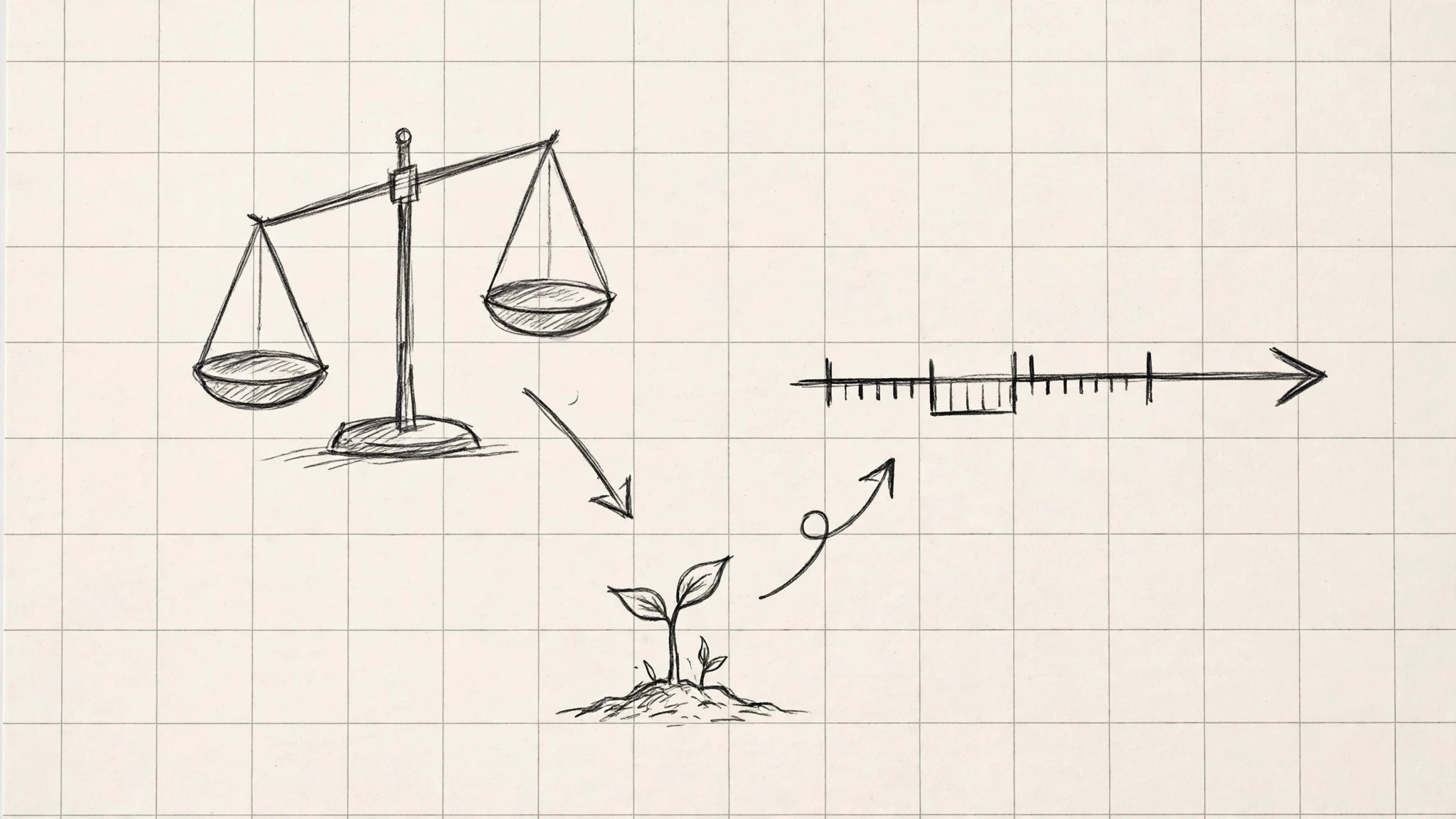
Converts dense reading, lectures, or meeting material into a one-page hand-drawn study sheet with sketches, arrows, and short labels.
Install it in 3 steps
No sign-up. No CLI tools. Pick your AI, copy one line, paste it over.
Prefer doing it yourself? Buy the skill ($4.99), download the ZIP from your checkout confirmation, unzip it into the directory shown above, restart your AI session — same result. Already bought it? Your AI assistant can download it for you.
What’s inside
One SKILL.md (the playbook) + one starter template. A preview:
Hand-Drawn Visual Notes
When to use
- You just read a dense chapter or paper and want to remember its argument, not just highlight it
- A lecture moved too fast to take structured notes and you need to rebuild it from memory and slides
- You are revising for an exam and plain rewritten notes are not sticking
- You need to explain a complicated topic to someone else on a single sheet
- Your notes are pages of undifferentiated text and you cannot find anything in them later
Workflow
- Extract the spine (input: source material → output: 5–9 key ideas)
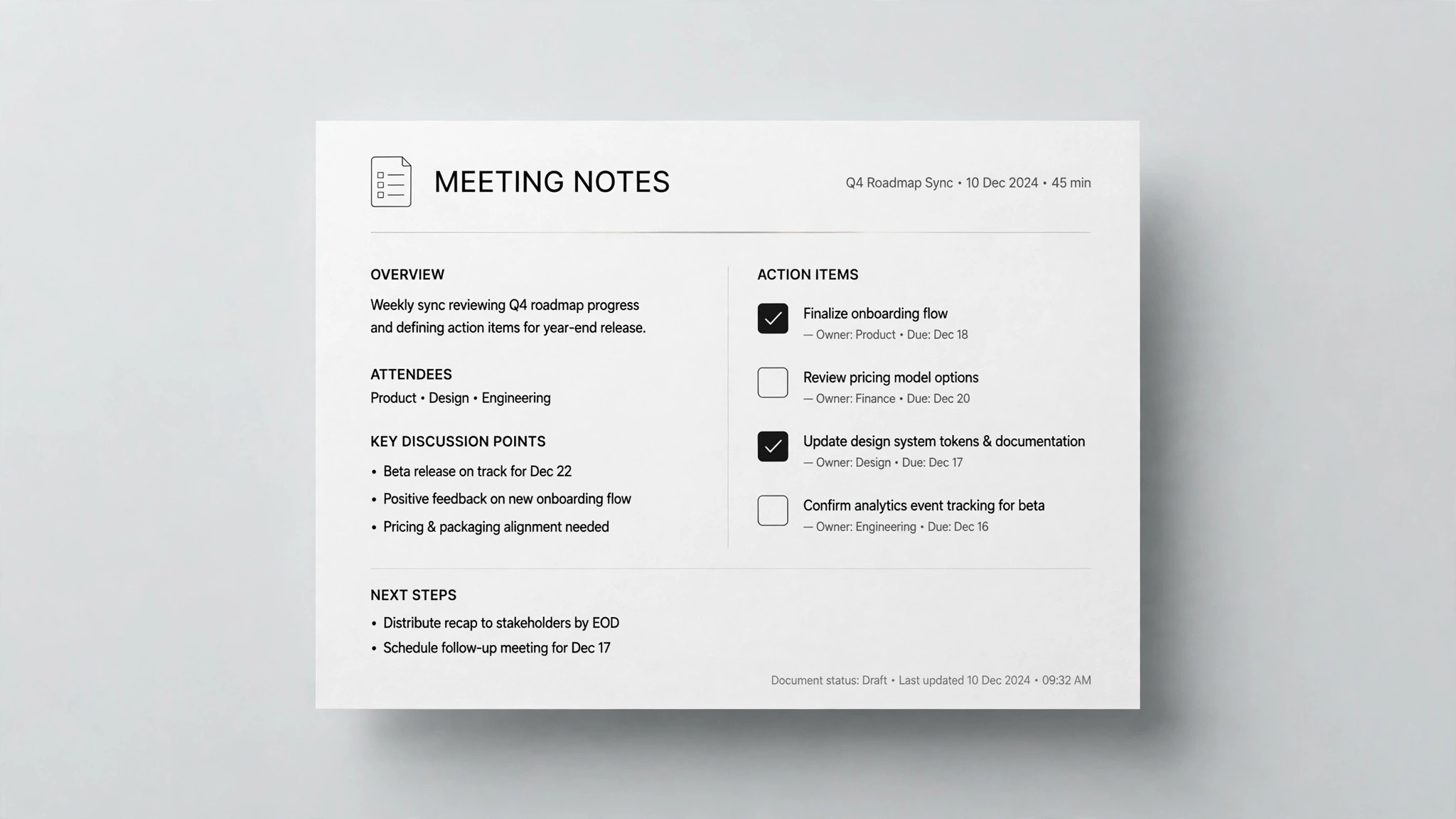
Read or paste the source — chapter, lecture transcript, article, or meeting notes — and pull out the load-bearing ideas: the claim, the evidence, the mechanism, the exceptions. Aim for 5–9 ideas; fewer and the sheet is a poster, more and it is a wall of text again. Each idea gets one short sentence in your own words. If you cannot state an idea in one sentence, you do not understand it yet — that is the signal to re-read, not to copy a longer quote. - Choose a layout that fits the logic (input: key ideas → output: page layout)
Pick the layout from the shape of the material, not from habit: a process or timeline goes left-to-right; a cause-and-effect chain goes top-to-bottom; a comparison goes in two columns; a central concept with branches goes in a radial map. Sketch the layout as boxes and arrows before any drawing. One page, one layout — mixing two layouts on one sheet is the fastest way to make it unreadable. - Draw the sheet (input: layout + key ideas → output: finished visual notes page)
Build the page by hand or with a stylus, one idea per visual block: a quick sketch (a box, a stick figure, a diagram — ugly is fine, recognizable is what matters), a 1–3 word label in large letters, and one short sentence underneath. Connect blocks with arrows that say something — label the arrow ("causes", "needs", "contradicts") instead of leaving a bare line. Use at most three colors: one for structure, one for emphasis, one for warnings or exceptions. - Add memory hooks (input: finished page → output: page with hooks)
For each idea that feels slippery, add one hook: a tiny example, a contrast ("not X, but Y"), a number, or a one-line "why it matters". Hooks are what turn a pretty page into a sheet you can recall from. Limit yourself to one hook per block — the page must stay scannable in under a minute.
Template preview
Hand-Drawn Visual Notes — Study Sheet Template
One topic = one page. Paraphrase everything in your own words.
Title line
Topic: {topic} | Source: {book ch. / lecture / article / meeting} | Date: {date}
Step 1 — The spine (5–9 key ideas, one sentence each, your own words)
- {idea}
- {idea}
- {idea}
- {idea}
- {idea}
- {idea}
- {idea}
Step 2 — Layout (pick ONE, matching the logic of the material)
[ ] Timeline / process (left → right) [ ] Cause → effect chain (top → bottom) [ ] Comparison (two columns) [ ] Radial map (central concept + branches) [ ] Other: {layout}
Rough layout sketch: {boxes + arrows, before any finished drawing}