Cue-Column Study Sheet
Cover the notes. Answer your own cues. Actually remember it.
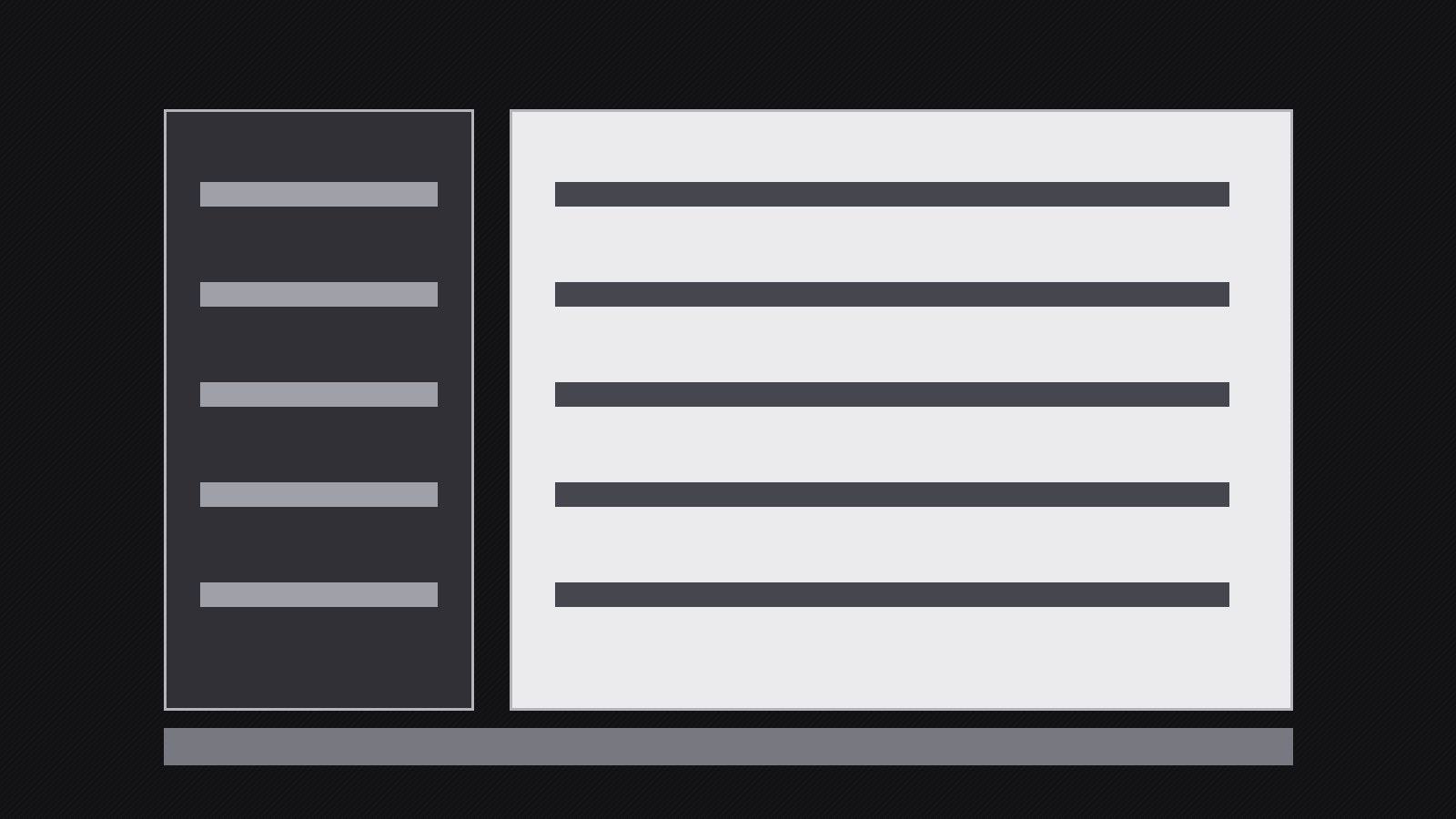
A one-page Cornell-style study sheet: a narrow cue column of questions on the left, paraphrased notes on the right, and a from-memory summary at the bottom, reviewed by cover-and-recall instead of re-reading.
Install it in 3 steps
No sign-up. No CLI tools. Pick your AI, copy one line, paste it over.
Prefer doing it yourself? Buy the skill ($4.99), download the ZIP from your checkout confirmation, unzip it into the directory shown above, restart your AI session — same result. Already bought it? Your AI assistant can download it for you.
What’s inside
One SKILL.md (the playbook) + one starter template. A preview:
Cue-Column Study Sheet
When to use
- You have lecture notes, a chapter, or a long article and need to convert them into something you can actually review
- An exam is coming and re-reading your notes is not working — you need to test yourself instead
- You took meeting or interview notes and want the decisions and questions retrievable in seconds
- You are learning a technical topic where terms, formulas, and procedures must be recalled, not just recognized
- You want one page per topic that fits on a single printed sheet or a single screen
Workflow
- Pick the topic and the source (input: study goal → output: one-topic source set)
One sheet covers one topic — one lecture, one chapter section, one meeting, one procedure. If the source sprawls across several topics, split it first and make one sheet per topic; a sheet that tries to cover a whole course helps nobody. Gather the source material: your raw notes, the textbook pages, the slides, the recording timestamps. Mark the parts that matter most for recall — definitions, procedures, distinctions, examples — and set aside anything that is background color rather than testable content. Write the topic title and the source at the top of the sheet now, so a stack of sheets stays sortable later. - Write the notes column first (input: source set → output: notes column)
Fill the wide right-hand column (about two-thirds of the page) with condensed notes, not a transcript. The rule is: notes record meaning in your own words. Paraphrase each idea into one or two short lines, keep the original terms and formulas exact, and use lists, arrows, and tiny diagrams where the source used paragraphs. Leave white space between ideas — a dense wall of text defeats the whole method, because the cue column needs visible anchor points to attach to. If an idea takes more than four lines, it is two ideas; split it. Number the notes when the order matters (steps in a procedure, stages in a process) and leave the numbers off when it does not.
Template preview
Cue-Column Study Sheet — Template
One sheet = one topic. Print it or use it on a single screen. Cover the notes column to review.
Topic: {topic title}
Source: {lecture / chapter / meeting / article — with page numbers or timestamps} Date: {date}
Notes + cues
Cue checks: [ ] Every note has exactly one cue [ ] Every cue points at exactly one note [ ] Cues are short — the cue column looks like an index, not a second set of notes [ ] White space between ideas — no wall of text
Summary (bottom — write from memory, 3–6 sentences)
{Core idea. Key distinctions. The one example or procedure that anchors everything.}