AI Services Market › Skills factory › Docs › Composition Study Generator
$4.99 · No sign-inv1.0.0– views
Composition Study Generator
One sheet that teaches you why a picture works.
Generate structured composition study sheets that break an artwork or photo into thumbnails, value maps, and annotated diagrams for deliberate practice.
Best for
Art students, teachers, and self-taught painters
Time needed
~20 min for a first draft
Level
Beginner-friendly
Install it in 3 steps
No sign-up. No CLI tools. Pick your AI, copy one line, paste it over.
Prefer doing it yourself? Buy the skill ($4.99), download the ZIP from your checkout confirmation, unzip it into the directory shown above, restart your AI session — same result. Already bought it? Your AI assistant can download it for you.
What’s inside
One SKILL.md (the playbook) + one starter template. A preview:
Composition Study Generator
When to use
- You're learning to paint or draw and want to study master works or photos systematically, not just copy them
- You teach art and need a ready-to-print study sheet for a class exercise
- You keep making the same composition mistakes (dead-centre subjects, tangent edges, flat values) and want targeted drills
- You're preparing a portfolio and want to show you can analyse composition, not just render detail
- You found a photo or painting with a composition you admire and want to understand why it works
- You want a repeatable practice routine — one sheet, one study, 30–45 minutes
Workflow
- Choose the reference (input: candidate images → output: one selected reference)
Pick one image with a clear compositional idea: a strong focal point, an interesting value structure, or a deliberate arrangement of shapes. Avoid images that are all detail and no structure (a busy crowd scene with no hierarchy) and images you chose for subject matter alone ("I like cats"). The best study references are ones where you can describe the composition in one sentence before you start — "a dark diagonal divides the frame, the light figure sits at the crossing point." - Make the thumbnail set (input: selected reference → output: 4–6 thumbnails)
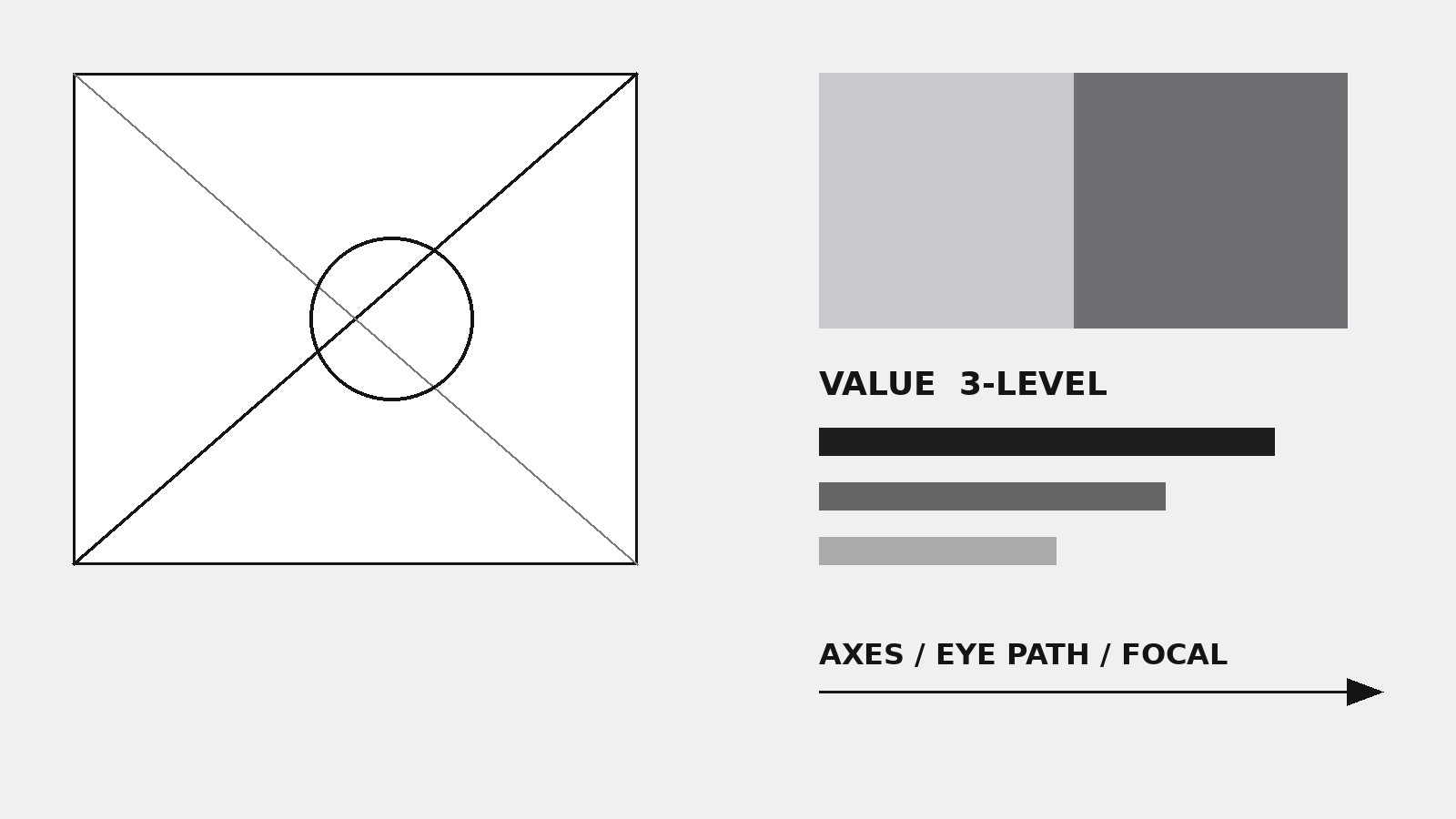
Draw or generate 4–6 small thumbnails (roughly 2:3 or 3:2, no bigger than a playing card) from the reference: one faithful small copy, one with the subject removed (shapes only), one with values pushed to 3 levels (dark / mid / light), and one rotated or cropped differently to test what breaks. Thumbnails force you to see structure before detail — if you can't reduce the image to five shapes, you don't yet understand it. - Map the values (input: reference → output: value map)
Reduce the image to 3–5 value masses: squint, and block in the big dark shapes, the big light shapes, and the mid-tones. Label the darkest dark and the lightest light, and mark where they touch — high-contrast adjacencies are where the eye goes. Note the overall value key (mostly dark? mostly light? balanced?) in one line. Most failed compositions fail here: the values are evenly spread and nothing leads the eye. - Diagram the structure (input: reference + value map → output: annotated diagram)
Overlay the structural skeleton on a clean copy of the thumbnail: the main axes and diagonals, the focal point and the path the eye takes to reach it, any framing devices (arches, shadows, foreground shapes), and any tangents or edge problems (objects just touching the frame edge, subjects half-cut). Use arrows for eye movement and circles for focal areas. One diagram, clearly labelled — this is the sheet's analytical core.
Template preview
Composition Study Generator — Study Sheet Template
One sheet per reference. Keep it to one page where possible.
Reference
- Image: {reference_image}
- Artist / photographer: {creator}, {year_if_known}
- Source: {source}
- Composition in one sentence: {one_sentence_description}
Thumbnail set (4–6 small thumbnails, playing-card size)
- Faithful small copy: {notes_or_file}
- Shapes only (subject removed): {notes_or_file}
- 3-value version (dark / mid / light): {notes_or_file}
- Cropped or rotated variation: {what_you_changed_and_what_broke_or_survived}
- (Optional) Second variation: {notes}
- (Optional) Third variation: {notes}