AI Services Market › Skills factory › Video › Wrapping Tag Stack
$4.99 · No sign-inv1.0.0– views
Wrapping Tag Stack
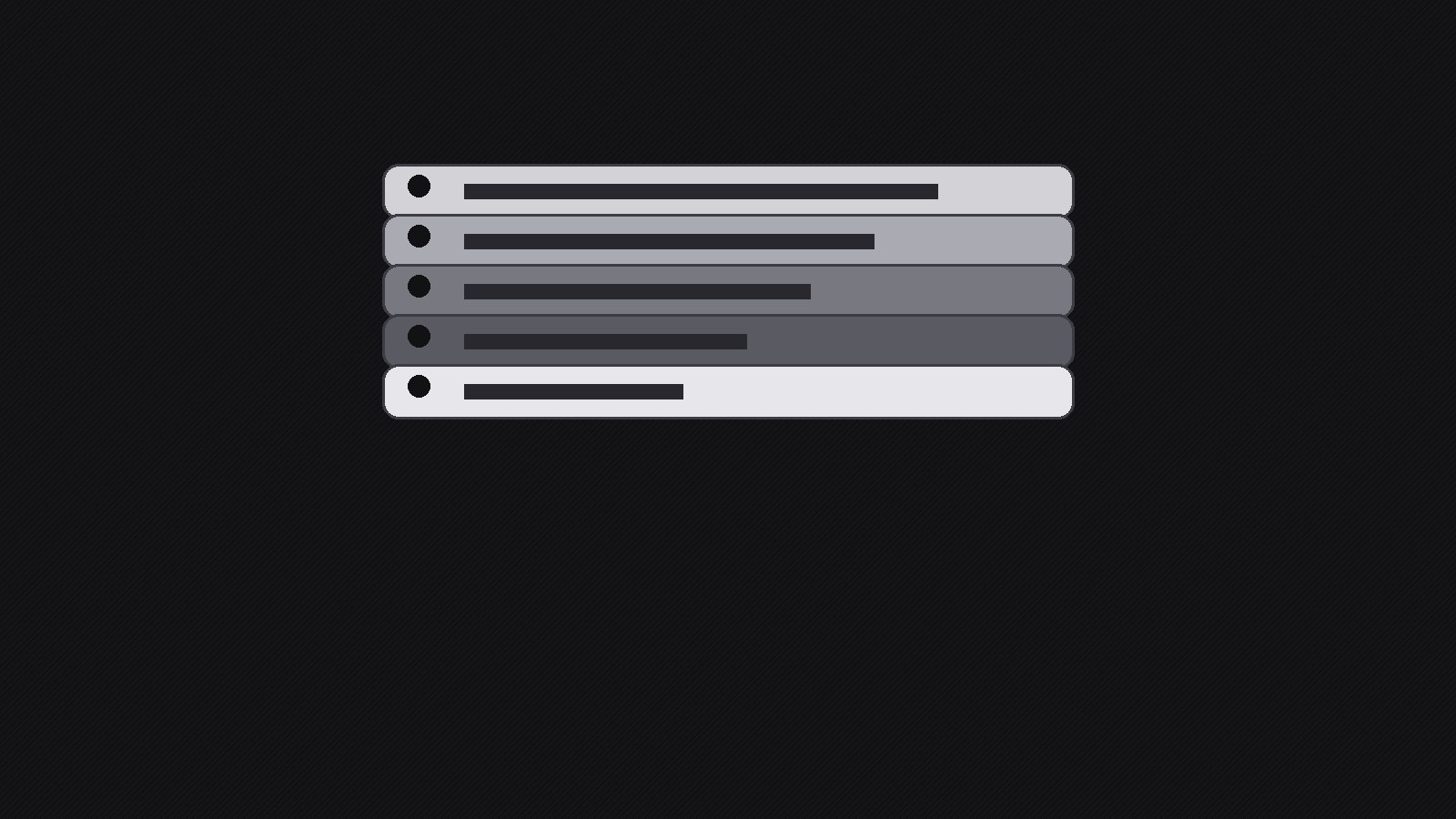
Tags that fly in, wrap, and land in a tidy stack.
A motion-graphic pattern for animated piles of labels: each tag flies in, wraps, and settles onto a readable stack, so feature lists, plans, and title cards read clearly in seconds.
Best for
Creators, marketers, and presenters who need short animated title cards
Time needed
~25 min
Level
Beginner-friendly
Install it in 3 steps
No sign-up. No CLI tools. Pick your AI, copy one line, paste it over.
Prefer doing it yourself? Buy the skill ($4.99), download the ZIP from your checkout confirmation, unzip it into the directory shown above, restart your AI session — same result. Already bought it? Your AI assistant can download it for you.
What’s inside
One SKILL.md (the playbook) + one starter template. A preview:
Wrapping Tag Stack
When to use
- You need a 5–15 second motion title card that lists several features without a wall of text
- A launch teaser where each tag names one thing the product does, landing one at a time
- A price or plan rundown where each tier arrives as a tag and stacks into a visible pile
- A social clip opener that must read clearly on mute, at phone size, in the first two seconds
- A presentation or stream overlay where a stack of topic tags sets up what comes next
Workflow
- Define the tag inventory (input: message and audience → output: tag list of 3–7 items)
Write down exactly what each tag must say before any animation exists. Keep every tag to 1–4 words — a tag is a label, not a sentence. Order the tags by importance: the first tag is the hook the viewer reads while the rest are still flying in, and the last tag is the one that stays on screen longest, so it should carry the payoff (the product name, the price, the date). If you have more than 7 tags, cut or group them; a stack taller than 7 looks like clutter and the bottom tags become unreadable at phone size. Write the final stacked order top-to-bottom as it will appear at rest, and note which tag is the anchor that everything else wraps around. - Set the stage and camera (input: tag list and platform → output: canvas spec)
Pick the canvas first: 16:9 for video and presentations, 9:16 for reels and shorts, 1:1 for feeds. Fix the background — a flat dark or light field with one subtle texture beats a busy photo, because tags need contrast to read in motion. Decide the stack's resting position (center, lower third, or off to one side with room for a headline) and the camera behavior: a locked camera keeps tags crisp, while a slow push-in adds energy but risks motion blur on small text. Lock the safe margins: no tag edge closer than 8% of frame width to the frame edge, and keep the top tag fully inside the title-safe area so nothing gets cropped on any platform.
Template preview
Wrapping Tag Stack — Production Template
Fill this in before animating. One tag = 1–4 words. 3–7 tags total.
Tag list (final stacked order, top → bottom)
Anchor tag: {which tag carries the payoff — product name / price / date}
Canvas spec
- Aspect ratio: {16:9 / 9:16 / 1:1}
- Background: {flat color / subtle texture — describe}
- Stack resting position: {center / lower third / side + headline room}
- Camera: {locked / slow push-in}
- Safe margins: no tag edge closer than 8% of frame width to the frame edge
Tag style system
- Shape: {rounded rectangle / punched label / folded ribbon}
- Typeface + size: {font, weight, size}


