Tilted Testimonial Card
One quote, one tilt, all the attention.
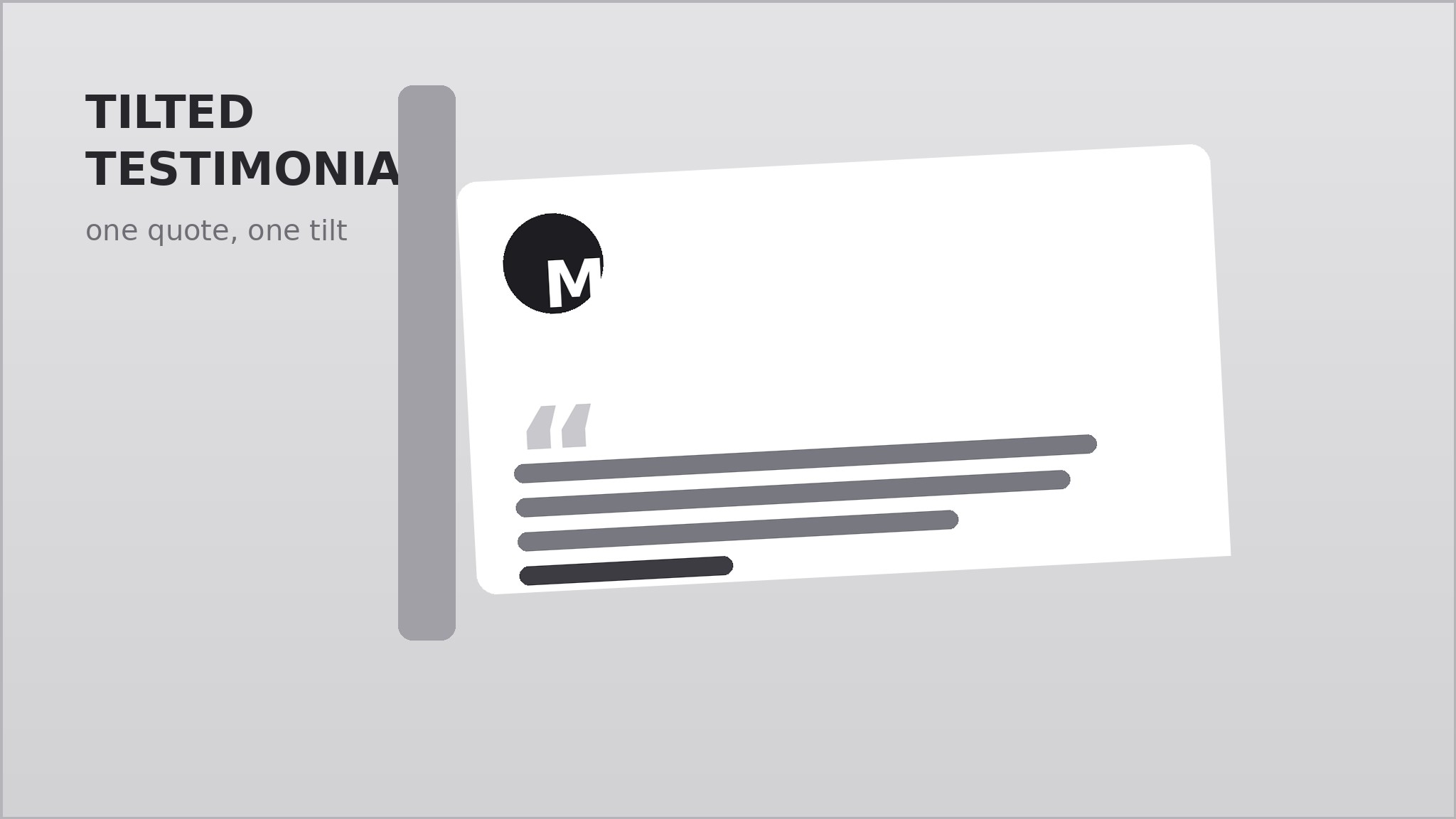
Turns your AI into a testimonial-section designer that builds one single quote card set at a slight tilt, layered over supporting shapes and a soft shadow, so one customer's words become the focal point of the page instead of another flat grid.
Install it in 3 steps
No sign-up. No CLI tools. Pick your AI, copy one line, paste it over.
Prefer doing it yourself? Buy the skill ($4.99), download the ZIP from your checkout confirmation, unzip it into the directory shown above, restart your AI session — same result. Already bought it? Your AI assistant can download it for you.
What’s inside
One SKILL.md (the playbook) + one starter template. A preview:
Tilted Testimonial Card
When to use
- Your landing page needs one strong customer quote above the fold, not a wall of ten forgettable ones
- You have a single standout testimonial — a specific result, a vivid before-and-after — that deserves the spotlight
- Your page already has grids, cards, and straight edges everywhere, and one tilted element would break the monotony
- You want social proof next to a signup form or pricing block without adding a whole new section
- You are designing a hero, a case-study teaser, or a sales page where one voice should carry the argument
Workflow
- Pick the one quote (input: your raw testimonials → output: one chosen quote + attribution)
Choose a single quote with a concrete detail — a number, a time saved, a before-and-after — not generic praise. Trim it to one or two sentences, at most 40 words, keeping the speaker's own wording. Pair it with a name, a role, and an organization or context line. One card means one quote: if you have three good ones, pick the strongest and save the rest for elsewhere. - Set the tilt (input: chosen quote → output: tilt angle + rotation anchor)
Rotate the card between 2 and 4 degrees — enough to read as intentional, not enough to feel like a mistake. Anchor the rotation at the card's center so it stays balanced, and decide the direction: a slight clockwise tilt feels casual and forward-leaning; counter-clockwise reads as pinned-up and informal. Keep the tilt identical across breakpoints so the card does not jump when the page resizes. - Layer the backing (input: tilt spec → output: layered composition)
Place one or two backing shapes behind the card: a second card in a muted tone, a soft outline frame, or a solid color block offset by 12–24 pixels. The backing should peek out on two edges only — the side the card leans toward and one adjacent edge — so the composition has a clear direction. Keep backing shapes flat and quiet; the quote card stays the brightest, highest-contrast layer. - Style the type (input: layered composition → output: finished card design)
Set the quote in a large, high-contrast serif or clean sans at 1.25–1.5 times your body size, with generous line height. Put the attribution below in small caps or a smaller weight, with a small avatar circle or initial block if you have one. Add a large quotation mark as a decorative anchor in one corner, at low opacity, so it frames the text without competing with it.
Template preview
Tilted Testimonial Card — Template
One card, one quote, one tilt. Fill in the blanks, then hand the result to your designer or AI.
The quote
> "{quote — 1–2 sentences, ≤40 words, speaker's own wording, with at least one concrete detail}"
Why this quote: {what makes it the strongest one you have}
Attribution
- Name: {full name}
- Role: {job title}
- Organization / context: {company or situation}
- Context note (optional): {e.g. "Switched from spreadsheets in March"}
Tilt spec
- Angle: {2–4° desktop / 1–2° mobile} | Direction: {clockwise / counter-clockwise}
- Anchor: center


