Tilted Photo Testimonials
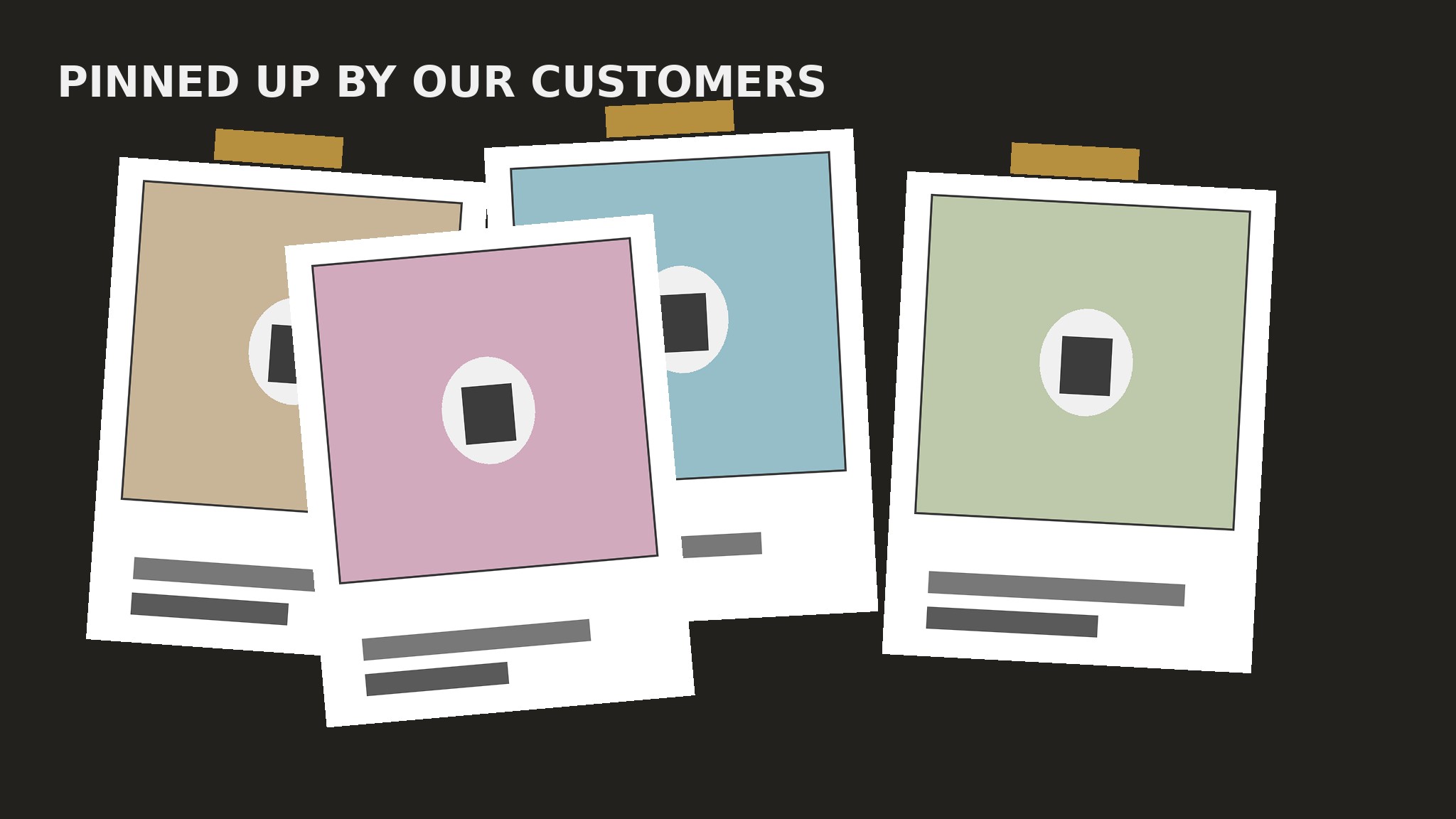
Polaroid-tilted photo cards with the quote taped right underneath.
Turns your AI into a testimonial-section builder — lays out photo-led testimonial cards at a slight tilt with polaroid-style white borders, taped corners, and handwritten-style captions, so praise reads like a pinned-up photo wall instead of a grid.
Install it in 3 steps
No sign-up. No CLI tools. Pick your AI, copy one line, paste it over.
Prefer doing it yourself? Buy the skill ($4.99), download the ZIP from your checkout confirmation, unzip it into the directory shown above, restart your AI session — same result. Already bought it? Your AI assistant can download it for you.
What’s inside
One SKILL.md (the playbook) + one starter template. A preview:
Tilted Photo Testimonials
When to use
- Your testimonials come with real photos — customers, their teams, their spaces, their pets — and a text-only card would waste them
- Your brand is warm, personal, or handmade, and a neat corporate grid would feel wrong for it
- A homepage, about page, or community page needs proof that feels human and collected, not templated
- You have four to eight strong photo testimonials and want them to feel like a wall of pinned-up prints
- A landing page for a local business, a course, a retreat, or a maker product needs praise that looks like it came from real people
Workflow
- Collect photo + quote pairs (input: customer photos, quotes, permissions → output: pair bank)
Gather pairs, not quotes alone: each testimonial needs a real photo and a short quote that belong together — the customer in their workshop, the team at their table, the product in use, the dog that approves. Get explicit permission for each photo in writing before it goes on a page; a photo used without permission is a legal problem and a trust problem. Aim for four to eight pairs; fewer than four and the wall looks bare, more than eight and the tilt effect turns into clutter. If a photo is blurry, badly lit, or a stock image pretending to be a customer, cut the pair — one fake photo poisons every real one beside it. - Trim the quote to caption length (input: pair bank → output: caption-ready quotes)
Cut each quote to one or two sentences, short enough to fit under a photo in large handwriting-style type without wrapping to a fourth line. Keep the customer's own words and their most human detail ("my sourdough finally rose on the third try" survives; "excellent course, highly recommend" does not). Write the attribution as a first name plus a place or role ("Maya, Bristol" or "Tom, bakery owner") — the polaroid caption should read like someone wrote it on the print with a marker, not like a corporate bio block. If a quote is still too long after trimming, it belongs in a case study, not on the wall. - Build the polaroid card (input: caption-ready quotes → output: card system)
Design one card, then repeat it: a photo on top, a thick white border on all sides (thickest at the bottom, where the caption sits), a handwritten-style font for the quote and attribution, and the whole card rotated a few degrees — between 2 and 5 degrees in either direction, never more. The white border is what makes it read as a print; the tilt is what makes it read as pinned up. Keep the photo's aspect ratio the same on every card, the border width the same, the type sizes the same — the tilt angles and the photos do all the varying. Use real photos at full quality; a tilted card with a pixelated photo looks like a mistake, not a style.
Template preview
Tilted Photo Testimonials — Build Template
One page = one wall. Fill this in before laying out any cards.
Section
Heading: {e.g. Pinned up by our customers / Real people, real results} Layout: {two loose rows / single staggered column on mobile}
Photo + quote pairs (4–8, real photos, written permission)
Cut list: {pairs rejected — blurry photo, stock photo, quote too corporate, no permission}
Card system (one design, repeated)
Photo aspect ratio: {same on every card, e.g. 4:3} White border: {width, thickest at bottom for the caption} Caption type: {handwriting-style font, size}


