Tilted Document Stack Cycle
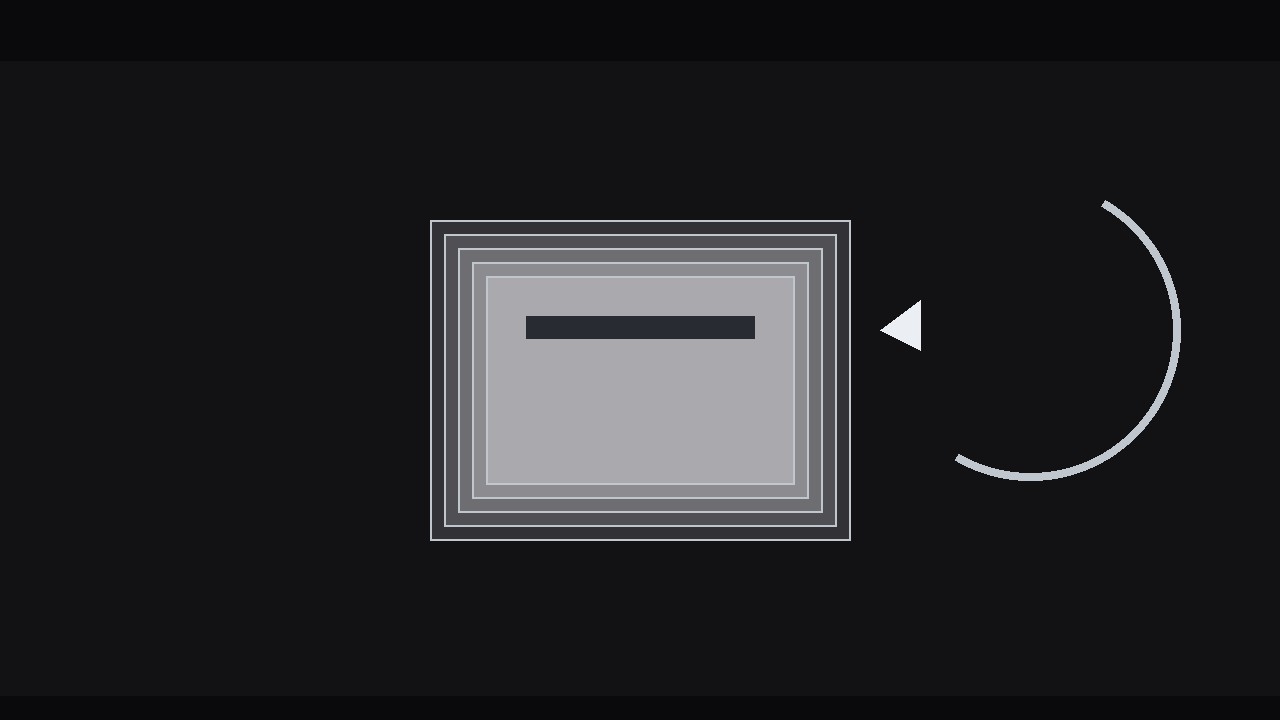
A stack of papers that keeps turning itself over.
A loopable animation where the top sheet of a tilted document stack lifts, peels away to the back, and the next sheet is presented — perfect for queues, workflows, and endless paper cycles.
Install it in 3 steps
No sign-up. No CLI tools. Pick your AI, copy one line, paste it over.
Prefer doing it yourself? Buy the skill ($4.99), download the ZIP from your checkout confirmation, unzip it into the directory shown above, restart your AI session — same result. Already bought it? Your AI assistant can download it for you.
What’s inside
One SKILL.md (the playbook) + one starter template. A preview:
Tilted Document Stack Cycle
When to use
- A video needs to show a set of documents, forms, invoices, or cards being worked through one by one
- An explainer about a queue, pipeline, or review process where items move from "to do" to "done"
- A title or intro sequence where a stack of pages establishes the topic — reports, contracts, applications, manuscripts
- A looping background or interstitial where a tidy, endless paper cycle adds life without demanding attention
- A product demo where each document in the stack represents one feature, step, or case, revealed in turn
Workflow
- Define the stack (input: the set of items → output: 4–7 documents, each with a face)
Decide what each document is: a page with a title line, two or three body lines, and one distinguishing mark — a small icon, a coloured tab, a stamp, a signature line. Four to seven documents is the working range: fewer than four and the cycle feels thin (the same page comes back too soon); more than seven and the stack gets tall, the tilt gets crowded, and individual pages stop registering. Give every document a distinct face — different title, different tab colour, different mark — because the audience tracks the cycle by recognising pages, not by counting them. If the documents represent steps in order, number them visibly; if they represent a shuffled pile, do not. - Build the stack (input: document faces → output: static stack with tilt, offset, and depth)
Stack the documents with a consistent tilt: rotate the whole stack 4–8° off vertical (or off horizontal, for a flat lay) and offset each sheet from the one below by 6–10 px in the direction of the tilt, so the edges fan out like a real pile. The top sheet sits square to the viewer's eye — flat, fully legible, the hero. Each sheet below it is slightly smaller in apparent size (98%, 96%, 94%…) or slightly darker, so depth reads even in a still frame. Add a soft shadow under the stack and a 1 px edge on each sheet; without edges, stacked white pages merge into one white block. Keep the stack centred with clear space around it on all sides — the top sheet will move during the cycle, and it needs room.
Template preview
Tilted Document Stack Cycle — Build Template
Fill this in before animating. One stack per sequence.
The stack
What the documents are: {e.g. invoices / applications / report pages / feature cards} Count: {4–7} | Ordered or shuffled: {numbered steps / unnumbered pile}
Documents (each: title + 2–3 body lines + one distinguishing mark)
Stack design
- Whole-stack tilt: {4–8°} in direction {left / right}
- Per-sheet offset: {6–10 px} in tilt direction
- Lower sheets: {98% / 96% / 94% scale or progressively darker}
- Sheet edges: {1 px} | Stack shadow: {soft}
- Clear space around stack for travel: [ ]
Peel timing (per sheet)
Total peel: {~0.9–1.3 s}


