Target Overrun
Overshoot the target, then settle — arrivals that feel earned.
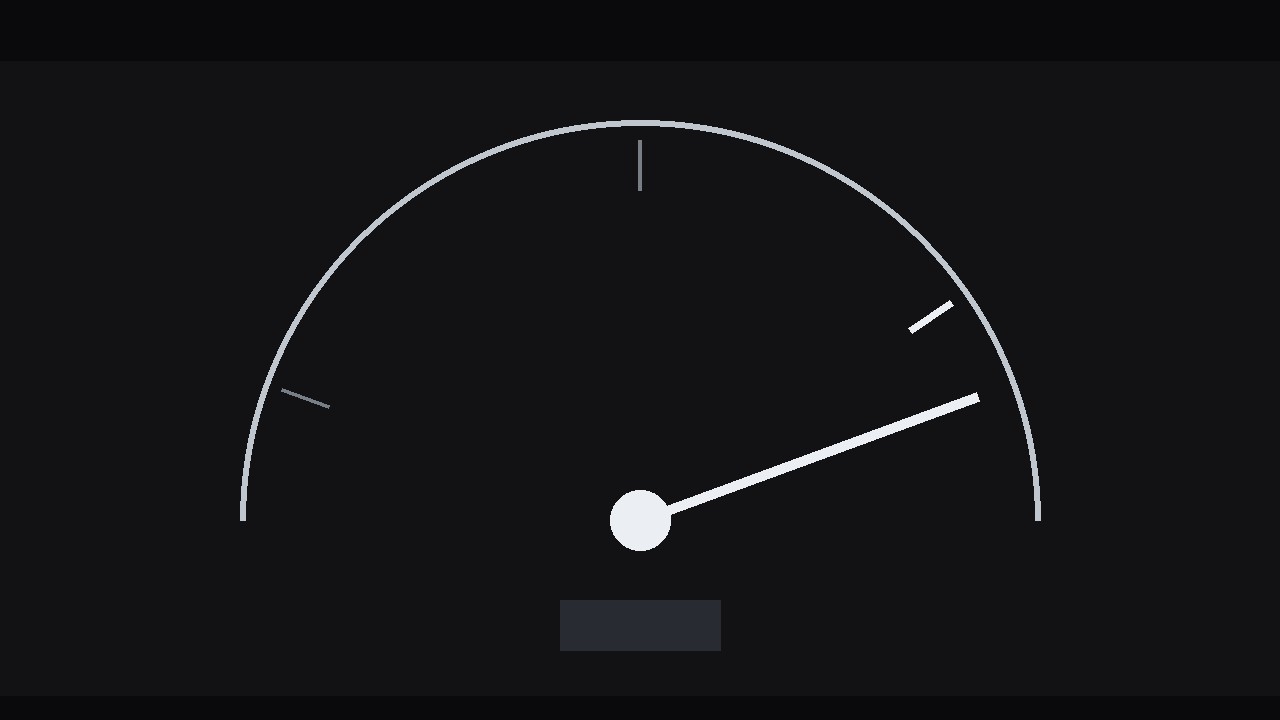
An indicator accelerates toward its mark, blows past it, holds, then settles back — the overshoot that makes a gauge, bar, or milestone landing feel like a real impact.
Install it in 3 steps
No sign-up. No CLI tools. Pick your AI, copy one line, paste it over.
Prefer doing it yourself? Buy the skill ($4.99), download the ZIP from your checkout confirmation, unzip it into the directory shown above, restart your AI session — same result. Already bought it? Your AI assistant can download it for you.
What’s inside
One SKILL.md (the playbook) + one starter template. A preview:
Target Overrun
When to use
- A progress bar, gauge, or counter reaches a goal and you want the arrival to feel like an impact, not a fade
- A milestone graphic — funding target, subscriber count, project completion — where the number landing matters
- An explainer where a value overshoots its expected range and you want the audience to feel the excess before it corrects
- A dashboard-style animation where a needle, arrow, or dot travels to a marked target
- A sports, finance, or sales graphic where a result beats the target and the overshoot is the story
Workflow
- Define the target (input: the number and its context → output: target value, scale, and overshoot amount)
Write down three numbers: the starting value, the target value, and the overshoot value — the amount the indicator will pass the target by before settling back. The overshoot should be 8–15% of the total travel distance: enough to read clearly, small enough that the target still feels like the destination. A 5% overshoot is invisible; a 30% overshoot makes the target look missed rather than hit. Mark the target visibly on the graphic — a ring, a tick line, a labelled threshold — because an overshoot only means something if the audience can see what was overshot. If the graphic has no visible target, this effect is just a bounce; add the marker first. - Build the track (input: target + overshoot → output: static gauge/bar/track with start point, target marker, and overshoot zone)
Lay out the path the indicator will travel: a horizontal bar, an arc gauge, a vertical meter, or a simple line with a dot. Draw the target marker boldly — a thicker tick, a ring, a contrasting colour — and leave the overshoot zone beyond it visually open so the indicator has somewhere to go. Label the start, the target, and (if the format allows) the peak of the overshoot. Keep the track itself quiet: thin lines, muted fills. The indicator is the actor; the track is the stage. Decide the indicator's form now — a needle, an arrowhead, a dot, a filled bar edge — and keep it chunky enough to read at a glance: a 2 px dot on a phone screen will not sell an overshoot.
Template preview
Target Overrun — Build Template
Fill this in before animating. One target per graphic.
The numbers
What is being measured: {e.g. quarterly signups, funding raised, completion %} Start value: {n} | Target value: {n} | Overshoot value: {n} Overshoot size: {% of travel distance, target 8–15%} Story: {hit the target / beat the target / exceeded a limit — circle one}
Track design
- Form: {horizontal bar / arc gauge / vertical meter / line + dot}
- Indicator: {needle / arrowhead / dot / filled bar edge} — size: {px, must read at a glance}
- Target marker: {ring / thick tick / threshold label} — style: {bold, contrasting colour}


