Synchronized Action Checklist
A checklist that checks itself off as the action happens.
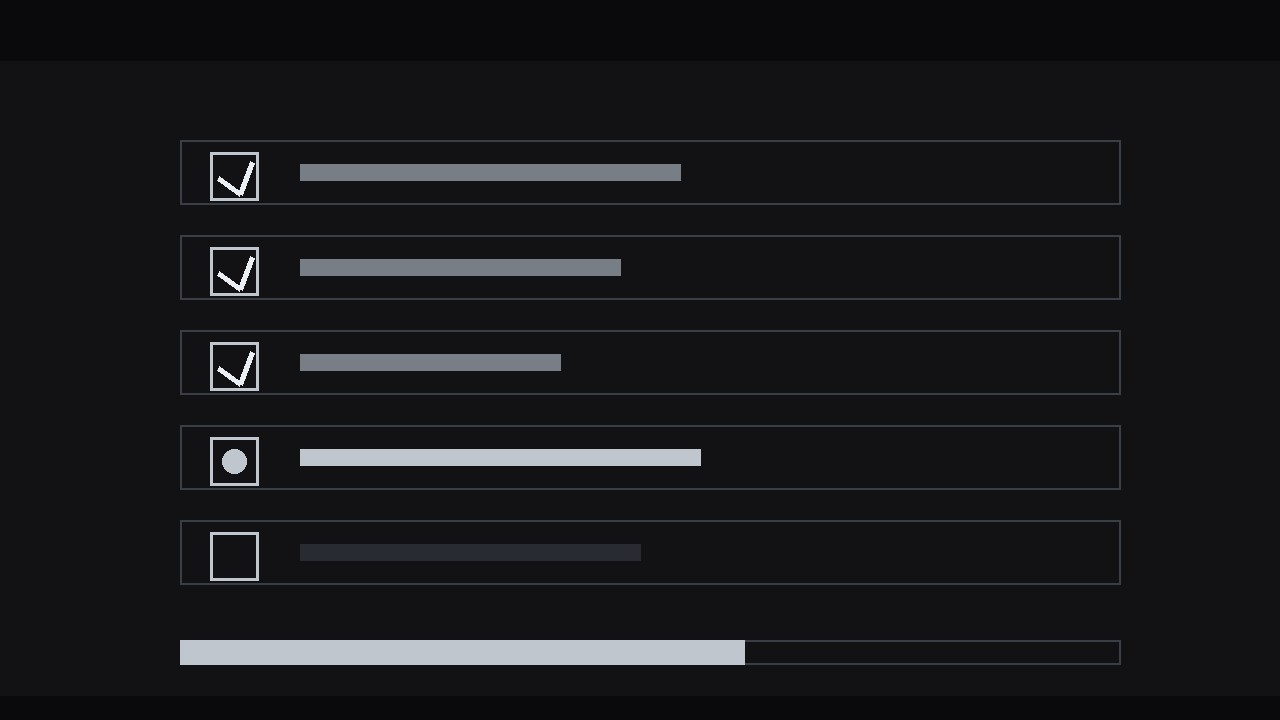
Build a checklist panel whose ticks land on the exact frame each step visibly completes, with waiting, skipped, and failed states — so viewers always know where they are in a tutorial or demo.
Install it in 3 steps
No sign-up. No CLI tools. Pick your AI, copy one line, paste it over.
Prefer doing it yourself? Buy the skill ($4.99), download the ZIP from your checkout confirmation, unzip it into the directory shown above, restart your AI session — same result. Already bought it? Your AI assistant can download it for you.
What’s inside
One SKILL.md (the playbook) + one starter template. A preview:
Synchronized Action Checklist
When to use
- A tutorial or screen recording where the audience must track which steps are done and what comes next
- A process explainer — onboarding, setup, assembly, a recipe — where the steps have a visible real-world action each
- A demo video where the presenter completes actions live and the checklist is the scoreboard
- A training video where missing a step has consequences, and the tick is the confirmation the step is really complete
- A "follow along" video where viewers pause and catch up, and the checklist tells them exactly where they are
Workflow
- List the real actions (input: process or script → output: 3–8 checklist items, each tied to one visible action)
Write down the steps as the audience will perform them, not as the manual describes them. Each item must correspond to one action the camera can actually show: "Plug in the cable" qualifies; "Ensure connectivity" does not — nobody can see "ensuring." Cap the list at 8 items; beyond that, split the sequence into two checklists (Part 1 / Part 2) rather than shrinking the type. Phrase each item as a verb-first command under 6 words: "Connect the power cable," "Enter the setup code." If an item needs more than 6 words to be clear, it is two steps — split it. - Design the checklist panel (input: item list → output: static checklist layout with unchecked boxes)
Place the checklist in a consistent panel — left third or right third of frame, or a lower-third strip for full-screen action. Each row: an empty checkbox (rounded square, 2 px stroke), the item text, and a subtle row divider. All items start unchecked and at equal visual weight; the current item gets a highlight (a brighter row background or an accent-coloured checkbox outline) so the eye knows where to look. Reserve space for the checkmark inside every box from the start — if the box changes size when checked, the whole list jitters. Font size must survive a phone screen: test at 360 px wide before animating anything. - Map each tick to its action (input: footage + checklist → output: tick timing sheet with one timecode per item)
Scrub the footage and mark the exact frame where each action visibly completes — the cable clicks in, the code is accepted, the button turns green. That frame is the tick frame. The tick must never land on the moment the action starts; a checkmark that appears while the action is still underway teaches the audience to distrust every tick that follows. If the footage has no crisp completion moment for a step, insert one: a 4–6 frame close-up of the finished state (the seated connector, the confirmation screen) and tick on that. Write the timing sheet down — item, tick timecode, completion cue — before touching keyframes.
Template preview
Synchronized Action Checklist — Build Template
Fill this in before animating. One checklist per sequence, 3–8 items.
The process
Process name: {name} Video type: {tutorial / screen recording / demo / training / follow-along} Footage: {link or filename}
Checklist items (verb-first, ≤6 words each)
Panel design
- Position: {left third / right third / lower-third strip}
- Checkbox: {rounded square, 2 px stroke, size in px}
- Current-item highlight: {row background / accent checkbox outline}
- Done state: {60% opacity / strikethrough over 6 frames}
- Progress bar: {above / below / none}
- Phone test (360 px wide): [ ] rows legible [ ] checkmarks visible


