Surrounding Term Pressure
Squeeze one keyword until it sticks.
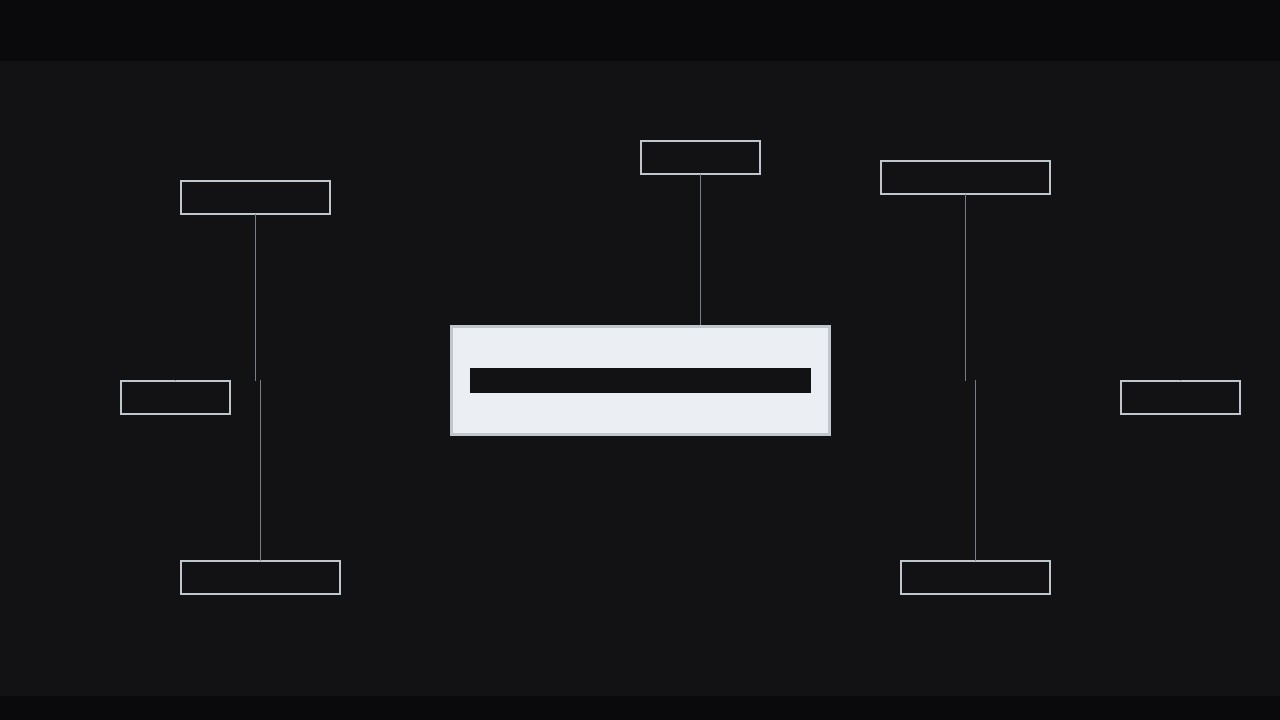
A kinetic-typography effect where the words around a central term press inward, hold for a beat, then release — so the one word that matters lands with real force. Includes squeeze timing, pressure cues, and audio sync.
Install it in 3 steps
No sign-up. No CLI tools. Pick your AI, copy one line, paste it over.
Prefer doing it yourself? Buy the skill ($4.99), download the ZIP from your checkout confirmation, unzip it into the directory shown above, restart your AI session — same result. Already bought it? Your AI assistant can download it for you.
What’s inside
One SKILL.md (the playbook) + one starter template. A preview:
Surrounding Term Pressure
When to use
- You are defining a term on screen and want the audience to remember that one word, not the whole sentence
- An explainer video reaches its thesis statement and the key concept deserves a visual punch
- You are contrasting a central idea against its neighbours — the alternatives, the symptoms, the causes — and the centre must win
- A title card needs motion but the message is a single word, and a plain fade-in feels flat
- You are building a kinetic-typography sequence where one beat in the voiceover carries the whole argument
Workflow
- Pick the hero term (input: script sentence → output: one hero term + 4–8 surrounding terms)
Read the sentence aloud and mark the single word the audience must remember. That is the hero term — one word, or two at most. Everything else in the sentence becomes surrounding terms: the context words, the alternatives, the causes, the consequences. If you cannot pick one hero, the sentence is doing two jobs — split it. A pressure effect with two heroes reads as a collision, not an emphasis. Write the hero term in the heaviest weight you have; the surrounding terms go one or two weights lighter so the hierarchy is obvious even on a frozen frame. - Lay out the pressure field (input: terms → output: static composition with hero centred and satellites placed)
Put the hero term dead centre, large — roughly 18–24% of frame height for a 1080p canvas. Arrange the surrounding terms in a loose ring or two loose arcs around it, at 55–70% of the hero's size, with generous gaps: at rest, nothing should touch the hero. Vary the satellite positions — some above, some below, some left and right — so the ring feels like a crowd, not a border. Keep every satellite fully legible; if a word is too small to read at rest, it is decoration, and decoration weakens the effect. Set the background to a flat, quiet tone so the type is the only thing moving.
Template preview
Surrounding Term Pressure — Build Template
Fill this in before animating. One hero term per composition.
The sentence
> {full sentence as spoken or shown}
Hero term (1–2 words): {term} Why this word matters: {one line — what the audience must remember}
Surrounding terms (4–8)
Composition
- Canvas: {1920×1080 / 1080×1920}
- Background: {flat colour / darkened plate}
- Hero size: {% of frame height, target 18–24%}
- Hero weight: {weight} | Satellite weight: {one–two weights lighter}
- Satellite size: {% of hero size, target 55–70%}
Squeeze timing (24–25 fps)
Total: {~1.2–1.4 s}


