Support Agent
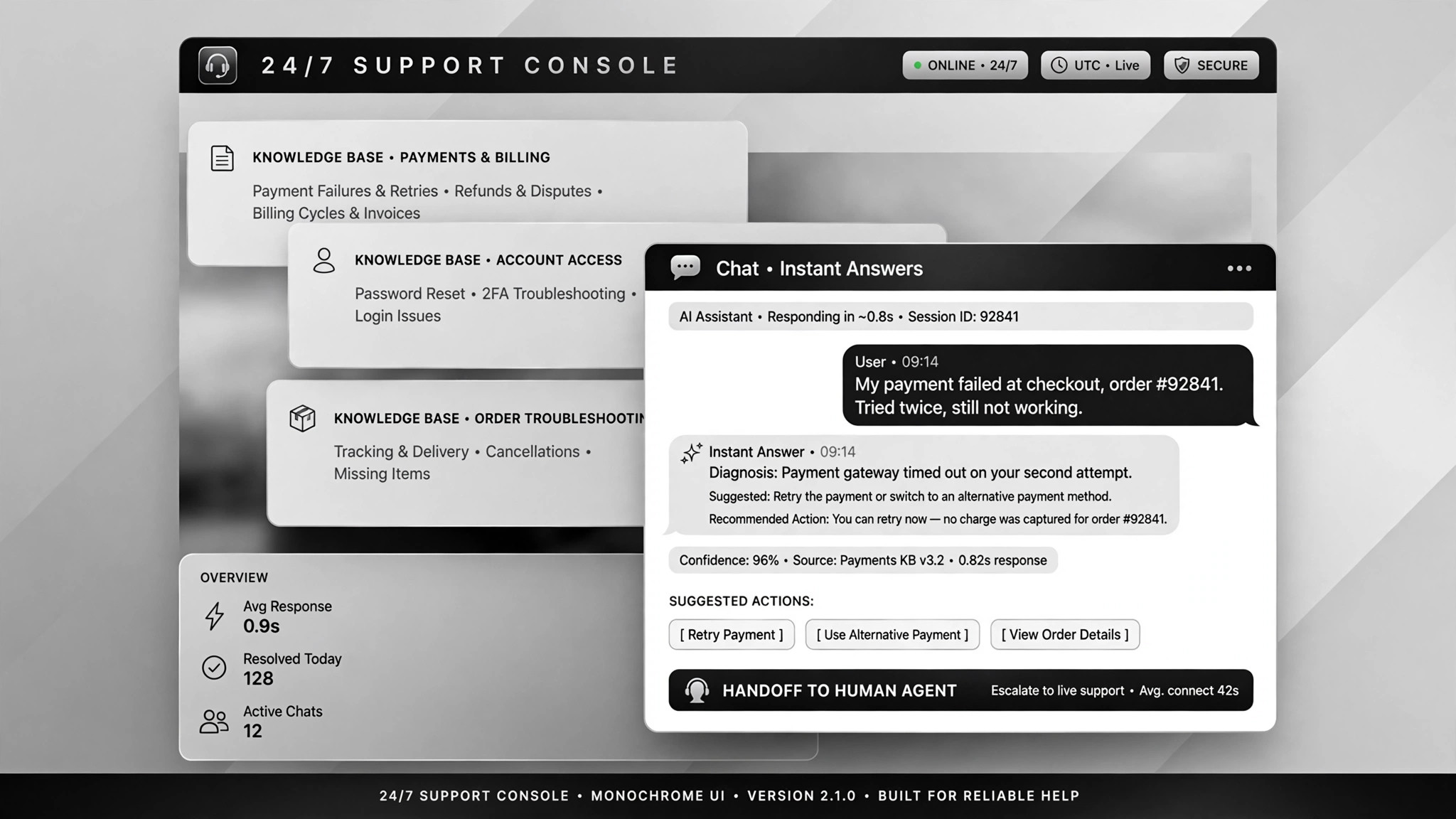
A 24/7 support agent that answers from your knowledge base.
A 24/7 support agent that answers from your knowledge base, books appointments, and hands anything tricky to a human with full context.
Install it in 3 steps
No sign-up. No CLI tools. Pick your AI, copy one line, paste it over.
Prefer doing it yourself? Buy the skill ($4.99), download the ZIP from your checkout confirmation, unzip it into the directory shown above, restart your AI session — same result. Already bought it? Your AI assistant can download it for you.
Real-world proof
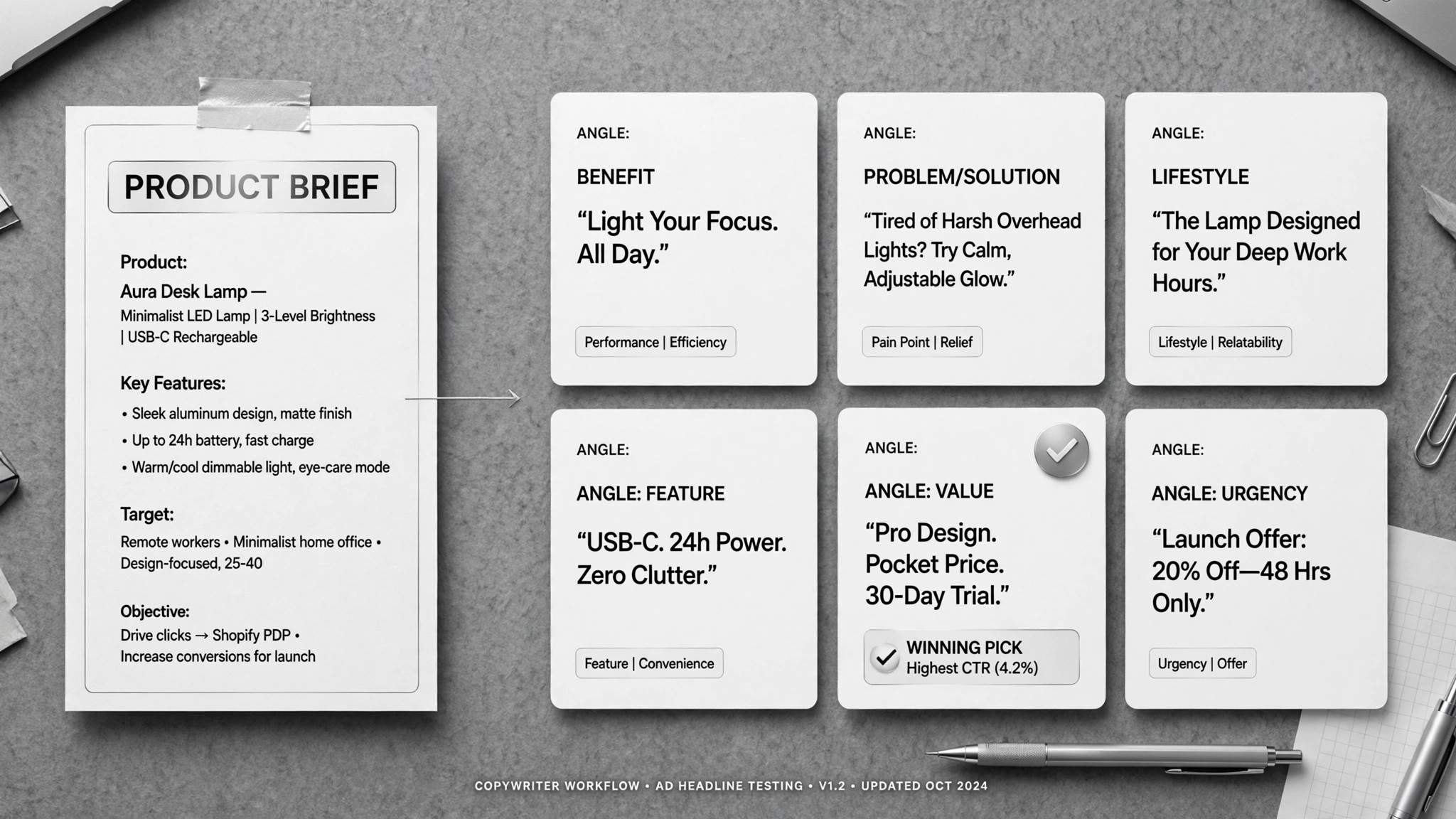
Real people did this exact job with AI agents.
Handle sales and support calls with a voice agent
Read case →Use caseAnswer customer questions and escalate to humans
Read case →Use caseGenerate customer-service agents from a URL that book appointments
Read case →What’s inside
One SKILL.md (the playbook) + one starter template. A preview:
Support Agent
When to use
- Customers wait hours for answers your FAQ already covers
- Night and weekend calls ring unanswered — and cost you orders
- Appointment requests come in through chat, WhatsApp, or the phone and pile up
- Order-status lookups and payment instructions need instant answers
- Your team can't afford a full support desk yet but the inbox says otherwise
Workflow
- Feed it the business (input: website URL + FAQs + policies → output: knowledge pack)
Start with discovery: products, prices, payment methods, support policies. The fastest route is feeding the agent your website URL and letting it learn the site in about a minute — then fill the gaps by hand (the website never covers everything: refunds, edge cases, your actual policies). Whatever the knowledge base can't teach it, the agent must never guess. - Connect the tools (input: knowledge pack + calendar / order system → output: working agent)
Hook up what the agent needs to act on: the calendar for booking, the order system for status lookups, the CRM for logging. Before touching real channels, test with 3 sample questions plus 1 sample booking and confirm every answer against your real data. If a tool can't be connected, say so in the handoff — don't fake the function. - Open the channels (input: tested agent → output: live on chat / WhatsApp / voice)
Start with low-friction channels: night coverage, FAQs, order queries. Then add WhatsApp or a website widget. Voice comes last: run test calls, approve every script, and set up the recording disclosure where the law requires it. Each new channel gets the same test-then-approve treatment. - Answer, book, escalate (input: customer message → output: answer / booking / handoff)
Answer from the knowledge pack; give payment info when asked and notify you when payment proof arrives — the human confirms the payment, never the agent. When it can't answer — refunds, complaints, legal questions, anything outside the knowledge base — it hands off to a human with the full conversation attached, never a dead "I can't help." - Log every conversation (input: chat/call transcript → output: CRM or ticket entry)
Write structured notes back to the CRM or ticket system: name, contact, issue, outcome. The human who takes over never has to ask "what did the customer already say" twice. - Review and retrain (input: escalation log → output: knowledge-base updates + script fixes)
Spot-check escalated conversations every week. Each failed answer becomes a knowledge-base fix or a new escalation rule. You own the escalation rules and the fallback scripts; the agent follows them.
Output spec
Template preview
Support Agent — Setup & Escalation Template
Fill once at setup; review the escalation rules monthly.
Knowledge pack sources
Known gaps (agent must escalate, never guess):
- {e.g. "custom quotes for enterprise"}
- {e.g. "warranty claims beyond 30 days"}
Channels
Voice test calls: [ ] passed [ ] scripts approved [ ] recording disclosure configured
Sample test results (3 questions + 1 booking):
Escalation rules
Fallback script for handoff: > "I've passed your full conversation to {name}; they'll reply within {X hours}. Your ticket ref is #{n}."