Square Morph-Chain Launch Film
One square, one chain of shapes, one continuous story.
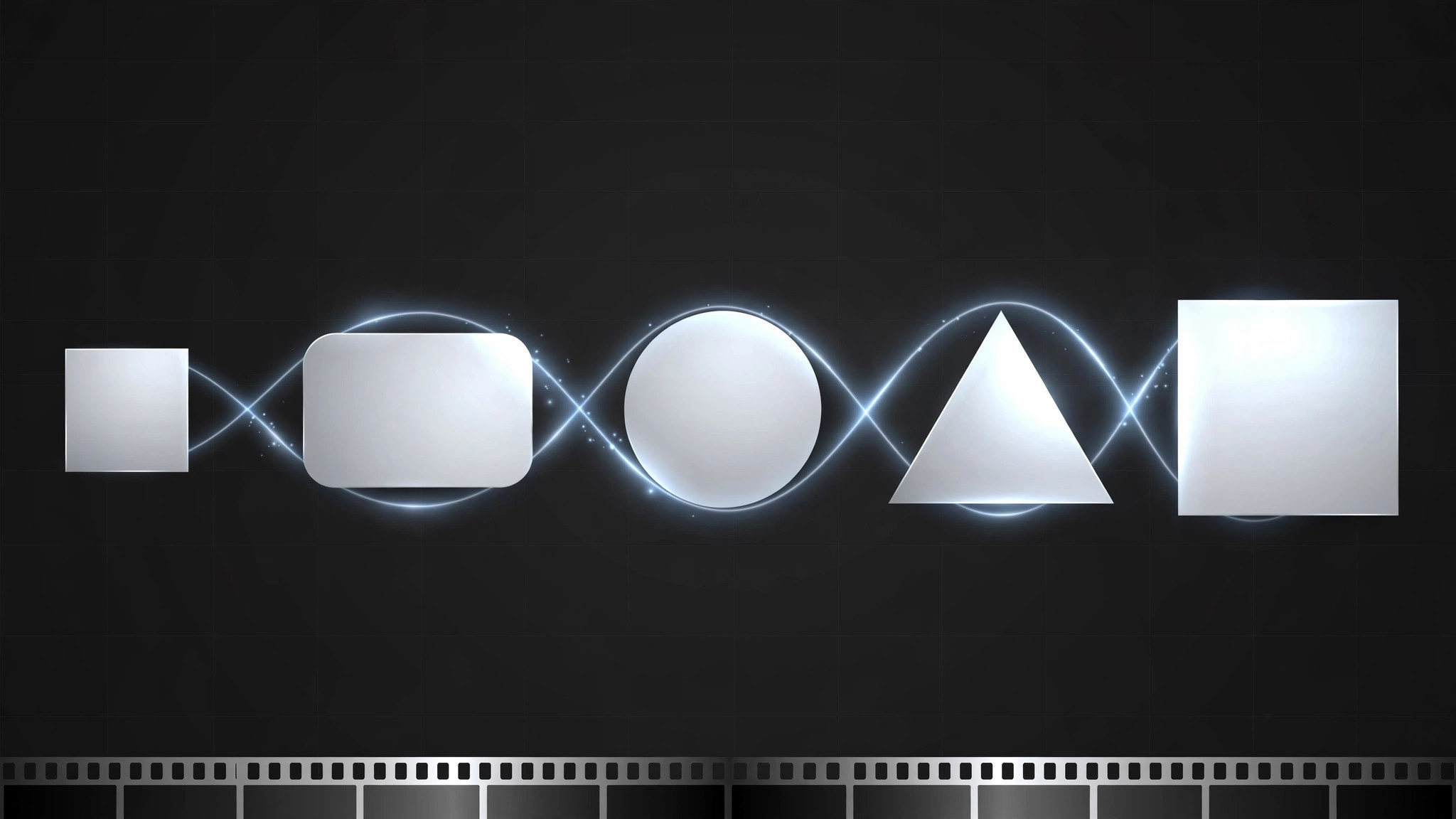
Turns your AI into a launch-film director that tells the whole product story with one square morphing through a chain of shapes — each morph is one feature — so the film feels like a single continuous idea, not a montage.
Install it in 3 steps
No sign-up. No CLI tools. Pick your AI, copy one line, paste it over.
Prefer doing it yourself? Buy the skill ($4.99), download the ZIP from your checkout confirmation, unzip it into the directory shown above, restart your AI session — same result. Already bought it? Your AI assistant can download it for you.
What’s inside
One SKILL.md (the playbook) + one starter template. A preview:
Square Morph-Chain Launch Film
When to use
- You're launching a product with several features and a feature-list video would feel like a slideshow
- You want a launch film with a single visual idea strong enough to become the campaign's signature
- Your product is abstract (software, platform, service) and needs a concrete visual metaphor
- You need a 30–60 second film that also cuts down into 6-second loops for social
- Your brand is geometric/minimal and a morph-chain fits its visual language
Workflow
- Pick the square and the chain (input: product + feature list → output: square identity + ordered morph chain)
Start with one square — your product's seed shape. List the features in story order (not importance order: the order a new user meets them), and assign each feature one shape the square morphs into: square → rounded card (dashboard) → circle (profile) → triangle (alert) → back to square (home). Each morph must be drawable as a smooth transformation of the previous shape; if a shape can't morph cleanly from its predecessor, pick a different shape or reorder the chain. - Write the morph script (input: morph chain → output: beat-by-beat script: shape + action + line)
For each link in the chain, write three things: the shape on screen, what it does (spins, splits, stretches, stacks), and the one line spoken or captioned ("One dashboard for everything" as the square rounds into a card). One line per morph, no more — the shape carries the rest. The full script reads like a sentence: each morph is a clause, the return to the square is the period. - Choreograph the transitions (input: morph script → output: transition plan: easing, timing, sound per morph)
Each morph gets the same grammar: same easing curve, same duration (roughly 1.5–2.5 seconds), a small sound or tick at the moment of change. Consistency is what makes it a chain rather than a collage — if every morph uses a different transition style, the film falls apart. Storyboard the chain as a strip: one frame per shape, so you can see the whole flow at a glance before animating anything. - Animate one continuous take (input: transition plan → output: 30–60 second film, single-take feel)
Animate the chain as one unbroken sequence: no cuts, no fades to black, the square never leaves the frame. The camera may push in or pull back, but the shape is always transforming, never jumping. Keep the background quiet (one color, one texture) so the morph is the only thing moving. End by returning to the square — the loop back to the start is what makes the film rewatchable and cuttable into loops.
Template preview
Square Morph-Chain Launch Film — Template
One square, one chain, one continuous take. Fill this in before animating anything.
Product
Product: {name} Launch date: {date} Where people get it: {URL / store / event} Square identity: {color family / weight / corner style — the seed shape everything morphs from}
Morph chain (4–6 morphs, story order)
Chain in one sentence: {e.g. "Square becomes card, then circle, then triangle, then back to square."}
Morph script (shape + action + line per link)
Transition plan (same grammar for every morph)
- Easing curve: {e.g. ease-in-out — same for all}
- Duration per morph: {1.5–2.5 sec}


