Sky Sports Club Landing
One page that turns visitors into club members.
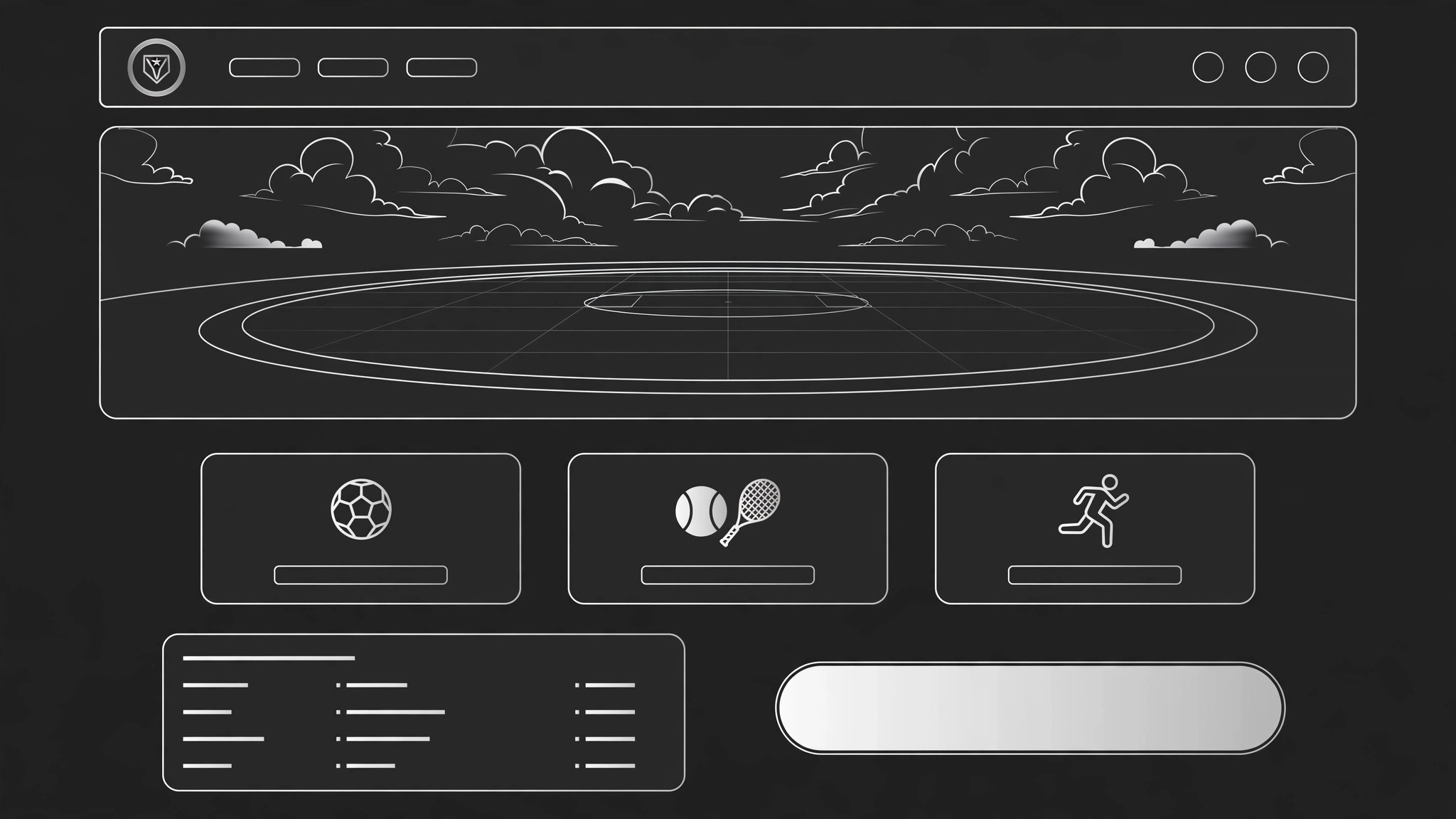
Turns your AI into a sports-club landing-page builder — shapes a complete one-page site for a community sports club, from the hero and programs to membership, schedule, coaches, and a join button that actually gets clicked.
Install it in 3 steps
No sign-up. No CLI tools. Pick your AI, copy one line, paste it over.
Prefer doing it yourself? Buy the skill ($4.99), download the ZIP from your checkout confirmation, unzip it into the directory shown above, restart your AI session — same result. Already bought it? Your AI assistant can download it for you.
What’s inside
One SKILL.md (the playbook) + one starter template. A preview:
Sky Sports Club Landing
When to use
- A local sports club needs its first real web page — one page that explains the club and signs people up
- A club's existing page is a wall of text and nobody can find the schedule, the price, or the join button
- A new season, trial day, or open evening needs a page that turns visitors into signups
- A club runs several sports or age groups and needs one page that routes each visitor to the right one
- A coach or organizer wants a page they can link from social posts, flyers, and word of mouth
Workflow
- Define the club and the visitor (input: club info → output: brief)
Write down the facts that shape the whole page: the club's name, sports, who it is for (kids, adults, beginners, competitive), where and when it meets, what it costs, and what a first visit looks like. Then name the page's one visitor — the person most likely to join next — and the one action they should take (book a trial, join, contact the club). A page that tries to serve every possible visitor serves none of them. - Structure the page (input: brief → output: section map)
Lay out the sections in the order a newcomer thinks: hero (what is this club, in one line), programs (what can I do here), who it is for (is this for me), schedule and location (when and where), membership and pricing (what does it cost), coaches (who will I train with), voices from members (who already goes), FAQ (the doubts), and join (the action). Every section answers one question; if a section answers none, cut it. - Write the hero and programs (input: section map → output: copy)
The hero carries one line — the club, the sport, and the invitation ("Join Sky Sports Club — football, tennis, and athletics for all ages, first session free"). Under it, one button ("Book a free trial") and one honest detail (location, ages, or next session date). Programs get one block each: sport, who it is for, when it runs, and a line on what a session feels like. Write in the club's real voice — a community club that sounds like a law firm has a trust problem. - Design membership and schedule (input: copy → output: conversion blocks)
Membership is where visitors decide, so make it plain: each option gets a name, a price, what it includes, and who it suits ("Monthly — all sessions, all sports, cancel anytime"). The schedule is a simple table — day, time, sport, group — readable on a phone without pinching. Put the join button at the end of the membership block and again at the bottom of the page; a visitor who has decided should never have to scroll back up to act.
Template preview
Sky Sports Club Landing — Template
One page = one club = one action. Verify every fact with the club before publishing.
Brief
Club: {name} | Sports: {list} | Venue: {where} For: {kids / adults / beginners / competitive — who it serves} Costs: {membership options + prices} First visit looks like: {what a newcomer actually does on day one} One visitor: {the person most likely to join next} One action: {book a free trial / join / contact}
Section map (in this order)
- Hero — {one-line club + invitation}
- Programs — {one block per sport}
- Who it is for — {is this for me?}
- Schedule & location — {when + where}


