Scrapbook Resume Site
A resume that feels like a keepsake box — and still scans in thirty seconds.
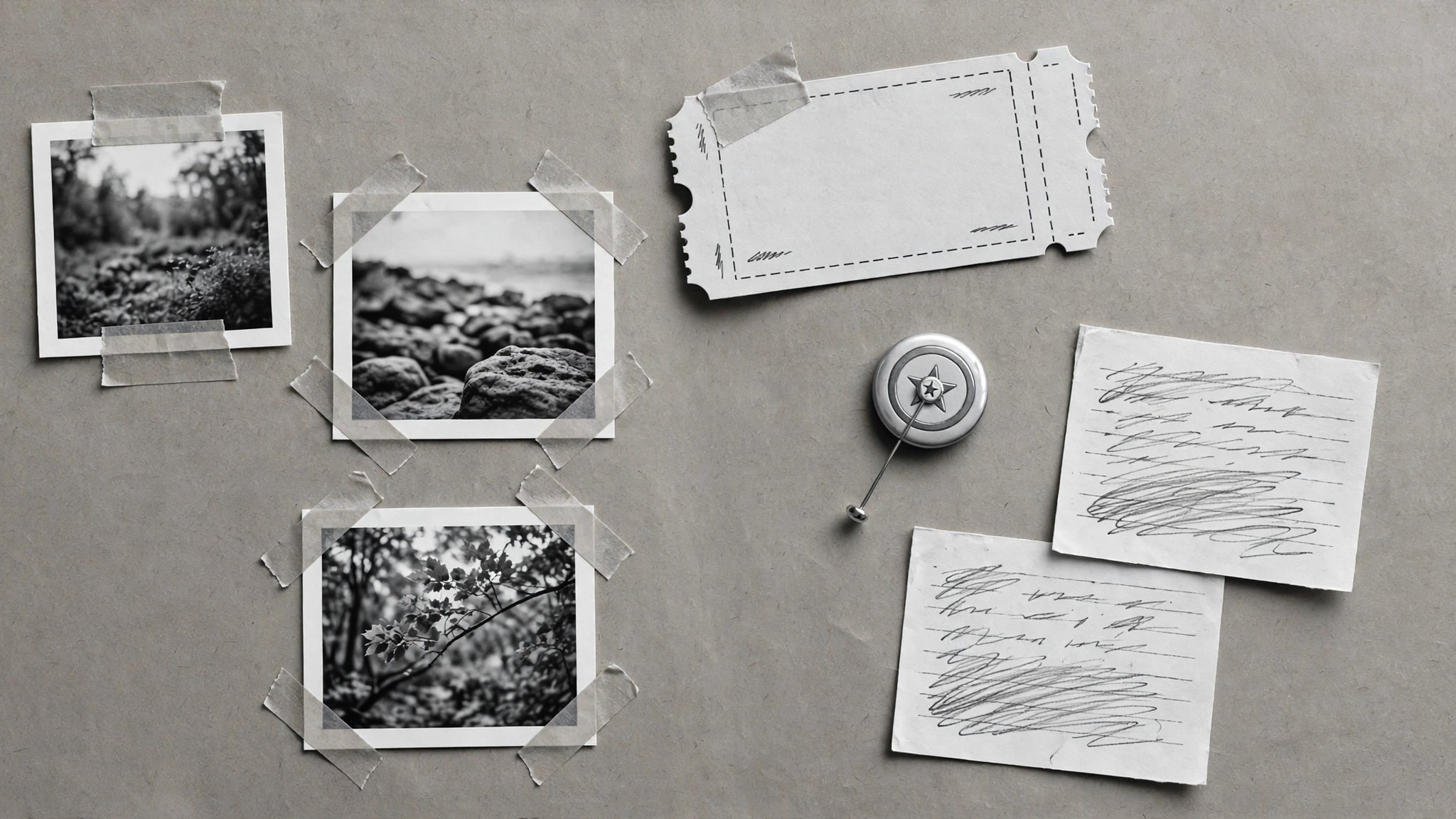
Turns your AI into a personal site builder — turns your career facts into a scrapbook-style resume site with taped photos, ticket stubs, and handwritten notes, where every charming detail still leaves the facts easy to find.
Install it in 3 steps
No sign-up. No CLI tools. Pick your AI, copy one line, paste it over.
Prefer doing it yourself? Buy the skill ($4.99), download the ZIP from your checkout confirmation, unzip it into the directory shown above, restart your AI session — same result. Already bought it? Your AI assistant can download it for you.
What’s inside
One SKILL.md (the playbook) + one starter template. A preview:
Scrapbook Resume Site
When to use
- You want a resume site that shows personality — not another identical template with the same three sections
- You have a non-linear career (career change, freelance years, side projects) that a plain chronological resume flattens
- A hiring manager or client will skim the site for thirty seconds and you want them to remember you
- You have real artifacts: project photos, event badges, talk slides, thank-you notes, press mentions
- You need the site to work as a resume too — printable, scannable, and findable by search
Workflow
- Gather the career facts (input: jobs, projects, education, artifacts → output: fact sheet)
Write down the facts before any decoration: each role with employer, dates, and two or three concrete things you did (with numbers where they exist), each project with what it was and your part in it, education and any credentials, and the artifacts you actually have (photos, slides, links, quotes). Verify every date and title — a charming site with a wrong job title is still a wrong resume. One fact sheet, kept separate from the design, becomes the source every page section is checked against. - Pick the story arc (input: fact sheet → output: one-paragraph arc)
Decide what the site is arguing in one paragraph: the through-line that connects the roles. A career changer might argue "I spent five years learning how users behave, then started building for them"; a freelancer might argue "I ship small tools that teams keep using." Everything on the site — which jobs get big cards, which get a single line — follows from this arc. If you cannot state the arc in one paragraph, the site will read as a pile of jobs, however pretty the scrapbook styling is. - Build the sections (input: story arc + fact sheet → output: section drafts)
Build five sections in this order: a short intro (who you are, what you do, where to reach you), a timeline of roles with the concrete facts from the sheet, a projects wall with one card per project (what it was, your part, a link or photo), an artifacts corner (talks, press, testimonials, badges), and contact details. Each project card carries the same structure so the wall stays scannable. Testimonials are quoted verbatim with the speaker's name and role — never paraphrased into something they did not say.
Template preview
Scrapbook Resume Site — Site Template
One site = one filled-in copy of this template. Facts first, scrapbook second.
Story arc (one paragraph)
{What the site argues — the through-line connecting the roles.}
Fact sheet (the source every section is checked against)
Education / credentials: {…} Contact: {name} · {email} · {location} · {links}
Sections
Intro
Who I am (2–3 sentences): {…} What I do: {…}
Timeline
- {dates} — {title}, {employer}: {concrete fact} · {concrete fact}
- {dates} — {title}, {employer}: {concrete fact} · {concrete fact}


