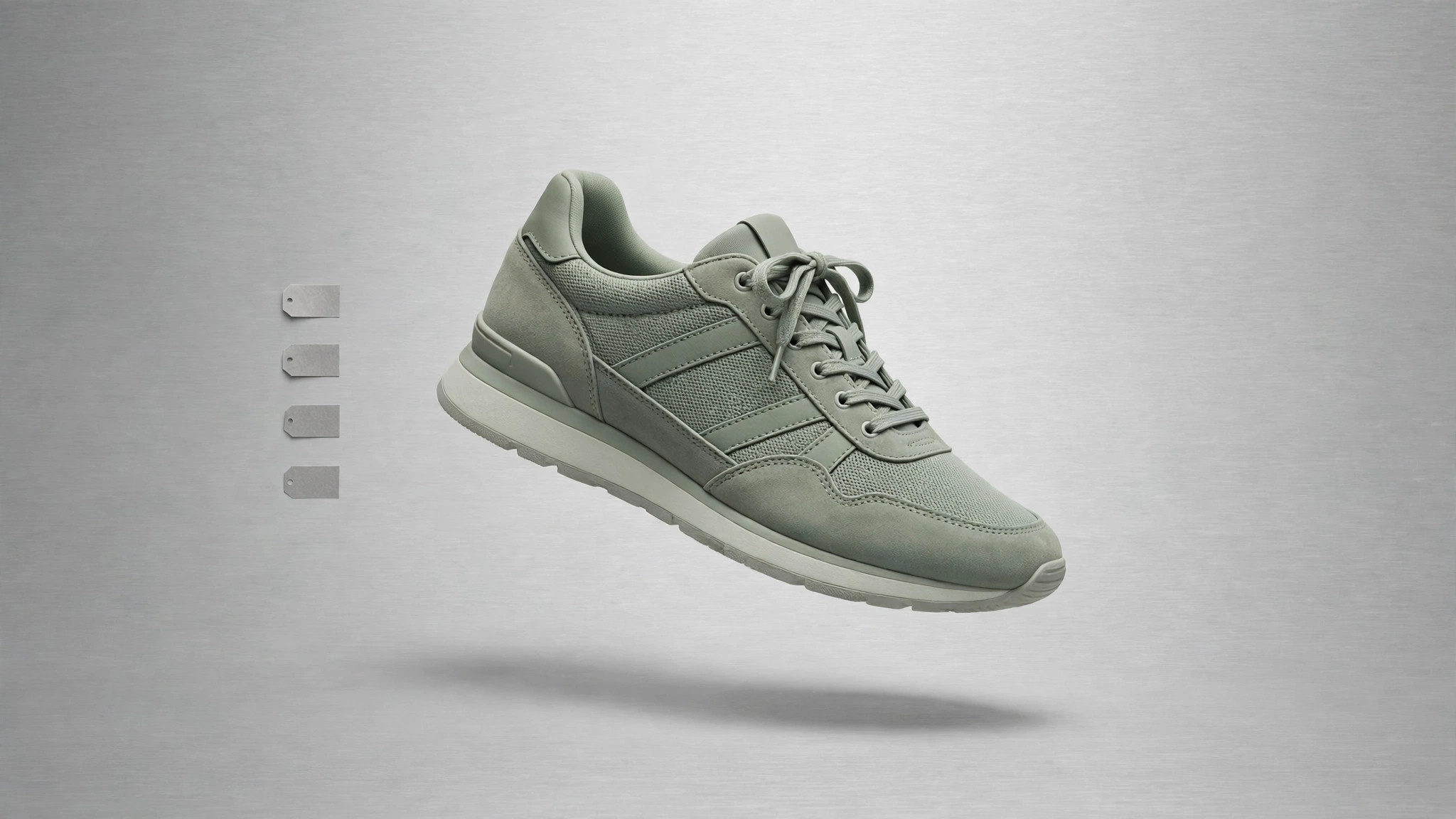
Sage Sneaker Store
Every size, price, and stock state answered at a glance.
Turns your AI into a sneaker store page builder — turns your catalog, sizes, and photos into a fast store page with clear filtering, honest stock states, and a checkout path that never hides the shipping cost.
Install it in 3 steps
No sign-up. No CLI tools. Pick your AI, copy one line, paste it over.
Prefer doing it yourself? Buy the skill ($4.99), download the ZIP from your checkout confirmation, unzip it into the directory shown above, restart your AI session — same result. Already bought it? Your AI assistant can download it for you.
What’s inside
One SKILL.md (the playbook) + one starter template. A preview:
Sage Sneaker Store
When to use
- You sell sneakers and need a store page that lists your catalog instead of a generic "DM to order" post
- Shoppers keep asking the same questions: "Do you have size 10?", "How much is shipping?", "Is this still in stock?"
- Your current store page buries the filter, shows sold-out sizes as available, or reveals shipping costs only at checkout
- You are launching a small sneaker drop and need one page that handles browsing, sizing, and buying
- You want the store's look to feel calm and grounded — sage green tones, clean type, photos doing the work
Workflow
- Shape the catalog (input: products, sizes, prices, photos → output: structured product list)
List every shoe once with its name, colorway, available sizes, price, and at least two photos (a side profile and a three-quarter view). One product = one row; sizes are variants inside the row, never separate products. Flag any shoe with only a few pairs left and any shoe that is fully sold out — stock truth comes from this list, and everything downstream reads from it. If a photo is missing or blurry, mark the product as not-ready rather than publishing it with a placeholder and hoping nobody notices. - Design the page (input: structured product list → output: page layout and copy)
Lay out the page in this order: a short hero with the store name and one strong shoe photo, a filter row (size, color, price range, brand or style), the product grid, and a footer with shipping, returns, and contact details. Each grid card shows the shoe photo, name, colorway, price, and available sizes at a glance — no click required to learn the essentials. Write the copy in plain language: real materials, real fit notes ("runs half a size small"), no hype words that promise what the shoe cannot deliver. - Handle stock honestly (input: product list with stock flags → output: stock rules on the page)
Sold-out sizes appear greyed out and unclickable, never selectable; sold-out products stay visible with a clear "Sold out" label rather than vanishing, so a returning shopper is not confused. Low stock gets a plain "Only a few pairs left" note only when it is actually true — never as a permanent decoration. When the last pair sells, the page updates the same day. Fake urgency is the fastest way to lose a sneaker buyer who knows the market.
Template preview
Sage Sneaker Store — Store Page Template
One store page = one filled-in copy of this template. Start from the catalog.
Store
Store name: {name} Tagline (one line): {tagline} Contact: {email / phone / social} Returns window: {e.g. 30 days} · Return shipping paid by: {store / buyer}
Catalog (one row per shoe)
Fit notes (one honest line per shoe): {e.g. "Runs half a size small"}
Page layout
Hero: {store name + one strong shoe photo + one line} Filter row: [ ] size · [ ] color · [ ] price range · [ ] brand / style Grid card shows: photo · name · colorway · price · available sizes — no click needed Footer: shipping · returns · contact


