Royal Blue Pet Store
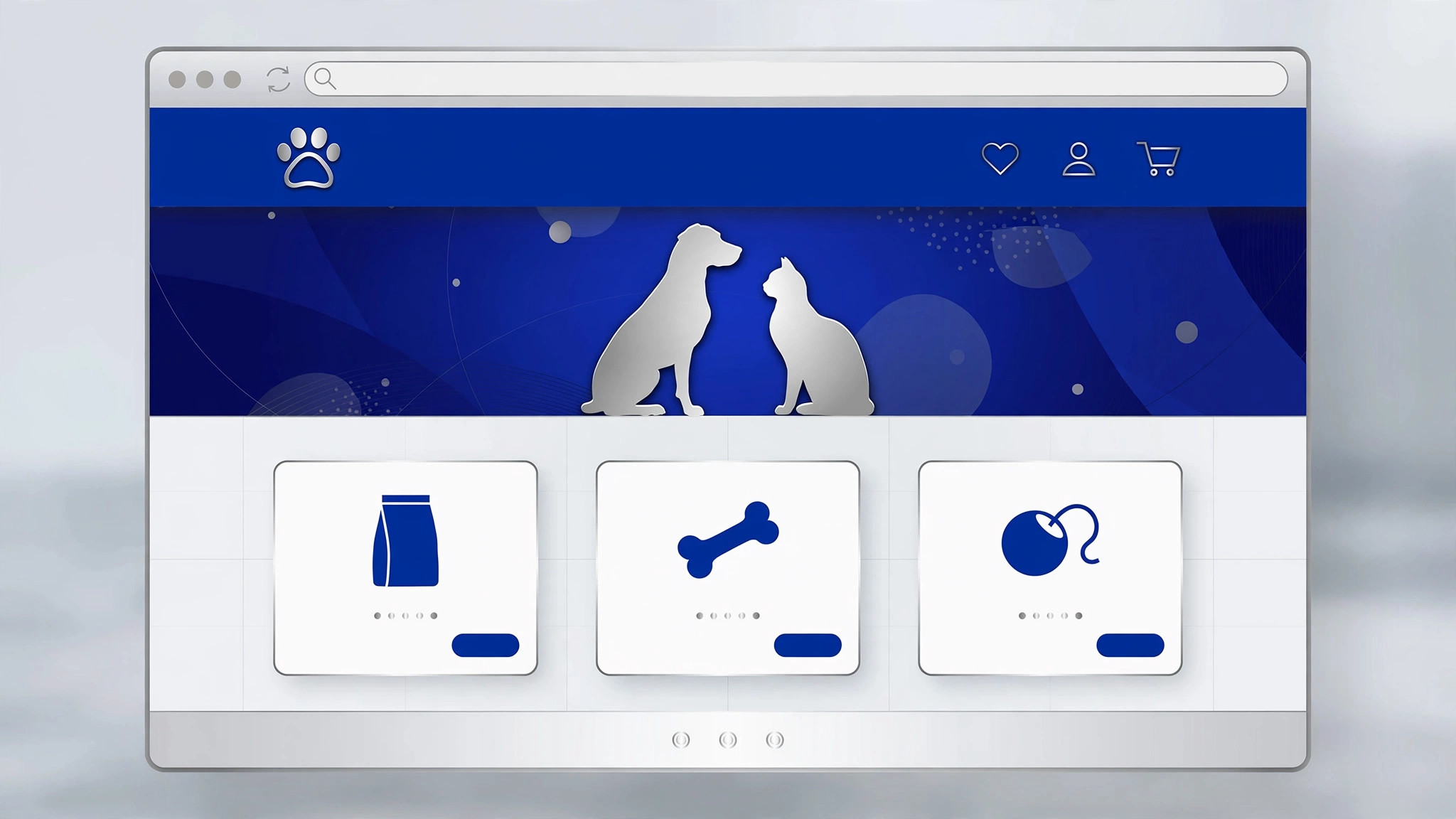
A warm, trustworthy store page for a pet shop — in a royal-blue palette.
Turns your AI into a pet-store page builder — designs a warm, trustworthy store page for a pet shop in a royal-blue palette, with products, services, and the details pet owners actually check before buying.
Install it in 3 steps
No sign-up. No CLI tools. Pick your AI, copy one line, paste it over.
Prefer doing it yourself? Buy the skill ($4.99), download the ZIP from your checkout confirmation, unzip it into the directory shown above, restart your AI session — same result. Already bought it? Your AI assistant can download it for you.
What’s inside
One SKILL.md (the playbook) + one starter template. A preview:
Royal Blue Pet Store
When to use
- You run a pet shop — online, physical, or both — and need a store page that turns browsers into buyers
- You're launching a pet brand (food, toys, grooming, accessories) and need a page that shows the range clearly
- Your existing store page is a bare product grid and customers keep emailing questions the page should answer
- You're a designer or developer building a store page for a pet-shop client with a royal-blue brand
- You're opening a new location and need a page that covers shopping, grooming, and visiting info in one place
Workflow
- Define the store's offer (input: store details → output: store brief)
Write down what the store actually sells and does: product categories (food, toys, grooming, health, accessories), services (grooming, boarding, vet referrals, delivery), and what makes this shop different (local sourcing, specialist diets, same-day delivery, expert staff). Note the practical facts pet owners ask first: delivery areas and times, returns on unopened food, and whether staff can advise on diets or allergies. This brief decides the page's sections — a shop that grooms needs a booking block; a shop that doesn't shouldn't fake one. - Structure the page top-to-bottom (input: store brief → output: page outline)
Order sections by a shopper's journey: hero (store name + one-line promise + shop-now button), best-sellers or featured products, shop-by-pet (dog / cat / small pets / birds / fish), services, why-shop-here (delivery, returns, advice), customer favorites or reviews, visit-us info, and footer. Every product block shows the four facts owners check: price, size/weight, life stage or breed fit, and whether it's in stock. Keep the royal-blue palette disciplined: deep royal blue for headers and buttons, white or very light blue for backgrounds, one warm accent (amber or coral) for prices and calls to action. - Write product and service copy (input: page outline → output: page draft)
Write product copy for the owner, not the manufacturer: what the product is, which pets it's for, feeding or use guidance in plain words, and ingredients or materials where they matter. Service copy names the price (or "from" price), duration, and how to book. Avoid cutesy filler — "fur baby" in every heading makes the page harder to scan and harder to trust. Include the honest limits: which items can't be returned (opened food, worn collars), delivery cut-off times, and what to do if a pet reacts to a product.
Template preview
Royal Blue Pet Store — Template
One store = one page. Write for the pet owner deciding in under a minute.
Store brief
Store name: {name} | Online / physical / both: {…} One-line promise: {e.g. "Healthy food, honest advice, delivered today."} Product categories: {food / toys / grooming / health / accessories} Services: {grooming / boarding / vet referrals / delivery / none} What makes this shop different: {…} Delivery: {areas, times, cut-off} | Returns: {unopened food etc.} | Advice: {can staff advise on diets/allergies?}
Page outline (top → bottom)
- Hero: {store name + promise + [Shop now →]}


