AI Services Market › Skills factory › Web › Rated Testimonial Row
$4.99 · No sign-inv1.0.0– views
Rated Testimonial Row
Real quotes, real names, ratings displayed honestly.
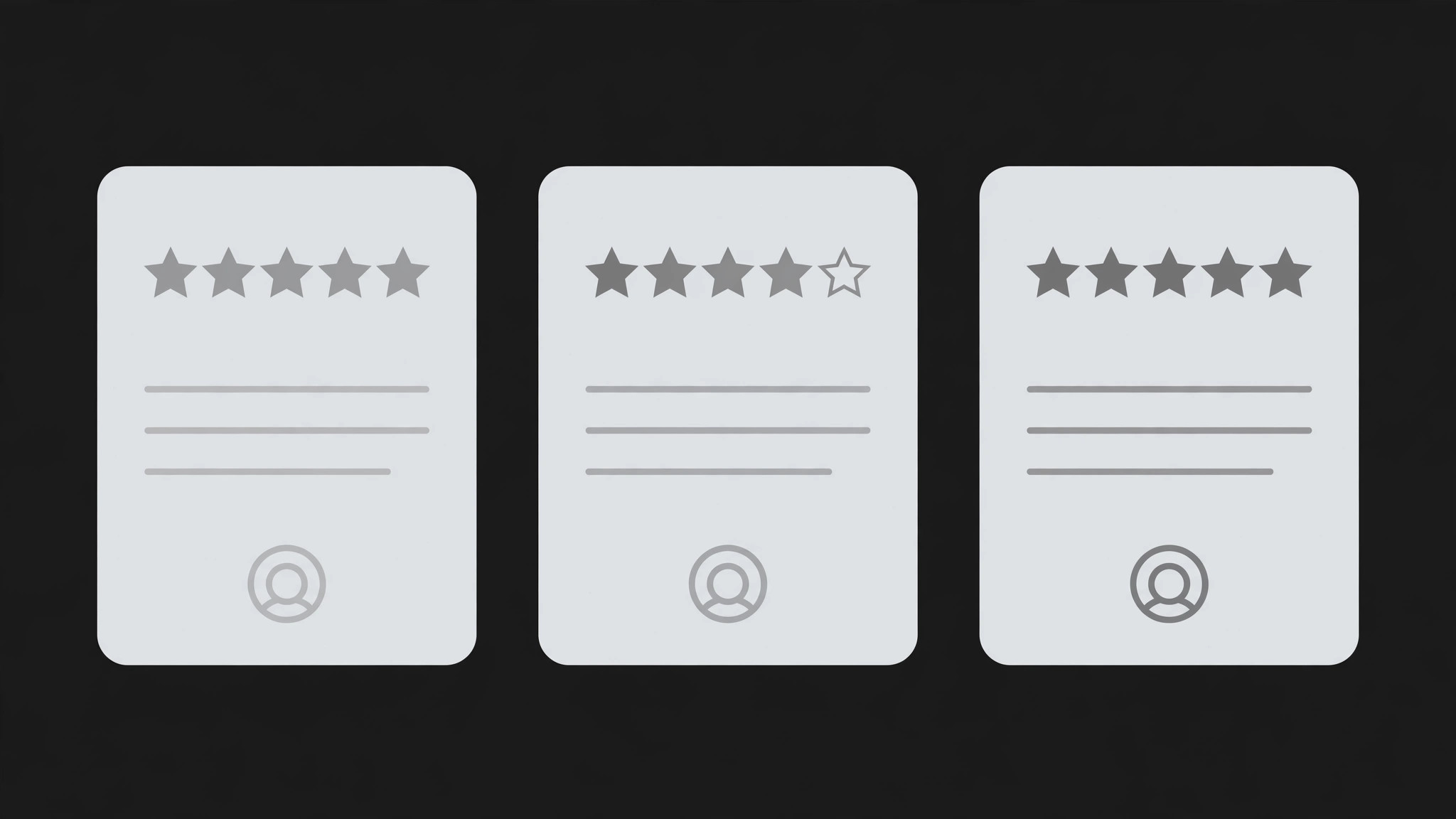
Turns your AI into a landing-page section builder that designs a horizontal testimonial row with star ratings — real quotes, real names, and rating display that reads honestly.
Best for
Founders, marketers, and page builders adding honest social proof
Time needed
~25 min for a first draft
Level
Beginner-friendly
Install it in 3 steps
No sign-up. No CLI tools. Pick your AI, copy one line, paste it over.
Prefer doing it yourself? Buy the skill ($4.99), download the ZIP from your checkout confirmation, unzip it into the directory shown above, restart your AI session — same result. Already bought it? Your AI assistant can download it for you.
What’s inside
One SKILL.md (the playbook) + one starter template. A preview:
Rated Testimonial Row
When to use
- Your landing page has customer quotes but they're buried in a wall of text nobody reads
- You have genuine customer ratings and want to show them next to the words, not as a disconnected badge
- A product page needs social proof near the pricing or buy button, where a doubting visitor decides
- You're rebuilding a testimonials section that currently shows anonymous quotes ("— Happy Customer") nobody believes
- You need a testimonials row that works in a narrow slot — under a hero, above a footer — without taking over the page
Workflow
- Collect real testimonials (input: customer feedback → output: approved quote set)
Gather quotes you have permission to publish — from reviews, support emails, survey responses, or direct asks. For each one, record the exact quote, the person's real name, their role and company, and the rating they actually gave, if any. Never invent a quote, a name, or a rating; never upgrade a 4-star review to 5 stars for symmetry. Three honest testimonials beat six suspicious ones. If you only have two, show two — a row of two real voices is stronger than a row padded with fiction. - Design the row layout (input: approved quote set → output: row structure)
Lay out three cards in a horizontal row on desktop, collapsing to a vertical stack on mobile. Each card holds the same four elements in the same order: star rating (if the customer gave one), quote, attribution, and one line of context (what they use the product for, or their outcome). Equal card heights, equal type sizes, no "featured" card blown up to twice the size — the row reads as a chorus, not a solo with backup singers. If a quote is much longer than the others, trim it with an ellipsis and keep the full version on a linked detail page, never by shrinking the type. - Render the star ratings (input: real ratings → output: star display)
Stars display the rating the customer actually gave: five stars for a 5-out-of-5, four filled plus one empty for a 4, and so on. Half-stars only when the source rating genuinely has a half. Keep one star style across the row (same size, same color, same spacing) and put the numeric rating next to the stars only if the source used numbers ("4.5 out of 5"). Never show an aggregate ("4.9 average") unless you computed it from the real set and can say how many ratings went into it. Stars are a display of facts, not decoration — a row where every card shows five perfect stars reads as staged; real rows have variety.
Template preview
Rated Testimonial Row — Build Template
Real quotes, real names, real ratings. Fill this in before designing.
Quote set (permissioned only)
Card 1
- Quote (exact words): "{quote}"
- Rating they actually gave: {★ out of 5 — or "none given"}
- Name: {real name}
- Role / company: {role, company}
- Context line: {what they use the product for / how long / specific result}
- Permission: {source + date permission confirmed} | Link: {public profile / case study, if any}
Card 2
- Quote (exact words): "{quote}"
- Rating they actually gave: {★ out of 5 — or "none given"}
- Name: {real name}
- Role / company: {role, company}


