Quote Underline Portrait
One face, one quote, one underline that lands on the punchline.
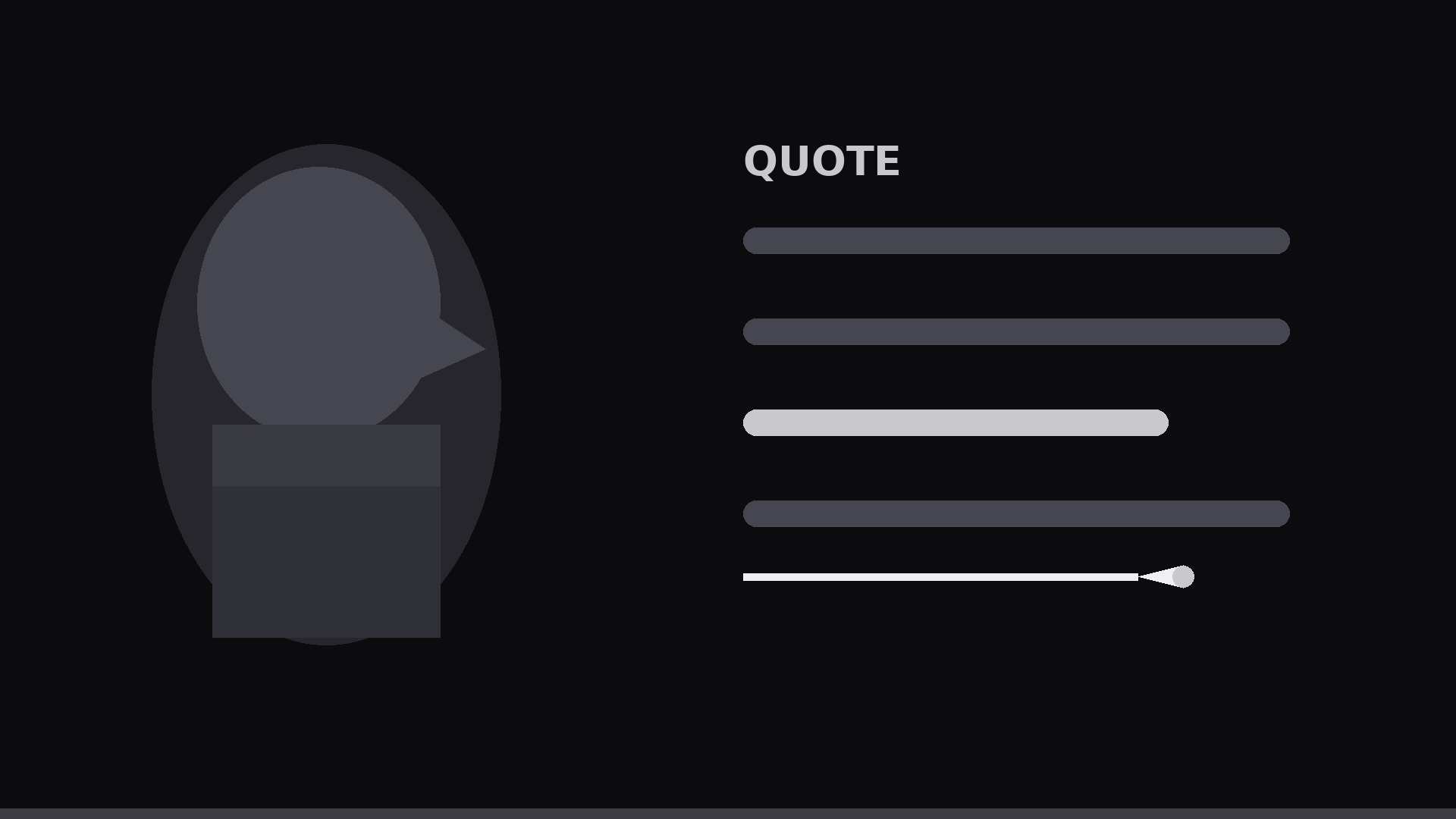
A portrait motion graphic for a spoken quote: the speaker's face on screen, the quote typeset beside it, and a hand-drawn-style underline that sweeps under the punchline phrase in sync with the voice.
Install it in 3 steps
No sign-up. No CLI tools. Pick your AI, copy one line, paste it over.
Prefer doing it yourself? Buy the skill ($4.99), download the ZIP from your checkout confirmation, unzip it into the directory shown above, restart your AI session — same result. Already bought it? Your AI assistant can download it for you.
What’s inside
One SKILL.md (the playbook) + one starter template. A preview:
Quote Underline Portrait
When to use
- You have a 10–30 second spoken quote (testimonial, founder line, interview answer) and want it as a shareable vertical or square clip
- A static quote card feels dead, but a full captioned video is more editing than the moment deserves
- The quote has one punchline phrase that must land — the underline is the emphasis, not decoration
- You are cutting a reel/short from a longer interview and need one quotable beat to stand alone
- The speaker's face carries credibility (a customer, an expert, a founder) and should stay on screen while the words appear
Workflow
- Pick the quote and the punchline (input: raw clip or transcript → output: one sentence + one underlined phrase)
Cut the quote to a single sentence of 8–18 words — one breath, one idea. Inside it, mark exactly one punchline phrase of 2–6 words: the words the underline will travel under. If two phrases compete for emphasis, you have two quotes; split them into two clips. Read it aloud: the underline must finish drawing on the last stressed word, not after it. - Frame the portrait (input: photo or video still → output: composed portrait frame)
Place the face on one side (left third for horizontal, top half for vertical), looking toward the text — eyeline toward the quote, never away from it. Leave clean negative space for the text block. Crop tight enough that the eyes are unmistakable at phone-thumbnail size. If using a still photo over a voiceover, add a slow 3–5% Ken Burns drift (8–10 s duration) so the frame never feels frozen. - Typeset the quote (input: sentence → output: timed text block)
Set the quote in 2–3 lines, left-aligned, one phrase per line where natural. Punchline phrase goes on its own line if possible — the underline needs a clean runway. Font: one bold weight, high contrast against the background, sized so the longest line spans 70–85% of the text column. Words appear in sync with the voice (word-by-word pop, ~80–120 ms per word), not all at once. - Animate the underline (input: timed text → output: underline keyframes)
The underline is a single brush-like stroke drawn left to right beneath the punchline phrase. Timing: start drawing 100–150 ms before the punchline's first word is spoken; finish on the last word's stressed syllable. Draw duration 0.6–1.2 s depending on phrase length. Easing: ease-out (fast start, settling end) so it feels like a confident hand, not a machine. Stroke: 6–10 px at 1080p, slightly tapered ends, one accent color or white. Add a subtle overshoot — the stroke extends 2–4% past the last letter, then settles back.
Template preview
Quote Underline Portrait — Template
Fill in the blanks, then build the clip from the SKILL.md workflow.
Quote
Full sentence (8–18 words): {sentence}
Punchline phrase to underline (2–6 words): {phrase}
Speaker: {name} — {title / role}
Source: {interview / testimonial / talk} — {timestamp or recording file}
Portrait
Image / video file: {file} Orientation: [ ] Vertical 1080×1920 / [ ] Square 1080×1080 Face placement: [ ] Left third / [ ] Top half Eyeline: toward the text [ ] Still photo drift: [ ] Yes, 3–5% slow drift / [ ] Live video, no drift needed
Text layout
Line breaks (2–3 lines, punchline on its own line if possible):
`


