Quote Sliders
Many voices, one sliding frame
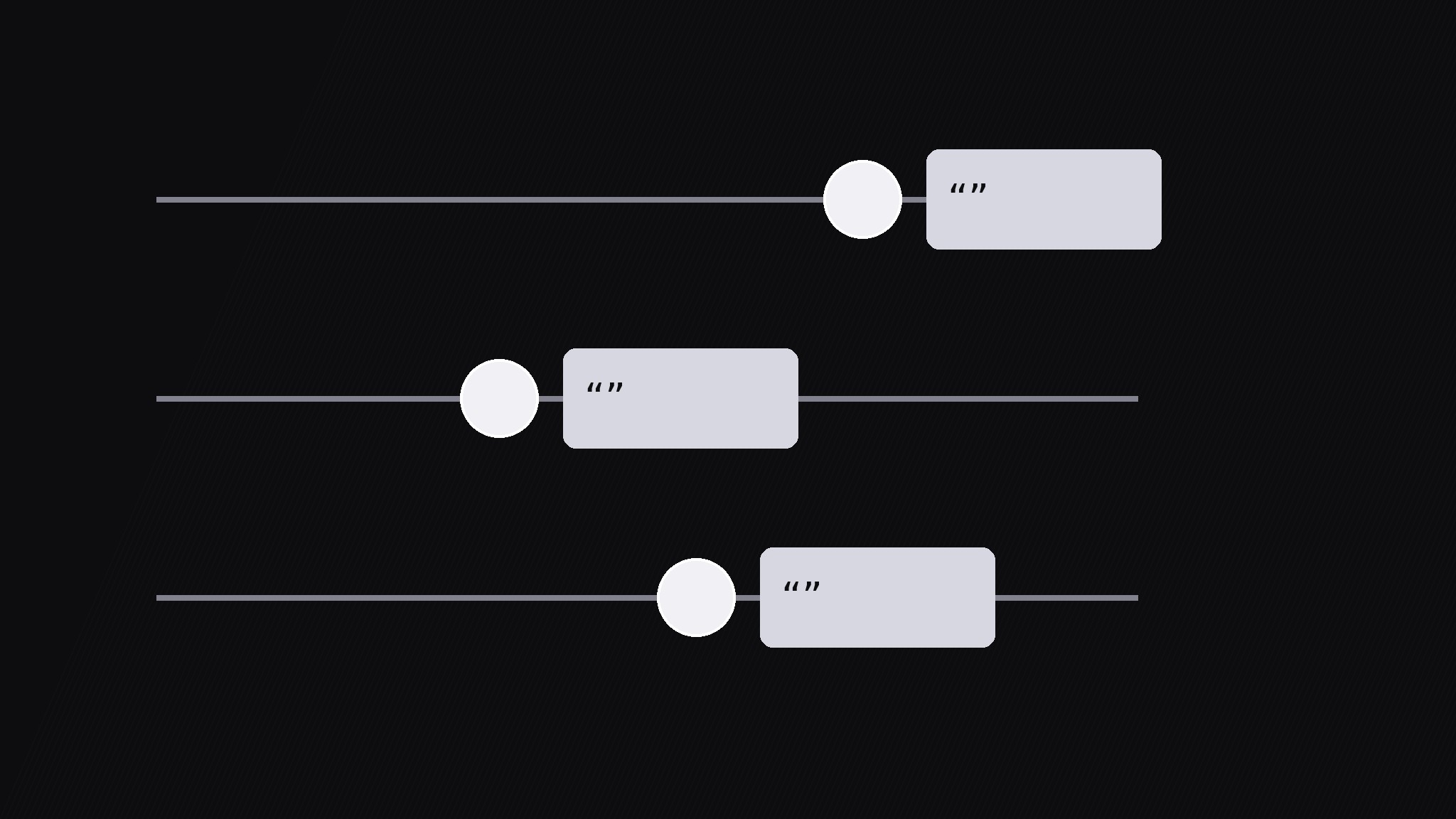
Turns your AI into a motion-graphics director for the quote sliders pattern — lines up several short quotes on horizontal sliders and slides each handle to its quote, so multiple voices can be compared in one moving frame.
Install it in 3 steps
No sign-up. No CLI tools. Pick your AI, copy one line, paste it over.
Prefer doing it yourself? Buy the skill ($4.99), download the ZIP from your checkout confirmation, unzip it into the directory shown above, restart your AI session — same result. Already bought it? Your AI assistant can download it for you.
What’s inside
One SKILL.md (the playbook) + one starter template. A preview:
Quote Sliders
When to use
- A testimonial or review roundup where 3–5 voices should be compared, not just stacked
- A documentary segment where several people answer the same question and the contrast is the story
- A debate or panel recap where each speaker gets one sharp line in a shared frame
- A research or feedback video where quotes sit on a scale (from skeptical to enthusiastic, from cheap to premium)
- A social-proof section where sliding between voices feels more alive than a static quote wall
Workflow
- Collect the quotes (input: source material → output: 3–5 quotes)
Pick 3–5 quotes, each max 15 words, each from a different named voice, each saying something distinct. Cut every quote to its sharpest sentence — if two quotes make the same point, keep the stronger one and drop the other. Record the source for each: full name or handle, role, and where it was said. Never paraphrase into quotes: if the words were not said that way, use a paraphrase label or pick different words. One slider per voice, no voice twice. - Build the slider rig (input: quotes → output: slider rows)
Build one horizontal slider row per quote: a thin track across the frame, a round handle on the track, and a quote card attached to the handle. Stack the rows with even spacing (3 rows for a calm frame, up to 5 for a dense one). Give each row a distinct muted tone — dark grays and silvers, one slightly lighter per row — so rows stay separable without rainbow colors. Keep the quote card small enough that all rows fit without scrolling: quote ≤15 words at ≥44px, attribution one line under it. - Slide sequence (input: rig → output: animated reveals)
Animate one row at a time: the handle travels along its track from the left rest position to its stop over 500ms with an ease-in-out curve, and the quote card fades in at the stop over 200ms. The stop position can carry meaning — further right for stronger agreement, further left for skepticism — but only if you state the scale on screen first. Between rows, hold 0.4s. Never slide two handles at once; the eye can only follow one moving handle, and simultaneous slides read as decoration. - Compare beat (input: all quotes revealed → output: comparison hold)
Once all handles rest, hold the full frame for 2.5s with all quotes visible. Then guide the comparison: draw a thin vertical line connecting the handles, or briefly brighten the two most contrasting rows while the others dim to 60%. State the contrast in one line of narration or caption ("Three loved the speed; two hated the setup"). If the scale positions mean something, this is the moment to read them — point at the spread, not at one quote.
Template preview
Quote Sliders — Build Template
One slider per voice. Verbatim quotes only.
Quotes (3–5, each ≤15 words, distinct voices, distinct points)
Verbatim check: every quoted word exact as said: [ ] | Shortened with ellipsis (...)? [ ] yes / [ ] no Distinct-point check: no two quotes make the same point: [ ]
Scale (only if handle position means something)
- Scale meaning: {e.g. left = skeptical → right = enthusiastic} — stated on screen: [ ]
- If position means nothing: all handles stop at the same x-position: [ ]
Slider rig
- Rows: {3–5}, even spacing | Track: thin line | Handle: round
- Quote card attached to handle: quote ≥44px + one-line attribution


