Question Bubble Pause
One question, one bubble, one real pause
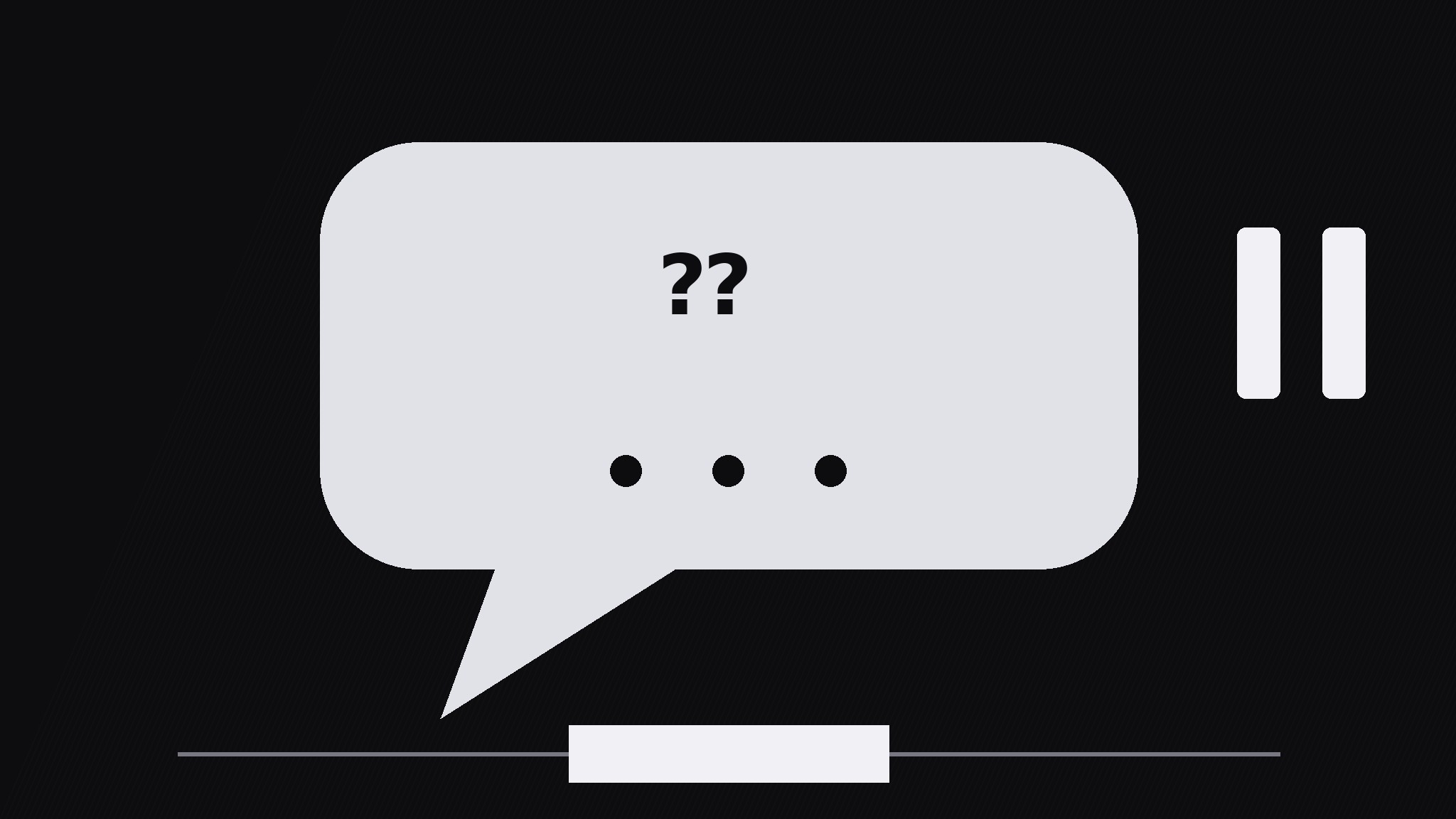
Turns your AI into a motion-graphics director for the question bubble pause pattern — floats a single question in a speech bubble, then freezes the motion for a beat so viewers actually think before the answer arrives.
Install it in 3 steps
No sign-up. No CLI tools. Pick your AI, copy one line, paste it over.
Prefer doing it yourself? Buy the skill ($4.99), download the ZIP from your checkout confirmation, unzip it into the directory shown above, restart your AI session — same result. Already bought it? Your AI assistant can download it for you.
What’s inside
One SKILL.md (the playbook) + one starter template. A preview:
Question Bubble Pause
When to use
- A lesson or explainer where the viewer should guess the answer before hearing it
- A quiz-style video where each question needs a genuine think-beat, not a flash-and-answer
- A talking-head video where the presenter asks the audience a question and the edit must hold the silence
- A training video where a wrong guess is the lesson, so the pause has to feel long enough to commit to one
- A hook moment: one provocative question up front, held, before the video earns the answer
Workflow
- Write the one question (input: topic → output: single question)
Write exactly one question, max 12 words, ending in a question mark, answerable in a few seconds of thought. If the question needs setup, put the setup in the narration before the bubble appears — never inside the bubble. Test it: if a viewer cannot start thinking within one second of reading it, rewrite it shorter. One bubble = one question; two questions in one bubble splits the pause and kills both. - Bubble entrance (input: question → output: bubble on screen)
The bubble pops in over 250ms with a slight overshoot (scale to 106%, settle to 100%) and a soft bounce easing — it should feel like it arrived, not like it faded in. Place the bubble center-frame or beside the presenter, with its tail pointing at whoever is "asking". Keep the bubble's text at least 64px tall so it reads instantly on a phone. The background dims slightly (to 80% brightness) as the bubble arrives, so the question owns the frame. - The pause (input: bubble on screen → output: held think-beat)
Hold everything for 1.2–2.0s: no cuts, no camera moves, no new elements. The only motion allowed is a gentle breathing scale on the bubble (100% → 102% → 100% over the full pause) and a row of three small dots filling in one by one (one per 0.4s) to mark the passing time. Silence or a soft tick is fine; narration during the pause is not — talking over the think-beat tells viewers they do not actually need to think. For harder questions use the long end (2.0s); for quick checks use 1.2s. - Answer reveal (input: held bubble → output: answer beat)
Reveal the answer with a clear visual break from the question: the bubble shifts up or shrinks to 90% and the answer card slides in below it over 300ms, or the bubble flips to show the answer on its reverse. The answer must be short — one line, max 10 words — and it must directly answer the question as written. Hold the question + answer together for at least 1.5s so viewers can compare the two.
Template preview
Question Bubble Pause — Build Template
One bubble, one question, one real pause.
The question (exactly one, max 12 words)
> {question ending in "?"}
Setup (spoken in narration BEFORE the bubble, never inside it): {one sentence max} Word count: {≤12} | Answerable in seconds of thought? [ ]
Bubble entrance
- Pop-in: 250ms, overshoot to 106% → settle 100%, soft bounce easing
- Placement: {center-frame / beside presenter} | Tail points at: {presenter / camera}
- Text size: ≥64px | Background dims to 80% brightness as bubble arrives
The pause (the pattern — protect it)
- Pause length: {1.2s quick check / 1.6s standard / 2.0s hard question}


