Presenter Foreground Card Row
The talk stays human, the structure stays visible
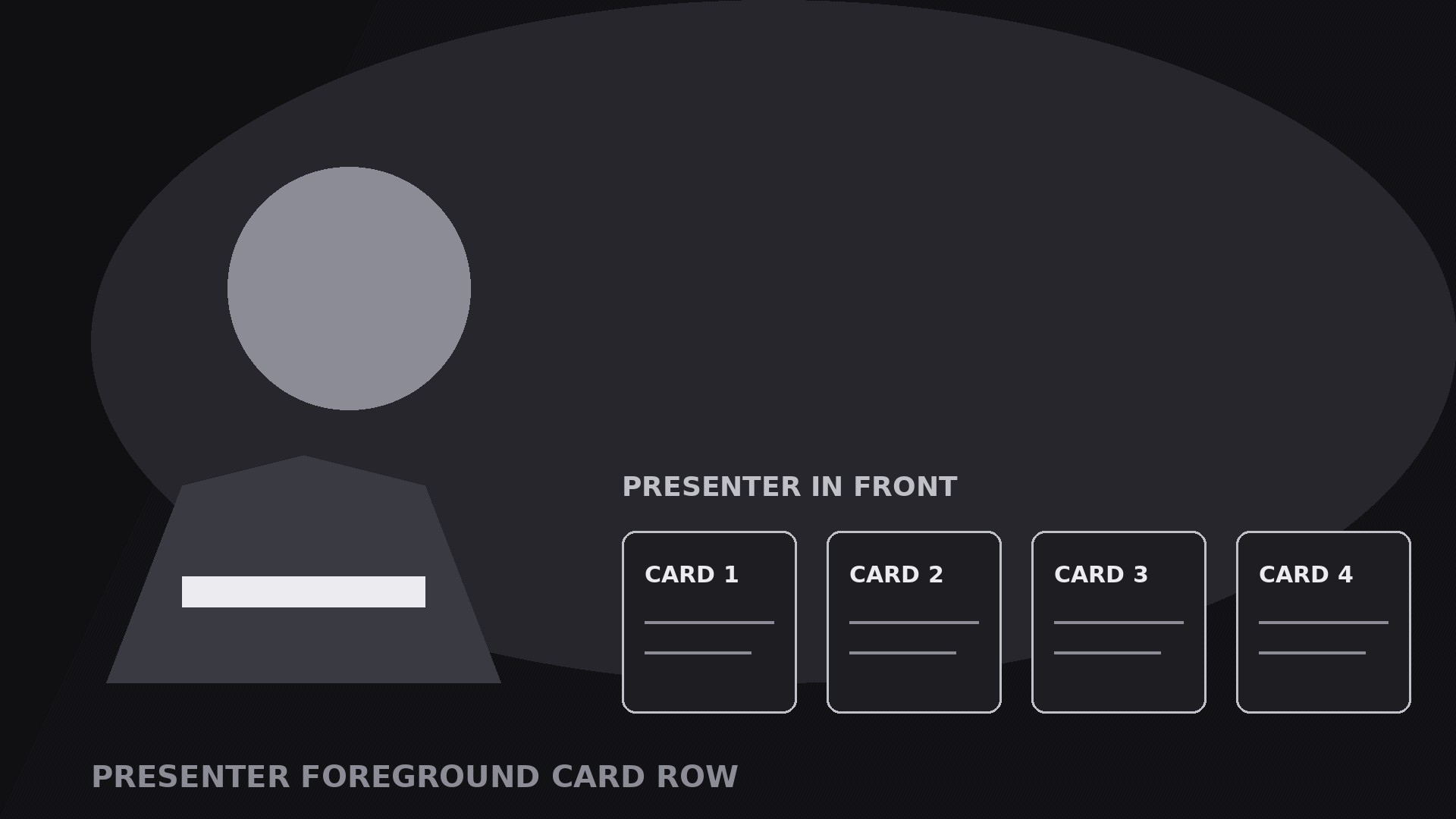
Turns your AI into a motion-graphics director for the presenter-foreground-card-row pattern — the presenter stays large in the foreground while a row of cards slides in along the bottom, so the talk stays human and the structure stays visible.
Install it in 3 steps
No sign-up. No CLI tools. Pick your AI, copy one line, paste it over.
Prefer doing it yourself? Buy the skill ($4.99), download the ZIP from your checkout confirmation, unzip it into the directory shown above, restart your AI session — same result. Already bought it? Your AI assistant can download it for you.
What’s inside
One SKILL.md (the playbook) + one starter template. A preview:
Presenter Foreground Card Row
When to use
- A talking-head explainer where the viewer needs to track structure: the presenter's face carries the talk, the card row carries the outline
- A list video — steps, tips, options, chapters — where each card is one item and the row shows where you are in the list
- A tutorial where each card names the current step, so a viewer who joins mid-video can catch up at a glance
- A pitch or lesson where the presenter reacts to the cards: pointing at one, dismissing one, promoting one to full screen
- A live-style or webinar video where the cards act as lower-third chapters: present throughout, never hiding the presenter
Workflow
- Frame the presenter (input: your talk → output: foreground composition)
Frame the presenter large in the foreground, from the chest or waist up, positioned to one side or centre — wherever they naturally sit — with the bottom third of frame left clear for the card row. The presenter is the hero: they get the best light, the sharpest focus, the most frame. The background stays simple and slightly darker than the presenter so the foreground reads. If the presenter moves, keep the card row's zone clear: no gestures that sweep through the cards, no props held at card height. Lock this composition before building any cards, because every card animation is choreographed around a presenter who stays put. - Define the cards (input: talk outline → output: 3–6 card briefs)
Turn the talk's structure into three to six cards — one card per step, tip, option, or chapter. Each card gets: a number or short label (1–2 words), one icon or thumbnail, and one line of at most 6 words naming the item ("Step 2 — Check the seal"). The cards must cover the whole talk with no gaps: a viewer reading the row left to right should get the full outline. If the talk has more than six items, group them — six cards is the ceiling, or each card shrinks past readability. Write the card copy before animating anything, and keep it in the presenter's words: the cards are the presenter's outline, not a separate script.
Template preview
Presenter Foreground Card Row — Starter Template
One presenter up front, one card row along the bottom. Frame the presenter first, then the cards.
The presenter
Framing: {chest-up / waist-up}, positioned {left / centre / right}
Card zone: bottom 20–25% of frame kept clear — no gestures or props at card height [ ]
Background: {simple, slightly darker than presenter}
The cards (3–6, one per talk item)
Cut check: more than 6 items → group them. A row with one card is a lower third, not a card row.
Card copy rule: in the presenter's words — the cards are the presenter's outline, not a separate script.


