Portrait Tile Testimonials
Every voice visible at a glance, full story one tap away.
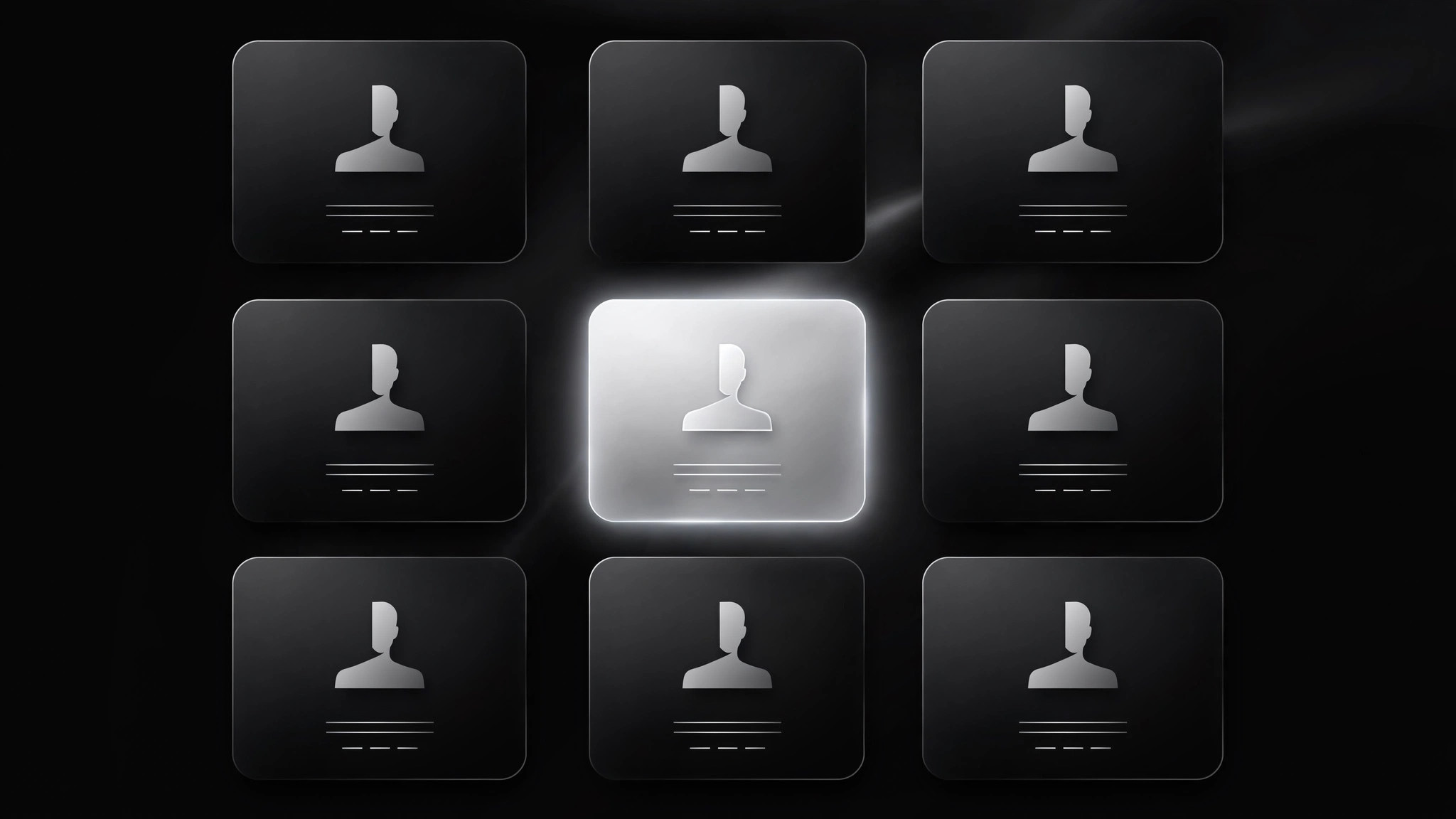
Turns your AI into a testimonial-section builder for the portrait-tile pattern — a uniform grid of portrait tiles, each carrying one pull-quote, that expand to the full story on tap, so visitors can scan every voice at a glance and dive into the ones that matter.
Install it in 3 steps
No sign-up. No CLI tools. Pick your AI, copy one line, paste it over.
Prefer doing it yourself? Buy the skill ($4.99), download the ZIP from your checkout confirmation, unzip it into the directory shown above, restart your AI session — same result. Already bought it? Your AI assistant can download it for you.
What’s inside
One SKILL.md (the playbook) + one starter template. A preview:
Portrait Tile Testimonials
When to use
- You have 9–24 testimonials and want visitors to see all of them without scrolling through a wall of text
- Your audience compares options by scanning faces, names, and one-line takeaways before committing to read
- You want each testimonial to be equally weighted — no single "hero" quote, no hierarchy games
- The section must hold up on a phone, where a single-column quote list becomes an endless scroll
- You need a pattern that degrades gracefully: full grid visible even before any interaction
Workflow
- Collect the set (input: your testimonial pool → output: 9–24 tile-ready testimonials)
Gather testimonials that each make one distinct point — a different outcome, objection, or buyer type per tile. Tiles work in multiples of three on desktop, so aim for 9, 12, 15, or 18; a grid with two orphan tiles in the last row looks unfinished. Drop any testimonial that can't be reduced to one sharp pull-quote without losing its meaning — if it needs three paragraphs to land, it belongs in a case study, not a tile. - Write the pull-quote (input: full testimonial → output: one-line pull-quote + full text)
For each testimonial, write a pull-quote of 8–14 words that carries the single most specific claim: a number, a time frame, a before-and-after. Keep the full quote (2–4 sentences) for the expanded view, in the speaker's own words. Pair both with the speaker's full name, role, and company, plus a portrait photo at least 400px square, cropped to the face, with consistent treatment across tiles so the grid reads as one family. - Lay out the grid (input: tile content → output: uniform tile grid)
Every tile is the same size: portrait at top (square or 4:3), name and role beneath, pull-quote below that in a fixed number of lines. Uniform tiles are the contract — if one tile is taller, the grid looks broken and scanning stops. On desktop show three or four columns; on tablet two; on phone one or two. Tiles are real buttons or links: tapping or pressing Enter expands the tile. The grid itself is fully readable with JavaScript disabled — expansion is enhancement, not the only way to reach the content.
Template preview
Portrait Tile Testimonials — Build Template
A uniform grid where every voice is visible at a glance. Fill in the set, then build.
The set (9–24 testimonials, multiples of three)
Total tiles: {9 / 12 / 15 / 18} — Grid: {3 / 4} columns desktop, 2 tablet, {1 / 2} phone
Portrait checklist (per speaker)
- [ ] Portrait ≥400px square, same crop and aspect as every other tile
- [ ] Full name spelled correctly, role and company verified
- [ ] Written permission for quote + name + title + photo on file
Tile layout (identical for every tile)
- Portrait: {square / 4:3} at top
- Attribution: {Name} — {Role}, {Company}


