Portrait Switcher Testimonials
One featured story at a time, portraits do the inviting.
Turns your AI into a testimonial-section builder for the portrait-switcher pattern — one large featured quote with a row of clickable portraits that swap it, so visitors read one believable story at a time instead of skimming a wall of praise.
Install it in 3 steps
No sign-up. No CLI tools. Pick your AI, copy one line, paste it over.
Prefer doing it yourself? Buy the skill ($4.99), download the ZIP from your checkout confirmation, unzip it into the directory shown above, restart your AI session — same result. Already bought it? Your AI assistant can download it for you.
What’s inside
One SKILL.md (the playbook) + one starter template. A preview:
Portrait Switcher Testimonials
When to use
- Your landing page has six great testimonials but a wall of quotes makes visitors read none of them
- You want one featured story to carry the section, with the other voices one click away
- Your testimonials come with real portrait photos and you want the faces to do the inviting
- The section needs to work for keyboard and screen-reader users, not just mouse clicks
- You want an optional auto-advance that pauses the moment a visitor interacts
Workflow
- Pick the lineup (input: your testimonial pool → output: 4–8 chosen testimonials)
Choose four to eight testimonials that cover different buyer types, objections, or outcomes — not eight versions of "great product." One per persona is the rule: the skeptic, the switcher, the power user, the budget buyer. Fewer than four feels empty; more than eight and nobody clicks past the fifth. Rank them so the strongest objection-killer goes first — it is the default featured quote. - Shape each story (input: raw quotes → output: trimmed quote cards)
Trim every quote to two or three sentences that keep the speaker's own words and one concrete detail: a number, a time frame, a before-and-after. Cut generic praise ("amazing service!") and keep the sentence that only this customer could have written. Pair each quote with the speaker's full name, role, and company — anonymous quotes don't convert — and a portrait photo at least 400px square, cropped to the face, consistent lighting and background treatment across the set. - Build the switcher (input: quote cards → output: working switcher section)
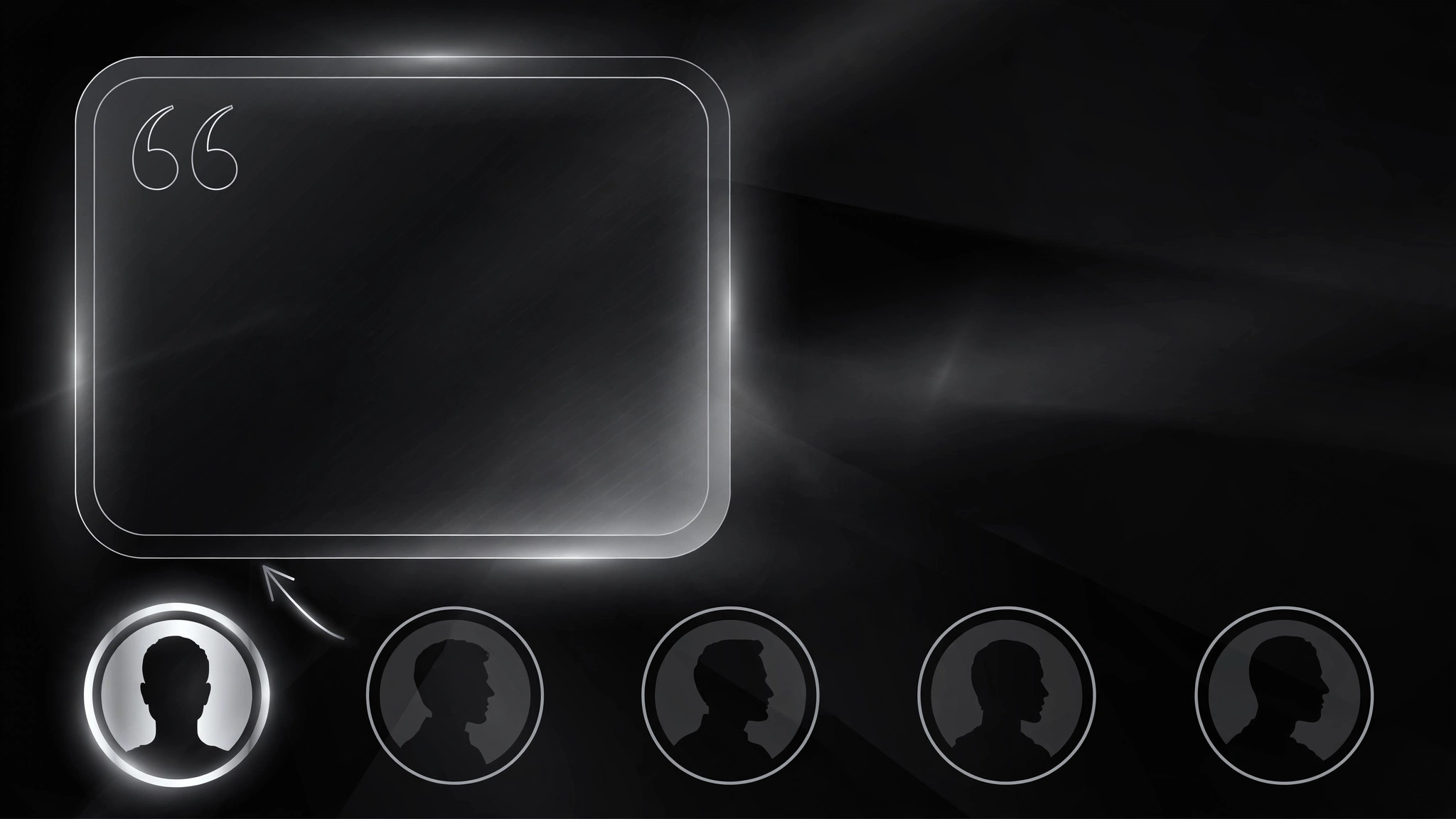
Layout: one large featured panel (big quote, portrait, name, role, company) above or beside a horizontal row of portrait buttons. Clicking a portrait swaps the featured quote with a short crossfade; the active portrait gets a visible ring or underline so visitors always know which story they're reading. The switcher is a set of real buttons, not divs with click handlers — keyboard users tab through portraits and press Enter to switch, and screen readers announce the new quote via a live region. Auto-advance, if used, runs on a 6–8 second timer, pauses on hover, focus, or any click, and never restarts after a manual selection.
Template preview
Portrait Switcher Testimonials — Build Template
One featured quote at a time, portraits do the inviting. Fill in the lineup, then build.
The lineup (4–8 testimonials, one per buyer type)
Default featured (strongest objection-killer): #{n}
Portrait checklist (per speaker)
- [ ] Portrait ≥400px square, face crop, consistent treatment with the set
- [ ] Full name spelled correctly, role and company verified
- [ ] Written permission for quote + name + title + photo on file
Featured panel
- Quote typography: {large, e.g. 28–32px, high contrast}
- Attribution line: {Name} — {Role}, {Company}
- Portrait: {full-size portrait shown beside/above the quote}


