Pipeline to Packaged Result
Many things in, one finished package out
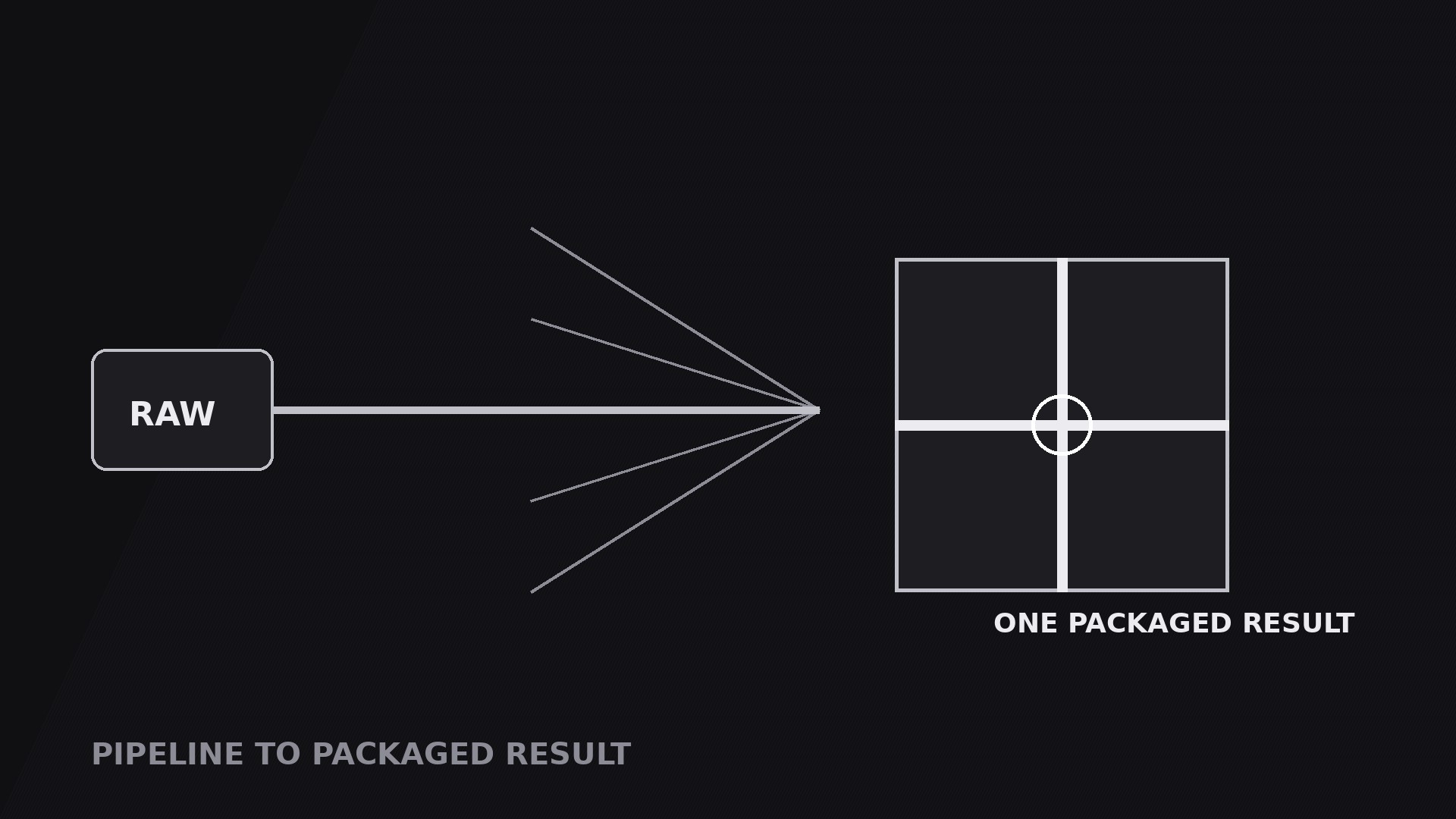
Turns your AI into a motion-graphics director for the pipeline-to-packaged-result pattern — scattered inputs travel through a pipeline and converge into one finished, packaged deliverable, so viewers see the payoff: many things in, one thing out.
Install it in 3 steps
No sign-up. No CLI tools. Pick your AI, copy one line, paste it over.
Prefer doing it yourself? Buy the skill ($4.99), download the ZIP from your checkout confirmation, unzip it into the directory shown above, restart your AI session — same result. Already bought it? Your AI assistant can download it for you.
What’s inside
One SKILL.md (the playbook) + one starter template. A preview:
Pipeline to Packaged Result
When to use
- A service or workflow video where the point is the deliverable: drafts, assets, feedback, and data go in — one finished report, brand kit, or launch package comes out
- A product demo where several ingredients (footage, script, music, graphics) combine into one exported video, one file, one link
- A pitch or sales video where the process matters less than the promise: "give us X, Y, and Z, and you get this box"
- A tutorial finale where the scattered steps of the lesson visibly converge into the finished result the viewer can now make
- A before/after video where the "after" is a single packaged thing — one PDF, one site, one kit — that the whole pipeline exists to produce
Workflow
- Define the inputs (input: your topic → output: 2–4 input blocks)
List the things that go into the pipeline: two to four inputs, never more than four, or the convergence gets crowded. Each input gets a small block: a label (1–3 words) and one icon ("Script", "Footage", "Music", "Feedback"). The inputs should feel like raw material — loose, varied, uncombined. If two inputs are really the same thing at different stages, merge them. Order the inputs vertically on the left of frame in the order the voiceover names them, because the convergence will follow that order. - Define the one package (input: inputs → output: a single package block)
Design the deliverable as a package, not a plain card: a box, a document with a seal, a folder with a ribbon, a file with a checkmark — something with edges and a closure, so it reads as finished and portable. Give it a name (1–4 words: "Launch Kit", "Final Report", "Brand Package") and one visual cue of completeness: a seal, a checkmark, a tied ribbon. The package sits alone on the right of frame, larger than any input block, with empty space around it. That empty space is doing work — it says this one thing is the whole point. - Draw the converging pipeline (input: inputs + package → output: pipe geometry)
Draw one line from each input block, all converging on a single junction, then one short pipe from the junction into the package. The lines should visibly narrow the field: many on the left, one on the right. Keep the lines clean and uncrossed, with the junction marked by a node. The geometry is the mirror image of a fan: where a fan spreads, this gathers. If the lines look parallel rather than converging, move the junction closer to the package and spread the inputs further apart vertically — the convergence angle should be obvious at a glance.
Template preview
Pipeline to Packaged Result — Starter Template
Many things in, one package out. Define the inputs, then design the package.
The inputs (2–4, raw material)
Cut check: if two inputs are the same thing at different stages, merge them.
The package (one finished, portable thing)
Package name (1–4 words): {Launch Kit / Final Report / Brand Package}
Package form: {box / sealed document / folder with ribbon / file with checkmark}
Completeness cue: {seal / checkmark / tied ribbon}
Voiceover line: "{Inputs} go in — one {package name} comes out."
Proof: contents list (3–5 real items)
- {item — 1–4 words}
- {item}
- {item}
- {item or —}
- {item or —}


