Phone Feature Callouts
Point at the feature, name it, move on
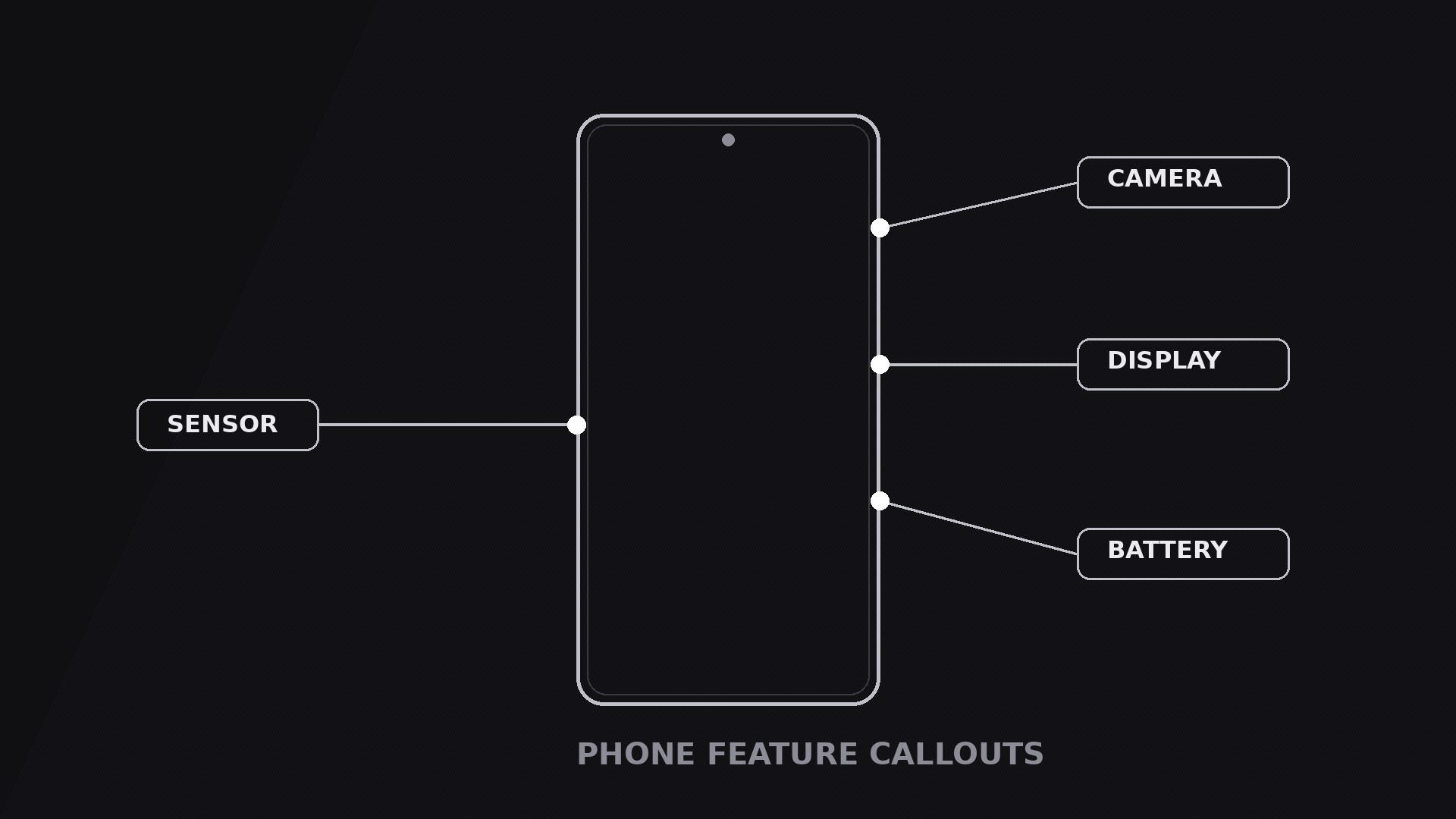
Turns your AI into a motion-graphics director for the phone feature callouts pattern — a phone on screen with leader lines and labels pointing at exactly the features worth noticing, so viewers learn the product without reading a spec sheet.
Install it in 3 steps
No sign-up. No CLI tools. Pick your AI, copy one line, paste it over.
Prefer doing it yourself? Buy the skill ($4.99), download the ZIP from your checkout confirmation, unzip it into the directory shown above, restart your AI session — same result. Already bought it? Your AI assistant can download it for you.
What’s inside
One SKILL.md (the playbook) + one starter template. A preview:
Phone Feature Callouts
When to use
- A product demo or launch video where the phone has three or four features that deserve a moment each — camera, display, battery, sensor — and a plain screen recording would bury them
- A comparison video where the point is one specific difference: the callout isolates the feature instead of asking the viewer to spot it
- A tutorial that says "tap here" — the callout shows exactly where "here" is, with a label that names what it does
- A retail or e-commerce video where the phone is the product and the callouts are the shelf talkers: short, factual, attached to the thing they describe
- A teardown or review video where you want to praise or criticise one feature at a time, in a fixed order, without cutting away from the phone
Workflow
- Pick the features (input: your product → output: 2–4 callout targets)
Choose two to four features — never more than four, or the frame turns into a labelled diagram. Each feature must be a visible point on the phone: a lens, a button, a notch, a port, a spot on the screen. If a feature has no visible point (a processor, a modem), it does not get a callout in this pattern; it gets a line in the voiceover. Rank the features in the order the viewer should learn them — usually top to bottom, or most important first — and write one label per feature: 1–3 words, plain nouns ("Triple camera", "120Hz display", "USB-C port"). No adjectives in labels; adjectives live in the voiceover. - Place the phone and leave room (input: targets → output: framed layout)
Put the phone slightly off-centre, toward the side with fewer callouts, so the labels have somewhere to live. Each callout needs a clear lane: a dot on the feature, a leader line out to the label, and the label itself. Lanes must not cross — crossed leader lines read as tangled wiring. If two features sit close together on the phone, stagger their labels at different distances so the lines stay parallel instead of colliding. Keep the phone large: it is the hero, and callouts that shrink the phone to make room for text have the priorities backwards.
Template preview
Phone Feature Callouts — Starter Template
One phone, 2–4 callouts, one at a time. Pick the features first — everything else follows.
The features (2–4, each a visible point on the phone)
Cut check: if a feature has no visible point on the phone, move it to the voiceover — it does not get a callout.
Order rule: {top-to-bottom / most important first}
Layout
Phone position: {slightly off-centre, toward the side with fewer callouts}
Callout lanes: draw the leader lines so none cross. Stagger labels at different distances where two features sit close together.
Voiceover line per feature: "{Feature name} — {one sentence of detail.}"


