Phone Completion Scale
One phone, one scale, progress you can watch climb
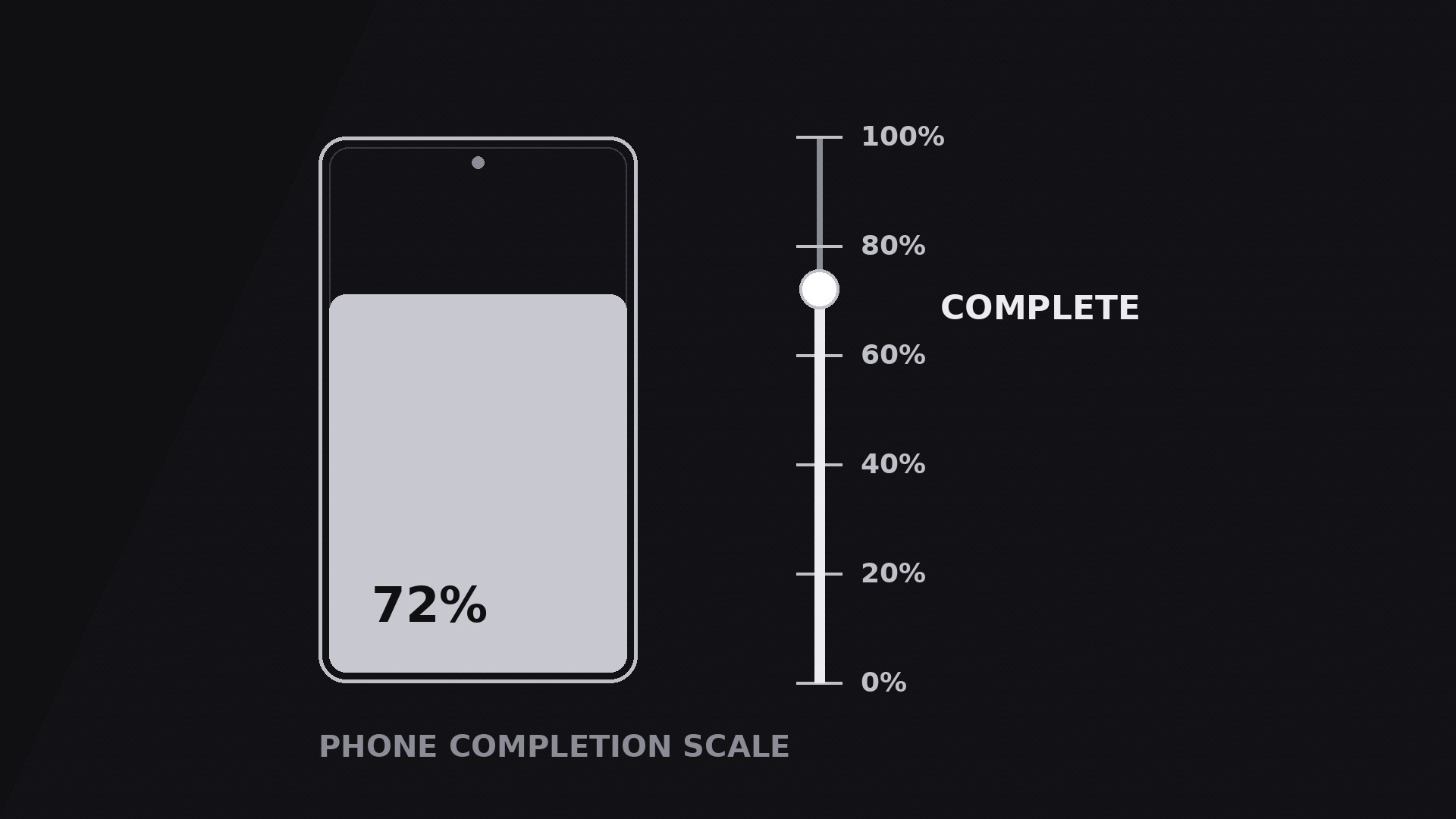
Turns your AI into a motion-graphics director for the phone completion scale pattern — a phone screen paired with a rising scale that makes progress visible, from 0% to done, so viewers feel the finish line approaching instead of just hearing about it.
Install it in 3 steps
No sign-up. No CLI tools. Pick your AI, copy one line, paste it over.
Prefer doing it yourself? Buy the skill ($4.99), download the ZIP from your checkout confirmation, unzip it into the directory shown above, restart your AI session — same result. Already bought it? Your AI assistant can download it for you.
What’s inside
One SKILL.md (the playbook) + one starter template. A preview:
Phone Completion Scale
When to use
- A tutorial or onboarding video where the viewer needs to sense how far along they are — "step 3 of 5" as a visible scale, not a spoken aside
- A product demo showing a task completing on a phone: a download, an install, a form, a render, a backup
- A fitness, learning, or habit video tracking progress toward a goal — streaks, lessons finished, miles logged
- A launch or countdown video where anticipation is the point: the scale climbs while the voiceover builds to the reveal
- A before/after video where the scale is the proof — the same phone, the same task, the number moving from low to high
Workflow
- Lock the one number (input: your topic → output: a single progress metric)
Pick exactly one number the scale measures: percent complete, steps finished, lessons done, files uploaded. Give it a start value, an end value, and a unit the viewer already understands. "72% synced" works; "synergy index 72" does not. The number must be able to move in one direction only — up — for the whole shot. If your story needs the number to go down, this is the wrong pattern; use a comparison instead. Write the start and end values down before building anything, because every keyframe downstream is derived from them. - Pair the phone with the scale (input: metric → output: a two-element layout)
Place the phone on one side of frame and the scale on the other — phone left, scale right reads best for left-to-right audiences. The phone shows the thing progressing (the app screen, the checklist, the upload list); the scale shows the number. Keep them visually linked: the scale's fill colour matches the phone screen's accent, and the scale sits at the same vertical centre as the phone. Never let the scale drift into a corner where it reads as a decorative border. The two elements are one instrument — a viewer glancing at either one should get the same message. - Choreograph the climb (input: layout → output: timed motion plan)
Standard timing: the phone fades or slides in over 0.4 s, the scale track draws in over 0.3 s, then the fill climbs. The climb is the hero move: 1.5–2.5 s of continuous rise with an ease-out curve (fast start, gentle landing), so the end feels earned rather than snapped. Add tick marks at 25/50/75% that light up as the fill passes them, each with a tiny 0.1 s pop. The number counts up in sync with the fill — never let the number and the fill disagree, even by a frame, or the viewer senses the fake. If the climb covers a real process (a file uploading), match the climb duration to the real duration; if it is illustrative, keep it under 2.5 s.
Template preview
Phone Completion Scale — Starter Template
One phone, one scale, one number climbing. Fill in the metric first — every keyframe follows it.
The metric
What the scale measures: {percent complete / steps finished / lessons done / files uploaded}
Start value: {0%} → End value: {100%}
Unit (as shown on screen): {% / steps / lessons}
Voiceover line: "We're {start} — watch it climb to {end}."
Layout
Milestones (max 3)
Motion plan
Honesty check
[ ] End value matches the real measurement (or "sped up" is labelled) [ ] Number and fill agree at every frame, including milestones [ ] Number legible on a phone screen at 50% zoom


