Parts to Whole Equation
Parts fly in, add up, and become the whole
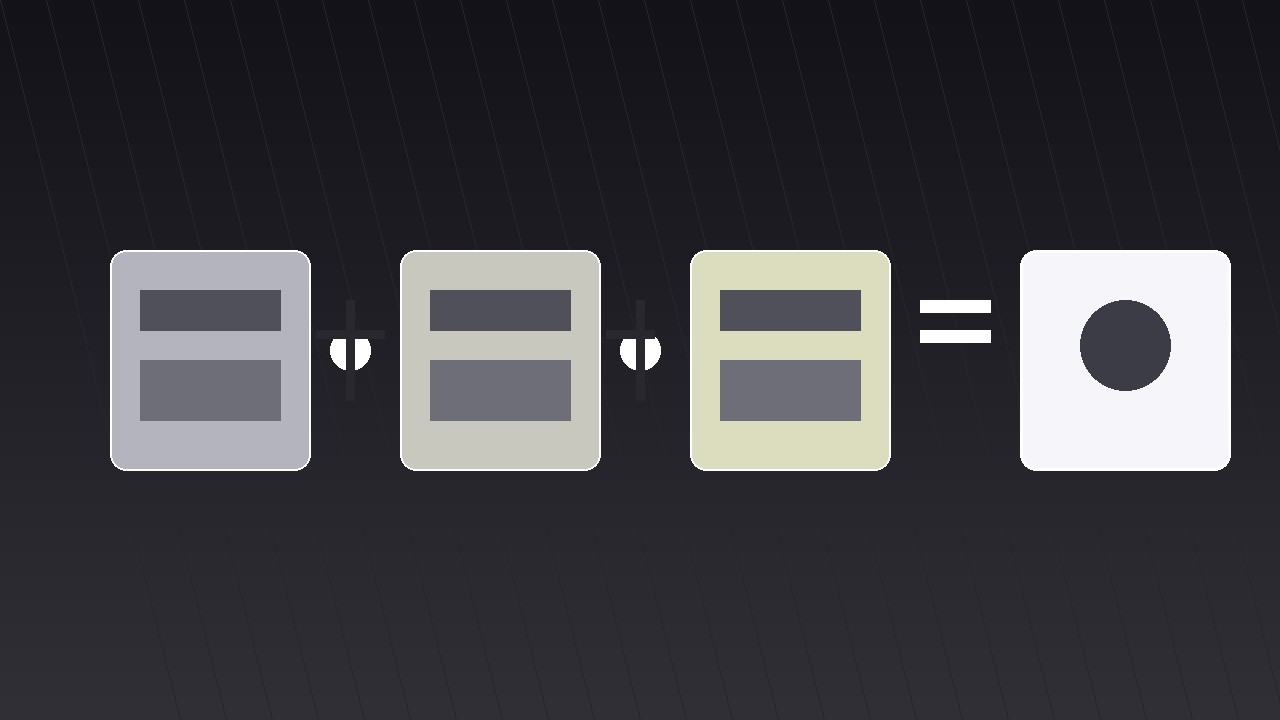
Turns your AI into a motion-graphics director for the parts-to-whole-equation pattern — flies separate parts into frame and assembles them into a whole with a visible equation, so the viewer sees both the ingredients and the sum.
Install it in 3 steps
No sign-up. No CLI tools. Pick your AI, copy one line, paste it over.
Prefer doing it yourself? Buy the skill ($4.99), download the ZIP from your checkout confirmation, unzip it into the directory shown above, restart your AI session — same result. Already bought it? Your AI assistant can download it for you.
What’s inside
One SKILL.md (the playbook) + one starter template. A preview:
Parts to Whole Equation
When to use
- Your video explains something made of parts — a price breakdown, a recipe, a team, a tech stack, a budget — and the audience needs to see both the ingredients and the total
- A pricing or quote explainer: "Here's what your £1,999 buys" as an equation, not a bullet list
- A "how it works" beat where components combine into a working system
- A strategy video: three moves that add up to one outcome
- A recap that reassembles everything the video covered into a single memorable formula
Workflow
- Write the equation (input: your whole → output: one equation line)
Write the whole as an equation before touching any visuals: "A + B + C = Whole." Each part gets a 1–3-word label and, where possible, a number: "Design (40%) + Build (35%) + Support (25%) = Launch." The parts must be mutually exclusive and collectively exhaustive — no overlap between parts, nothing in the whole left outside them. If two parts overlap ("Design" and "UX"), merge them; if the parts do not add up to the whole, the equation is dishonest and viewers will feel it even if they cannot name it. The equation line itself becomes the shot's spine: it appears at the start as empty slots and fills in as parts arrive. - Give each part a visual (input: equation → output: part visuals)
Assign each part one distinct visual: an icon, a small card, a photo, or a number block. The visuals must differ from each other at a glance — different shapes, different icons, different colours — because the shot's whole point is that distinct things combine. Keep a consistent size across parts (equal cards or equal icons) so no part looks more important before the equation says so. Write a one-line gloss per part (≤8 words) that sits under its visual: what the part contributes, not what it is. "Design" contributes "the look and feel"; the gloss says so. - Stage the parts apart (input: part visuals → output: opening layout)
Open with the parts separated: spread across the frame with clear gaps, or stacked in a loose row below the empty equation line. The separation must read as "not yet combined" — generous spacing, no connecting lines, no shared container. Hold this opening for 1–1.5 s so the viewer registers the parts as individuals. Show the equation skeleton at the same time: "___ + ___ + ___ = ___" with the plus signs and equals sign already in place, so the viewer knows an assembly is coming and can anticipate the structure.
Template preview
Parts to Whole Equation — Starter Template
Parts that add up to a whole, assembled on screen. Write the equation first.
The equation
Equation: {Part A} + {Part B} + {Part C} = {Whole}
Honesty check: parts mutually exclusive? ☐ Collectively exhaustive (nothing left out)? ☐ Numbers (if any): {A = ___} + {B = ___} + {C = ___} = {total ___} — do they add up? ☐
The parts (2–4; max 5)
Overlap check: if any two parts overlap, merge them. ☐
Motion plan
Voiceover line at reveal: "{Part A} plus {Part B} plus {Part C} — that's {Whole}."
Flight-path check: paths do not cross ☐; no path passes behind the equation text ☐


