Paper-Texture Resume Site
A resume site that feels like a beautifully printed sheet.
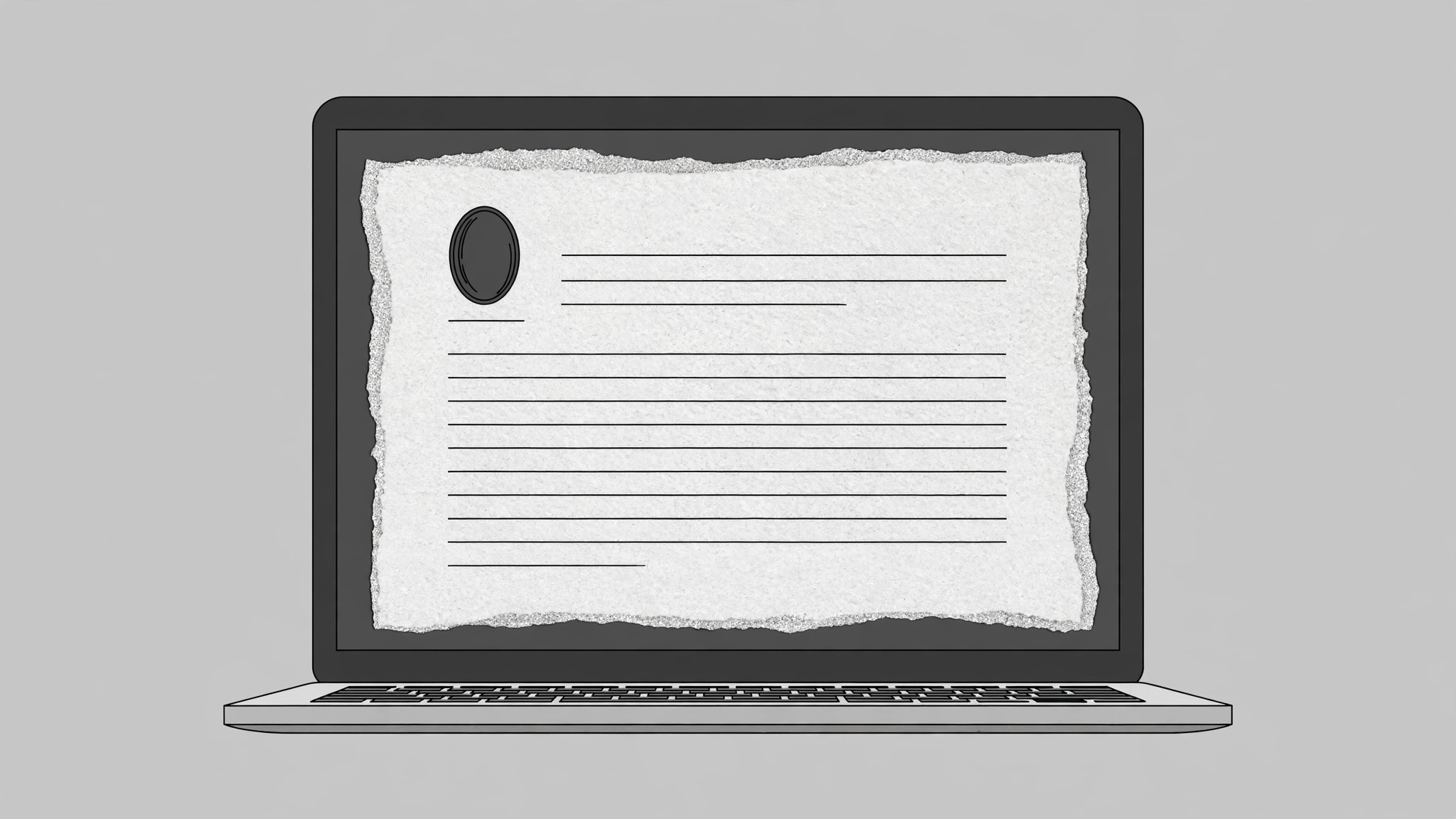
Turns your AI into a web designer that builds a personal resume site with a tactile paper texture — print-inspired layout, warm grain, and torn-edge details — that still behaves like a fast, accessible, mobile-friendly website.
Install it in 3 steps
No sign-up. No CLI tools. Pick your AI, copy one line, paste it over.
Prefer doing it yourself? Buy the skill ($4.99), download the ZIP from your checkout confirmation, unzip it into the directory shown above, restart your AI session — same result. Already bought it? Your AI assistant can download it for you.
What’s inside
One SKILL.md (the playbook) + one starter template. A preview:
Paper-Texture Resume Site
When to use
- A designer, writer, illustrator, or craftsperson wants a resume site that feels handmade rather than templated
- You need a one-page personal site: name, what you do, selected work, experience, contact
- A job seeker wants a link to send instead of a PDF, with the same care a printed resume gets
- A portfolio that should print beautifully — the site doubles as the printable resume
- You want a personal site with a strong tactile identity but no heavy images, frameworks, or build step
Workflow
- Write the resume first (input: career facts → output: plain-text resume)
Write the content as plain text before any design: name, one-line positioning ("Product designer who ships boring tools people love"), 3–5 selected projects with one-line outcomes, work history (role, org, dates, one line each), skills, education, contact. Cut ruthlessly — a resume site is not a CV dump; anything that would not survive on one printed page does not survive here. Every project line states an outcome, not a duty: "Redesigned onboarding; trial-to-paid rose from 12% to 19%" beats "Responsible for onboarding." This text is the whole site; the design only dresses it. - Set the paper system (input: plain-text resume → output: design tokens)
Define a small token set: two paper tones (a warm off-white base and a slightly darker deckle edge), one ink color (near-black, never pure black), one accent (a muted stamp red or pencil blue), and two typefaces (a serif for headings, a clean sans for body). Texture comes from a lightweight repeating grain — a tiny tiled image or a CSS noise pattern — applied at low opacity over the background, never from a huge photographic scan. Torn and deckle edges are drawn with small SVG masks or border-radius tricks, not heavy images. Every token gets a name and a hex value so the site stays consistent across sections. - Lay out the page like a printed sheet (input: tokens + resume text → output: page structure)
Structure the page as a single sheet of paper: a header block (name, positioning line, contact), then sections in print order — Selected work, Experience, Skills, Education, Contact. Use generous margins, a single column with a maximum width around 720px, and rules (thin horizontal lines) between sections like a letterpress resume. Work samples sit as small captioned figures with paper-frame borders, not a masonry gallery — this is a resume that shows work, not a gallery that happens to have a resume. Keep the total page weight light: text first, a handful of small images, no carousels.
Template preview
Paper-Texture Resume Site — Template
Fill in the resume text first, then the tokens, then build the single page.
Resume text (write this before any design)
Name: {full name} Positioning line (one line): {e.g. Product designer who ships boring tools people love} Contact: {email} | {city} | {portfolio/social link}
Selected work (3–5 projects, outcome per line)
- {Project name} — {one-line outcome, e.g. "Redesigned onboarding; trial-to-paid 12% → 19%"} — {link or image}
- {Project name} — {one-line outcome} — {link or image}
- {Project name} — {one-line outcome} — {link or image}


