Paired Result Swap
Two results trade places — the comparison moves, not your memory
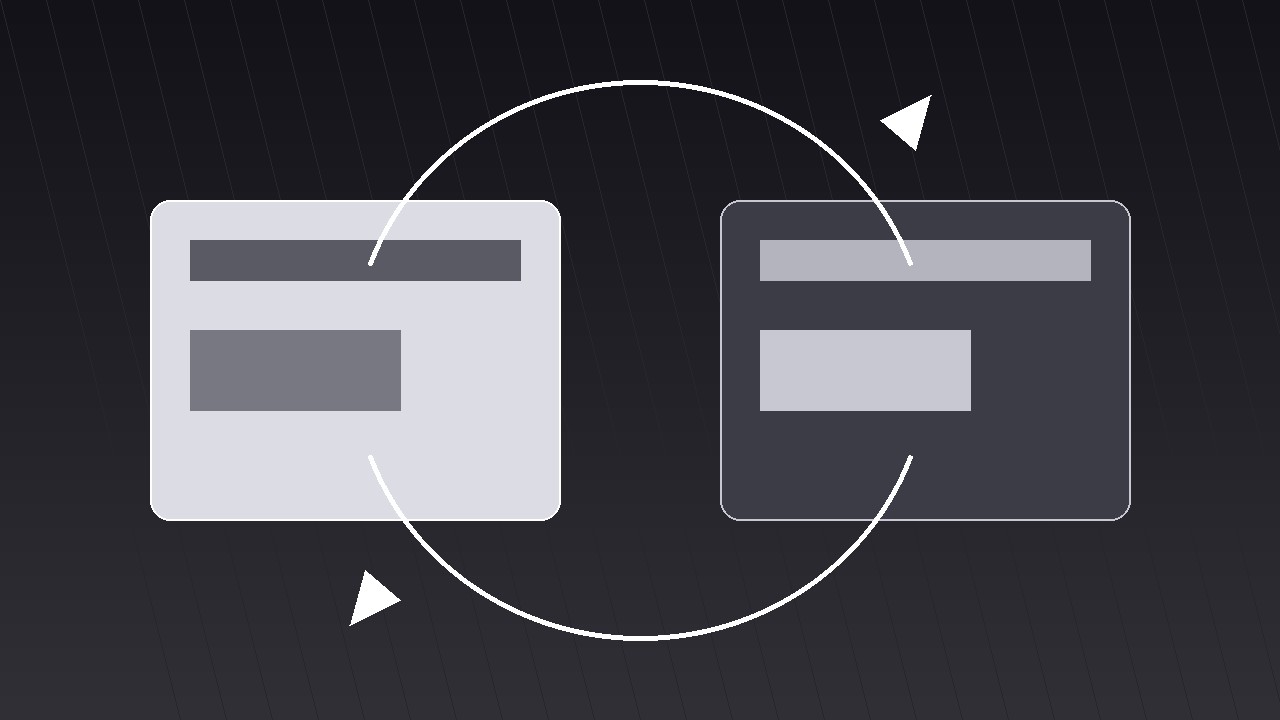
Turns your AI into a motion-graphics director for the paired-result-swap pattern — places two results side by side, then swaps their positions on screen so the viewer compares them by motion, not by memory.
Install it in 3 steps
No sign-up. No CLI tools. Pick your AI, copy one line, paste it over.
Prefer doing it yourself? Buy the skill ($4.99), download the ZIP from your checkout confirmation, unzip it into the directory shown above, restart your AI session — same result. Already bought it? Your AI assistant can download it for you.
What’s inside
One SKILL.md (the playbook) + one starter template. A preview:
Paired Result Swap
When to use
- Your video compares two results — before/after, A/B test, old vs. new, plan A vs. plan B — and a static side-by-side lets viewers forget the first result before they read the second
- A product demo where the same task run two ways produces two outcomes that must be weighed against each other
- A data story where swapping the positions of two bars, cards, or scores is itself the insight ("watch what happens when we sort by the other metric")
- A decision explainer where the viewer must feel the trade-off, not just see two numbers
- A hook that opens with two contenders and promises a winner
Workflow
- Define the pair (input: your comparison → output: two result cards)
Write the two results as a matched pair: same metric, same units, same time window, same framing. "Checkout time: 4 min 12 s vs. 1 min 48 s" is a pair; "Checkout felt slow vs. the new flow is great" is not, because only one side has a number. Give each result a short label (1–3 words: "Before" / "After," "Control" / "Variant," "Plan A" / "Plan B") and one number or visual each. If the two results cannot share a metric, they are not a pair — reframe the comparison or pick a different pattern. - Stage the pair side by side (input: result cards → output: paired layout)
Place the two cards side by side with equal size, equal type, and a clear gap or center line between them. Identical card skeletons: label on top, big result in the middle, one supporting line underneath. The only deliberate asymmetry is the content itself — if one card is bigger, brighter, or higher, the layout has already declared a winner before the swap. On narrow frames, stack the pair vertically instead of squeezing them side by side; the swap then runs top-to-bottom rather than left-to-right, and the choreography in step 4 flips axis but keeps its timing. - Hold the pair before swapping (input: layout → output: pre-swap hold)
Hold the static pair for 1.5–2.5 s — long enough to read both results. This hold is not dead air: it is the baseline the swap will be measured against. During the hold, keep both cards at full brightness and still. Do not preview the swap with a wiggle or a hint arrow; the swap must arrive as one clean event. If the voiceover needs to set up the swap, it does so here ("Same task, two ways — now watch them trade places").
Template preview
Paired Result Swap — Starter Template
Two results, one swap. Make the pair truly comparable before animating anything.
The pair (same metric, same units, same window)
Pair check: if the two results cannot share a metric, they are not a pair — reframe or pick another pattern. ☐
Layout
- Arrangement: side by side ☐ / vertical stack (narrow frames) ☐
- Card skeleton (identical both sides): label on top, big result middle, one supporting line
- Gap / center line between cards: {gap px / line}
- Delta badge (appears AFTER swap): "{−58% time / +31% conversion / trade-off line}"


