Orbiting Portrait Testimonials
Testimonials that orbit a central quote — portraits in motion, proof in the middle.
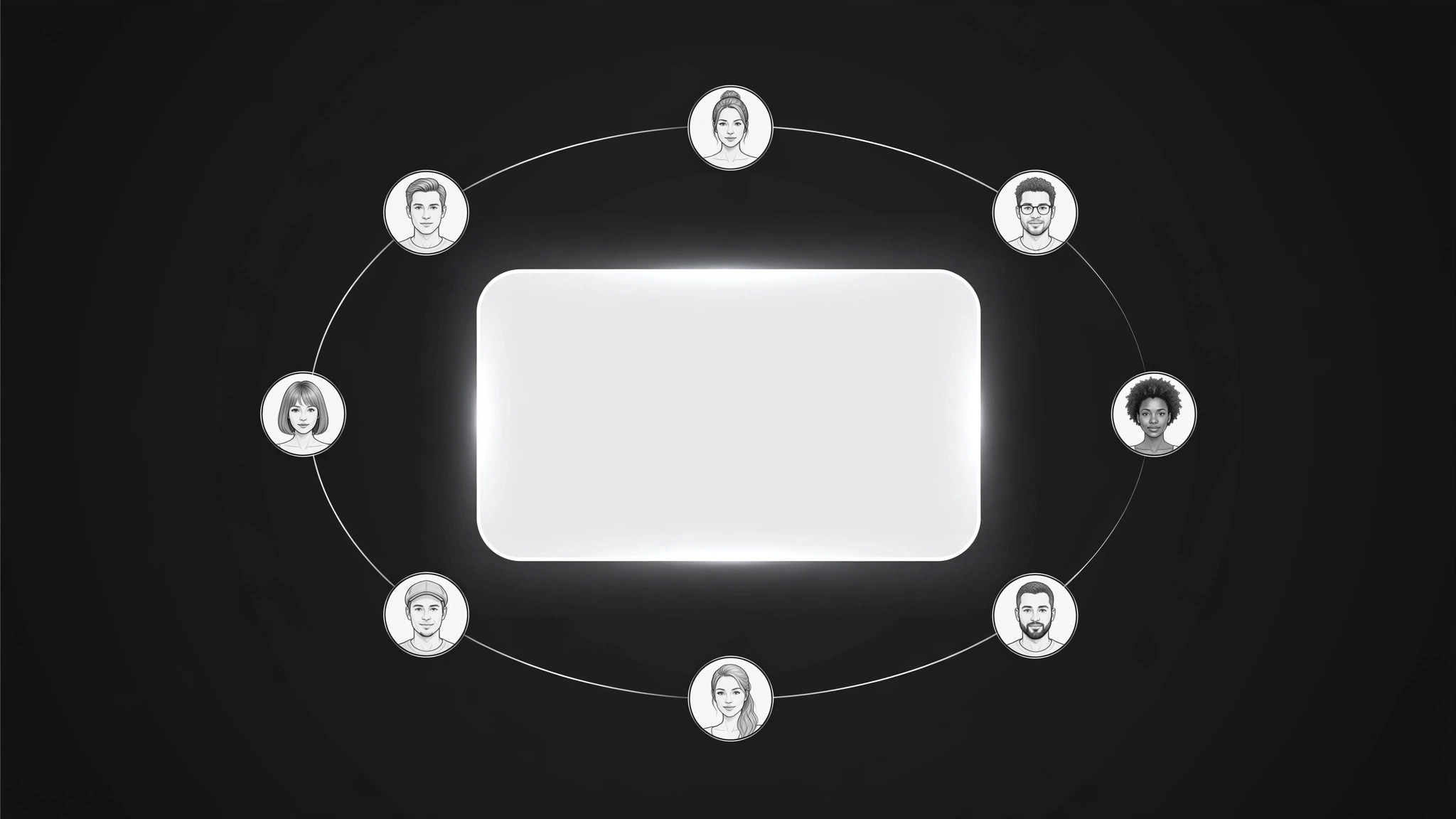
Turns your AI into a testimonial-section builder — arranges customer portraits in a slow orbit around a rotating featured quote, so social proof feels alive without overwhelming the page.
Install it in 3 steps
No sign-up. No CLI tools. Pick your AI, copy one line, paste it over.
Prefer doing it yourself? Buy the skill ($4.99), download the ZIP from your checkout confirmation, unzip it into the directory shown above, restart your AI session — same result. Already bought it? Your AI assistant can download it for you.
What’s inside
One SKILL.md (the playbook) + one starter template. A preview:
Orbiting Portrait Testimonials
When to use
- Your testimonials sit in a static grid that visitors scroll past without reading
- You have strong customer quotes but the page section feels dead and text-heavy
- You want social proof near the top of a landing page without letting it take over the hero
- You have portrait photos you're allowed to use and want them to do more than decorate a grid
- Your testimonial section looks identical to every other site's and you want it to feel alive
Workflow
- Pick the featured quote (input: all testimonials → output: one featured quote)
Choose the single quote that best answers the visitor's biggest doubt — usually the doubt about whether the product works for someone like them. The featured quote sits at the center of the orbit and gets the most attention, so it must be specific ("Our onboarding time fell from two weeks to three days") rather than generic praise ("Great product, highly recommend!"). If no quote is specific, ask a customer for one before building — an orbit of vague praise just rotates the vagueness. - Gather portraits and permissions (input: featured quote + customer list → output: portrait set with consent)
Collect six to ten portrait photos, one per testimonial, and confirm you have permission to use each photo with the quote attached. Get the name, role, and company for each person, spelled as they spell it, and confirm the quote wording with them if it was edited for length. A portrait without confirmed permission is a liability, not an asset — if consent is missing for someone, use their quote without a photo or drop them from the orbit entirely. - Build the orbit (input: portrait set → output: orbit layout)
Lay out the section with the featured quote at the center and the portraits arranged in a ring around it. Each portrait is a small circular crop, evenly spaced, with the featured person's portrait emphasized (slightly larger, or marked). The layout spec states the ring size, the portrait count, the center quote block, and the behavior at narrow widths: on small screens the ring becomes a horizontal scroll row or a stacked list, with the featured quote pinned above it. The orbit must read clearly without motion — the layout works first as a static composition, and motion is added on top of it.
Template preview
Orbiting Portrait Testimonials — Section Template
The featured quote persuades; the orbit attracts. Pick the quote before building the ring.
Featured quote (center)
> "{One specific quote answering the visitor's biggest doubt}"
— {name, role, company}
Portrait set (6–10)
No permission? {Use the quote without a photo, use a monogram disc, or drop the person — never use an unconfirmed photo.}
Orbit layout
Ring size / portrait count: {…} Featured portrait emphasis: {slightly larger / marked} Narrow-width behavior: {horizontal scroll row / stacked list, featured quote pinned above}
Rotation
Speed: {one full turn per 60–90 seconds}


